As an Amazon Associate, we earn from qualifying purchases. Some links on this site are affiliate links at no extra cost to you. Our recommendations are based on thorough research and editorial judgment.
Will a Projector Work on a White Wall?

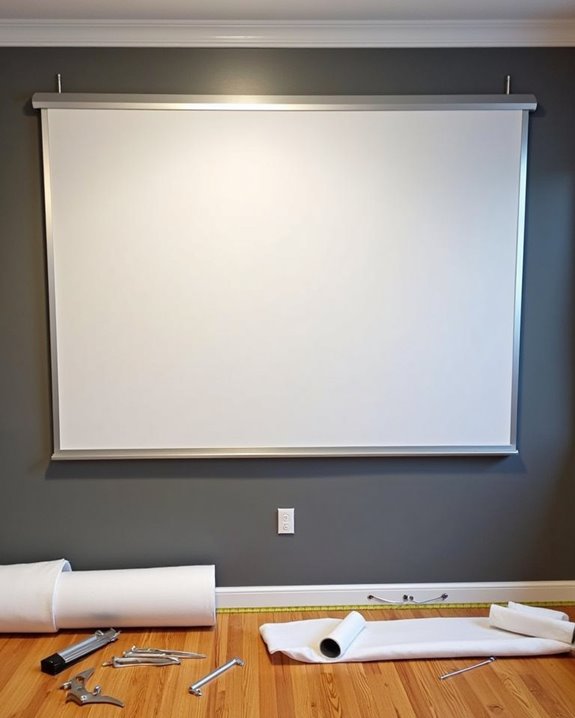
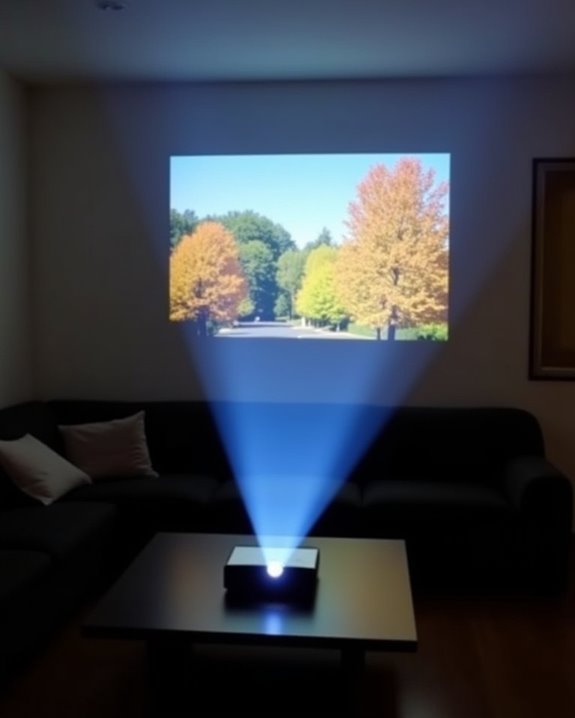
You might think only the most advanced screens can handle a projector’s image, but a simple white wall can actually perform quite well if it’s smooth, flat, and free from blemishes that might distort the picture. While dedicated projection screens optimize for color accuracy, brightness, and sharp contrast, a white wall with a matte finish offers a neutral, cost-effective surface that supports vibrant visuals for most casual uses. Before you decide if this option truly suits your needs, consider several key technical factors.
Key Takeaways
- Yes, a projector will work on a white wall, especially if the surface is smooth, clean, and matte.
- Surface imperfections like cracks or texture can reduce image sharpness, contrast, and overall clarity.
- Matte white paint minimizes color distortion and glare, providing a more accurate and vibrant image than glossy or colored walls.
- Image brightness and vibrancy may be lower than with a specialized projector screen, especially in bright rooms.
- Preparing and maintaining the wall’s surface and controlling ambient light will maximize projection quality.
Image Quality: What to Expect on a White Wall
When you project an image onto a white wall, what should you expect regarding visual quality? The surface texture of a typical wall plays a significant role in determining projection clarity. Unlike projector screens, which are engineered to be exceptionally smooth and highly reflective, most walls have varying degrees of roughness and may contain minor imperfections or uneven patches. These surface inconsistencies can scatter light unevenly, resulting in reduced sharpness and detail in the projected image. Additionally, while a white wall does provide a neutral background that minimizes color distortion, it lacks the specialized coatings found on projector screens that enhance color accuracy and reflection. As a result, you’ll notice that the image might appear softer and less vibrant, particularly when compared to professional projection surfaces. Projector screens are made from materials designed for optimal image quality, which means they deliver more vibrant colors and sharper images than what a standard white wall can provide. For best viewing results, it is important to consider the brightness levels of your projector, especially in rooms with ambient light.
Brightness and Contrast Considerations
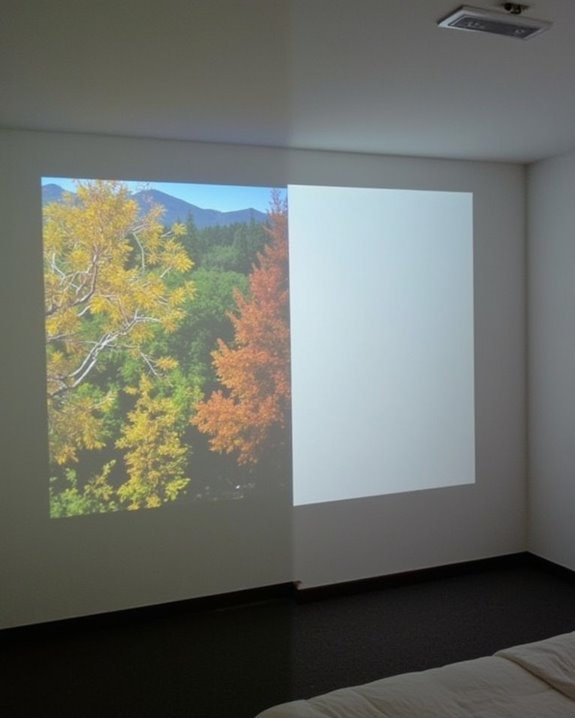
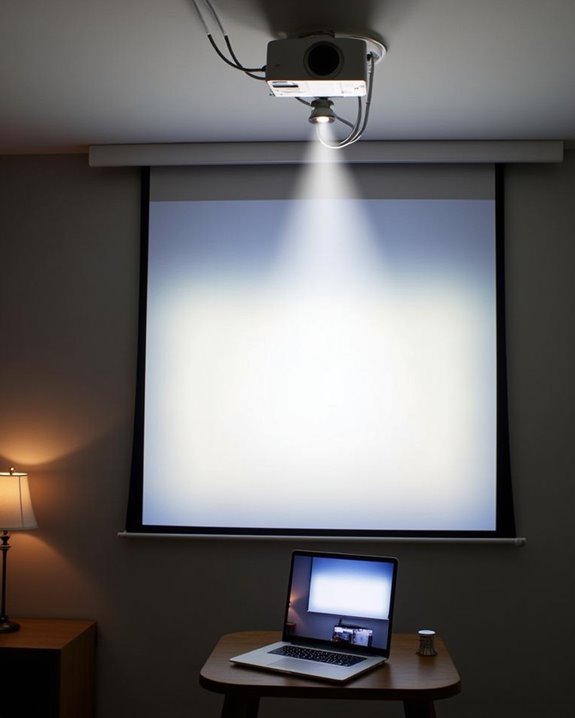
Although a white wall can serve as a practical projection surface, you’ll notice distinct differences in brightness and contrast compared to a dedicated projector screen, largely due to how each material handles light reflection. Screen material is engineered to reflect light efficiently, resulting in a noticeably brighter image, while a typical wall may absorb or scatter light, reducing overall brightness. Surface texture further impacts performance—projector screens offer a uniform, smooth finish to prevent distortion, but walls often have imperfections or slight color variations that can affect both brightness and contrast. Ambient light plays a significant role; it’s more likely to wash out images on a wall since projector screens better manage light control. Optimizing projector settings and minimizing ambient light can help, but limitations remain. For even better image quality and less distortion, tensioned or stretched screens provide a flatter, more stable surface than non-tensioned screens or walls. Additionally, projectors with higher lumens are recommended to compensate for the lower reflectivity of walls versus screens.
Recommended Products

CONVENIENT TO STORAGE AND CARRY : Compact one-piece,lightweight and folding design. You can fold the projector screen in small size and put it in your backpack or suitcase

Unshakably Stable Base and Support: This projection screen features a sturdy base and support—extended and reinforced—effectively addressing instability issues common in screen stands. Crafted from premium steel, the accessories of projector screen ensures long-term durability and resistance to bending or breaking
Color Accuracy and Fidelity
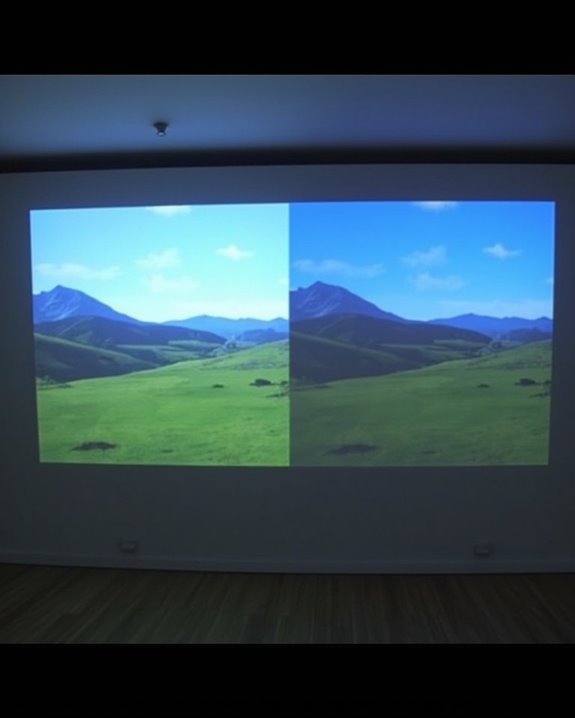
If you’re aiming for accurate color reproduction and high image fidelity with your projector, the surface you choose to project onto becomes critically important, since both wall color and texture can markedly influence the final picture quality. A matte white wall generally provides better surface reflectivity, helping preserve the projector’s intended color palette by reflecting light evenly, whereas colored or darker walls absorb or alter colors, leading to color distortion and diminished vibrancy. Smoothness of the wall is also essential, as uneven surfaces can scatter light, distorting both image clarity and color fidelity. Using an Ambient Light Rejection screen can further improve image clarity in rooms with ambient light by reducing reflection. Specialized projector screens often incorporate coatings or materials designed to enhance vividness and contrast, further minimizing color distortion beyond what a white wall can achieve. Although a white wall offers more neutral color rendering than colored walls, it still may not match the precision and vibrancy of a dedicated projector screen, which is engineered specifically to enhance color accuracy and minimize any unwanted color distortion.
Recommended Products

4K ultra HD projector screen: The Anti Light projection screen brings you vivid image and impeccable viewing experience with a 16:9 4K ultra HD resolution. Ambient light rejecting screens could reflects light in a way that minimizes the impact of ambient light. This means that when you're watching a movie or giving a presentation, the colors will look more vibrant and the images will be clearer.

【Watch What You Want, When You Want!】 Remember when you could only really use your projector at night? That's a pain! This screen lets you watch movies, sports, or play games whenever the mood strikes, day or night. No more being tied to a dark room schedule – enjoy big-screen entertainment on your terms!

ALR Projector Screen, 1.5 Gain, 100% Non-Transparent: ALR projector screen with stand can reject over 90% of ambient light while offering 1.5 gain. Even in bright daylight, it delivers vibrant and HD images. Most ordinary screens appear faded and blurry during the day. Black backing projector screen can effectively prevent light transmission and reflection, providing better visual effects.
Cost and Convenience Factors
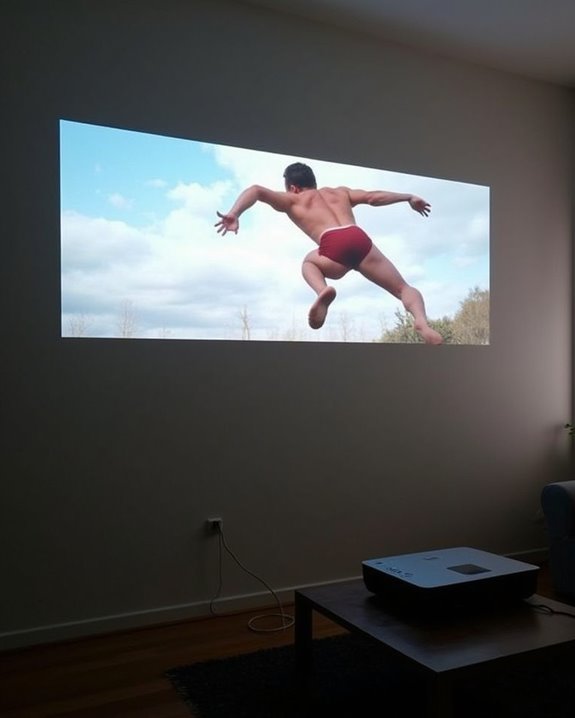
How do cost and convenience compare when using a white wall as your projector surface versus investing in a dedicated screen? Projecting onto a plain white wall is the most cost-effective choice if your wall surface is already smooth, clean, and bright, which means you’ll avoid expenses for purchasing screens, hardware, or installation. Surface preparation, such as sanding or repainting with special projection paint, may only be necessary if your wall displays imperfections or texture that could distort the image, otherwise, no extra investment is needed. Convenience is high, since you eliminate setup time, storage requirements, and maintenance associated with screens. However, hidden costs can arise if you need to upgrade your projector’s brightness to compensate for the wall’s lower reflectivity or maintain the wall over time. Dedicated projector screens, on the other hand, offer a smoother, more reflective surface that enhances both image brightness and sharpness compared to a typical painted wall.
Versatility and Adaptability in Different Spaces
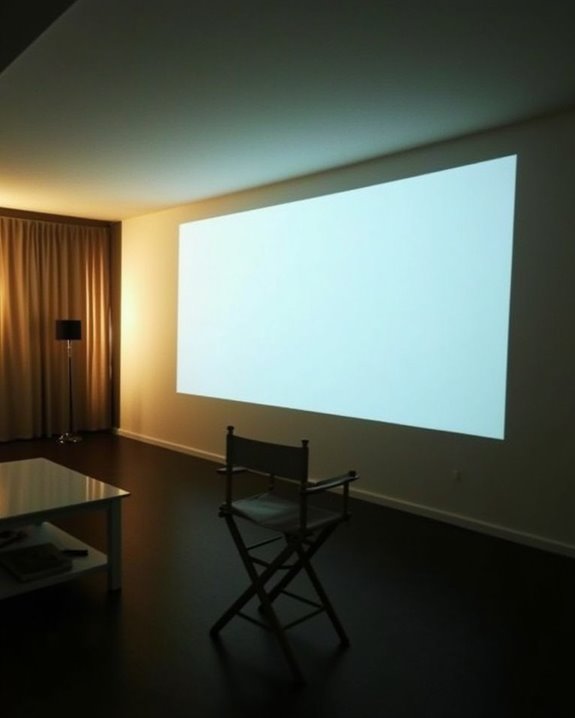
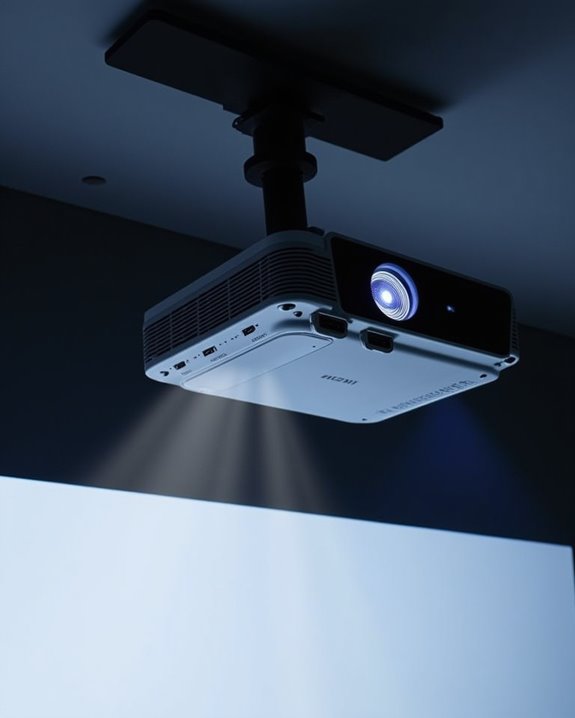
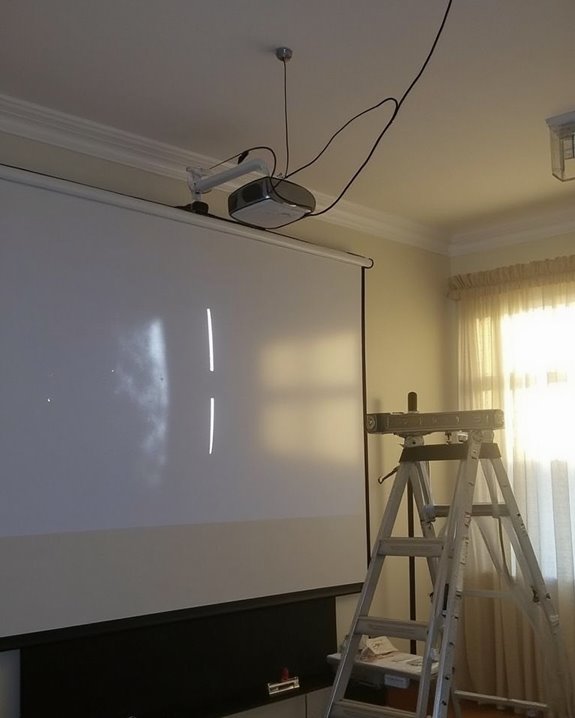
Because projectors are designed to operate in a wide range of environments, they offer significant versatility and adaptability for different spaces, whether you’re setting up in a compact living room, a large conference hall, or an outdoor area. You can use a projector on many surfaces—white walls, garage doors, or even kitchen walls—though wall texture and surface color affect image clarity and color accuracy. Matte, smooth, and neutral-colored walls provide the best results, while textured or colored surfaces may reduce contrast and sharpness. Portable projectors further increase flexibility, allowing you to move easily between rooms or locations for various activities, from business presentations to movie nights. Adjustable placement—on ceilings, tables, or walls—lets you optimize projection size and viewing comfort. Modern projectors are also capable of projecting images over greater distances with high quality, making them suitable for both intimate settings and expansive venues.
- Movie night on a living room wall
- Business presentation on a conference wall
- Outdoor gaming on a garage door
Managing Ambient Light and Room Conditions
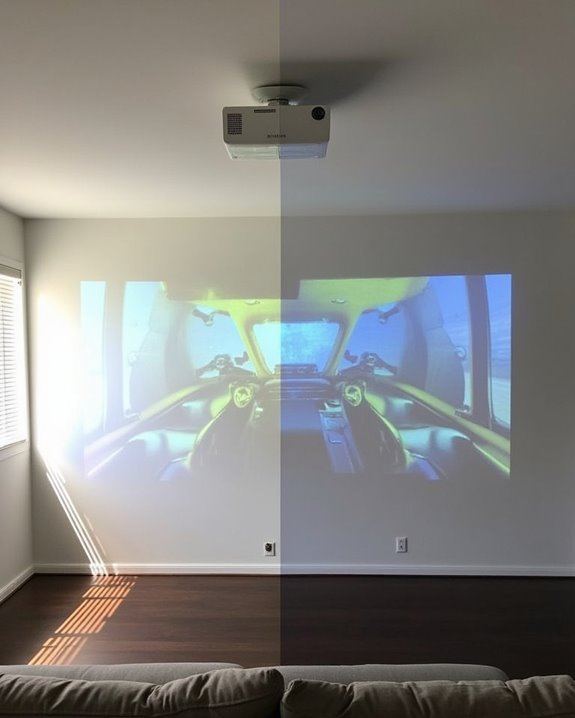
While projectors offer impressive flexibility for different rooms and activities, achieving the best image quality depends heavily on how you manage ambient light and the surrounding room conditions. Controlling your lighting setup is essential, as ambient light reduces image contrast and saturation, leading to washed-out visuals, especially on standard white walls that lack light-rejecting coatings. To minimize these issues, it’s important to reduce or block external light sources with blackout curtains or blinds, and to use dimmable, directional lighting to avoid glare and hotspots. Wall texture also plays a significant role—matte white walls reflect projected light more evenly, preserving color fidelity, while glossy or uneven textures cause light scatter and hotspots. Additionally, treating ceilings and adjacent walls helps prevent halos and maintains overall image clarity. Using a matte white wall is preferable for projection because it reflects light evenly and avoids the contrast and color fidelity loss that occurs with light-colored surfaces that reflect ambient light from the ceiling and walls.
Recommended Products
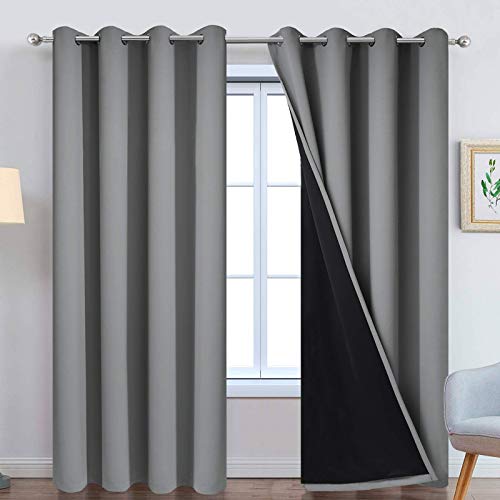
PACKAGE MADE:2 panels per package. Each Lined Curtain measures 52" wide x 84" long. 8 Silvery Grommets per panel. This silvery grommet (1.6 inch inner diameter) fits many rods. Easy to hang and smooth to slide. The simple design gives people a sense of ease.

🌛【100% Blackout】Sumobaby blackout curtains adopts upgraded reflective silver coating and high-density black polyester, the blackout effect can easily reach 100%. Blocks sunlight and harmful UV rays to darken your room, thermal insulated and enhance privacy.
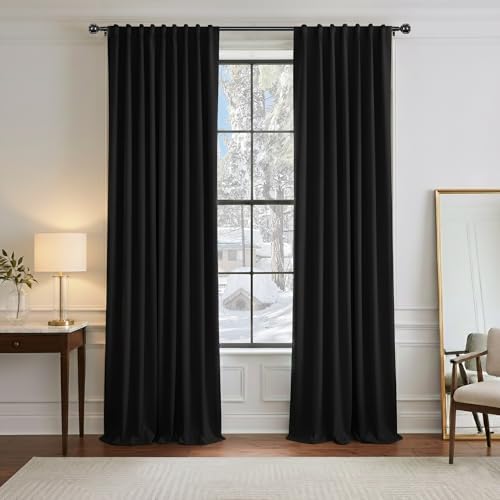
Ready Made - 2 pieces of heavy-duty blackout curtains includes, each measures 52" wide x 96" Long(Total width is 104"). 3" rod pocket top fits most standard rods and makes the maximum coverage of windows
Practical Tips for Optimizing Wall Projection
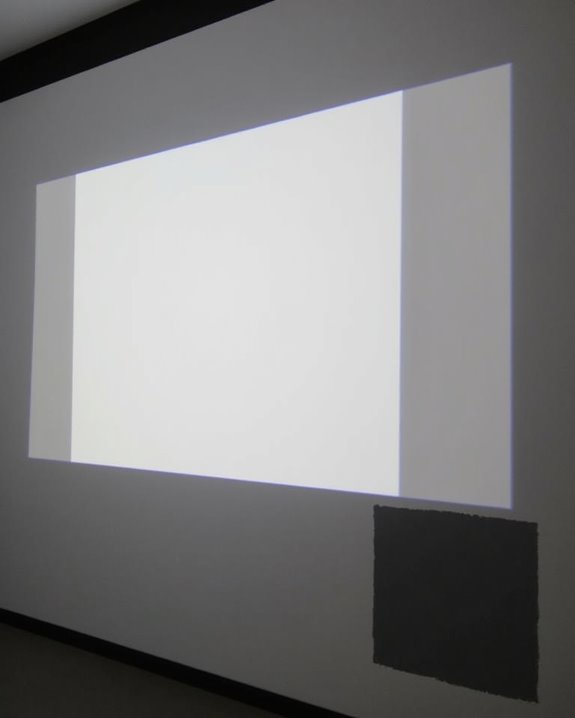
If you’re aiming for the sharpest and most vibrant image when projecting onto a wall, it’s important to first focus on the quality and preparation of the surface itself, as these factors directly affect clarity and color accuracy. You’ll want to choose a smooth wall texture, since rough or uneven surfaces can cause distortions, light diffusion, and inconsistent brightness. Address any surface damage, such as cracks or holes, by patching and sanding the wall until it’s flat and blemish-free, which ensures even reflection of light. Use a high-quality matte white or light gray paint for ideal color fidelity and minimal glare, and always keep the wall clean to prevent dust or smudges from interfering with the image. For the best results, ambient lighting control is just as crucial as wall preparation, since excess light can wash out your projected image and reduce contrast.
- Smooth, sanded wall free of imperfections
- Matte finish paint to reduce glare
- Routine cleaning for consistent image quality
Recommended Products

MAKE ANY SURFACE YOUR PERSONAL SCREEN: No screen? No problem. Mollor projector screen paint makes any surface projection-ready
MAKE ANY SURFACE YOUR PERSONAL SCREEN: No screen? No problem. Mollor projector screen paint makes any surface projection-ready
Frequently Asked Questions
Can Any Type of Projector Be Used on a White Wall?
You can use any type of projector on a white wall as your projection surface, but you’ll get better results if you focus on wall preparation—ensuring it’s smooth, clean, and properly painted to enhance image quality.
Will Projecting on Textured Walls Damage My Projector?
Think of your projector as a storyteller casting images onto the landscape of your wall. Wall texture won’t cause projector damage—it’s only the tale that suffers, with clarity and sharpness lost amid the textured terrain.
Is It Safe to Mount Projectors Directly Above a White Wall?
You’ll find it’s generally safe to mount projectors directly above a white wall if you follow mounting safety guidelines. Just make sure you’re securing the mount properly to avoid wall damage and guarantee stable, hazard-free installation.
How Does Wall Color Temperature Affect Projector Performance?
Over 90% of projected light reflects off a neutral white wall, maximizing brightness and color accuracy. If your wall color temperature’s off, you’ll notice color shifts—light reflection suffers, and your images won’t look as sharp or vibrant.
Does Projecting on a Wall Void My Projector’S Warranty?
Projecting on a wall won’t void your projector’s warranty, as long as you follow general projector maintenance and wall preparation guidelines. Warranties focus on proper usage and environment, not the projection surface, unless damage results directly from misuse.