As an Amazon Associate, we earn from qualifying purchases. Some links on this site are affiliate links at no extra cost to you. Our recommendations are based on thorough research and editorial judgment.

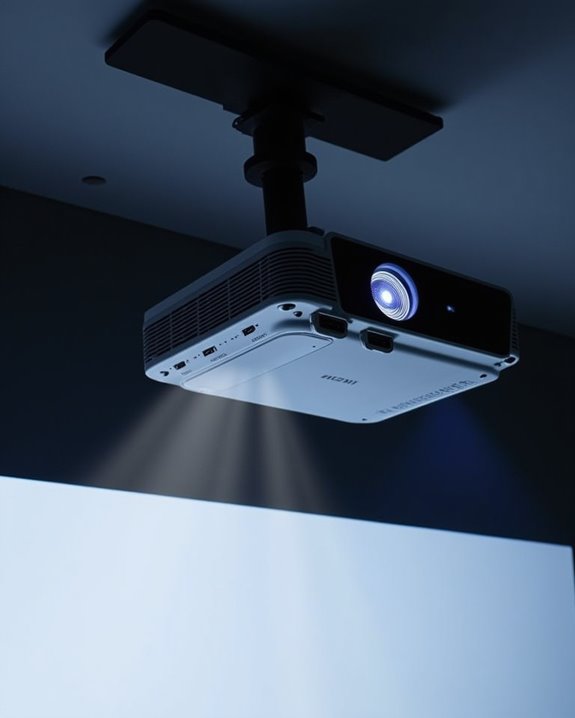
What to Look for in a Projector for Home Theater Use

While smartphone screens fit in your pocket, home theater projectors can transform your living room into a cinematic experience—if you know what to look for. You’ll need to evaluate resolution quality, brightness levels appropriate for your space, and connectivity options that work with your devices. The right projector balances these technical specifications with your budget constraints, room dimensions, and viewing habits. Understanding these key factors will help you navigate the overwhelming array of options and find the perfect projector for your entertainment needs.
Key Takeaways
- Choose a native resolution of at least 1080p; 4K delivers superior clarity for larger screens and detailed content.
- Look for 600-1600 lumens for rooms with ambient light; darker dedicated theaters can use 300-600 lumens.
- Ensure at least two HDMI 2.0+ ports for modern connectivity and consider wireless streaming capabilities for convenience.
- Match projector throw distance to your room dimensions and plan proper ventilation and mounting locations.
- Set a budget of $400-1,000 for optimal value; consider lamp replacement costs or laser longevity for total cost.
Resolution and Image Quality Features That Matter
When you’re setting up a home theater system, understanding projector resolution and image quality is essential to creating an immersive viewing experience. The native resolution of your projector determines the maximum detail it can display without scaling, with options ranging from 720p entry-level to 4K UHD for premium setups.
For most mid-range home theaters, 1080p offers excellent performance with 1920×1080 pixels, while serious enthusiasts may prefer 4K’s superior clarity with four times more pixels. Beyond resolution, color calibration profoundly impacts your viewing experience, affecting how accurately films and games are reproduced. Additionally, consider the projector’s contrast ratio, aspect ratio (typically 16:9 for home theaters), and whether it supports HDR for enhanced dynamic range and more vibrant colors. Modern projectors often incorporate advanced LCD and HDR technologies to improve contrast and color accuracy, making these display technologies key factors for image quality.
Recommended Products
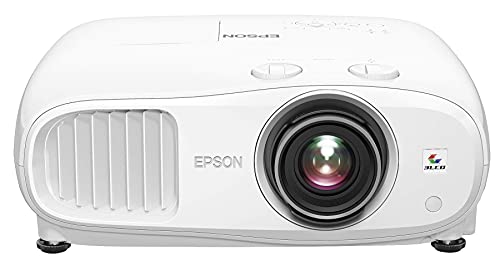
4K PRO-UHD (1) Projection technology — a new type of 4K home theater experience, utilizing advanced technologies for resolution Enhancement, color and image processing
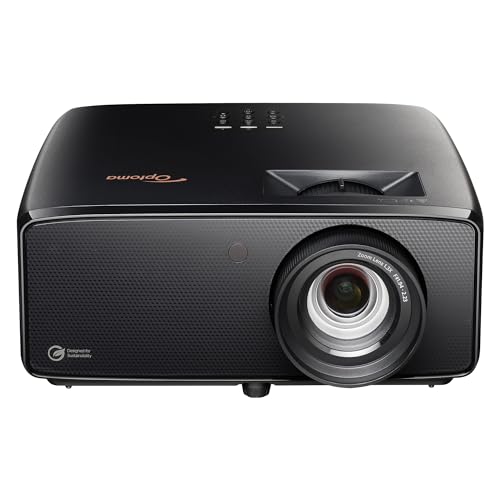
See The Difference 4K UHD Makes

4K PRO-UHD (1) – Advanced pixel-shifting technology works in parallel with three individual high-definition LCD chips without sacrificing picture brightness
Brightness and Lighting Considerations for Different Rooms
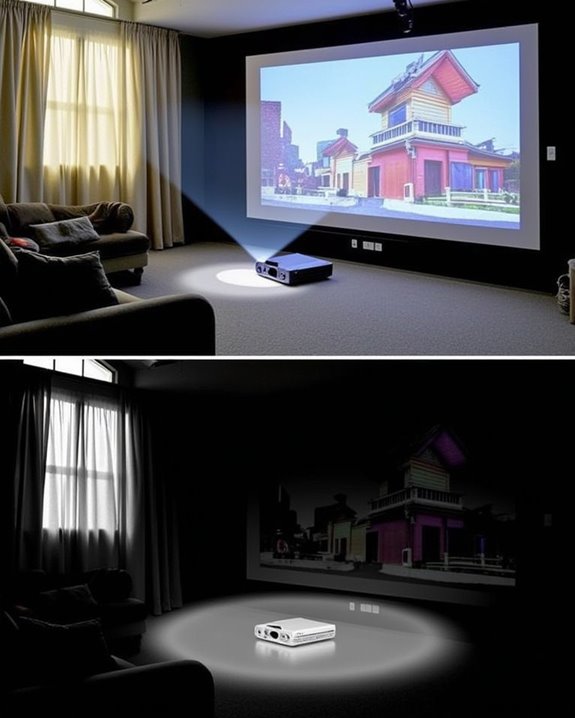
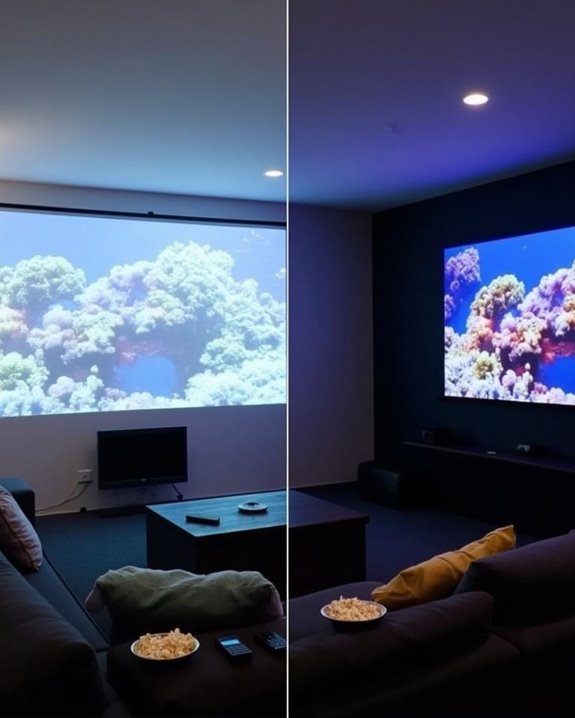
Although many consumers focus primarily on resolution, your projector’s brightness level is equally crucial for creating an ideal viewing experience in your home theater. Projector brightness, measured in ANSI lumens, must match your specific room conditions and screen size to achieve excellent image quality. For dedicated theaters with minimal ambient light, 300-600 lumens may suffice, while rooms with windows or moderate lighting require 600-1600 lumens. Larger screens demand higher brightness levels to maintain clarity across the entire viewing surface.
When selecting your projector, consider how ambient light control impacts performance—installing blackout curtains or dimmer switches can help you achieve better color reproduction with lower-lumen projectors. Remember that excessive brightness can actually reduce color performance and cause viewer discomfort, so balance is key. The right brightness level ensures comfortable viewing without straining your eyes or sacrificing image quality. Models like the ViewSonic PX701-4K offer a brightness of 3200 lumens, making them suitable for versatile environments with varying light conditions, which is important for optimizing ambient light handling.
Recommended Products
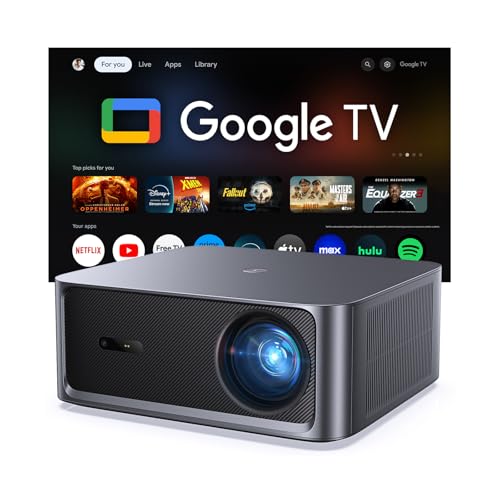
[Built-in Google TV with Official Streaming Apps]-Enjoy instant access to 1,000+ apps with built-in Google TV, including Netflix, Prime Video, YouTube, Hulu, and Disney+. No extra TV stick needed—just power on and start streaming your favorite movies, shows, and sports with a smooth plug-and-play experience.

UPGRADE VERSION Unlimited Streaming –Compatible with Netflix & Dolby Audio& DTS Audio: The Kogata GC357 home projector comes with Netflix, YouTube, and support Prime Video apps pre-installed, along with over 200 additional apps available for download. No need for extra TV sticks—access exclusive programs you can’t find in the app store and stream directly through the 4k projector’s browser. Enjoy Dolby and DTS-certified audio for crisp, clear sound that brings music, instrumentals, and every note of the concert to life as if it's playing right beside you. Whether it's movie night or gaming, the immersive sound elevates the entire experience.

[Image Clarity & Movie Viewing Experience] Worried about blurry, dim projector images with missing details during home viewing? This projector delivers native 1080P (1920×1080) full HD resolution, genuine 24000 lumen brightness, and professional 4K decoding. It outputs sharp, bright, highly detailed images, fixes common picture quality defects of regular projectors, and builds a premium, immersive home theater viewing experience.
Essential Connectivity Options for Modern Entertainment
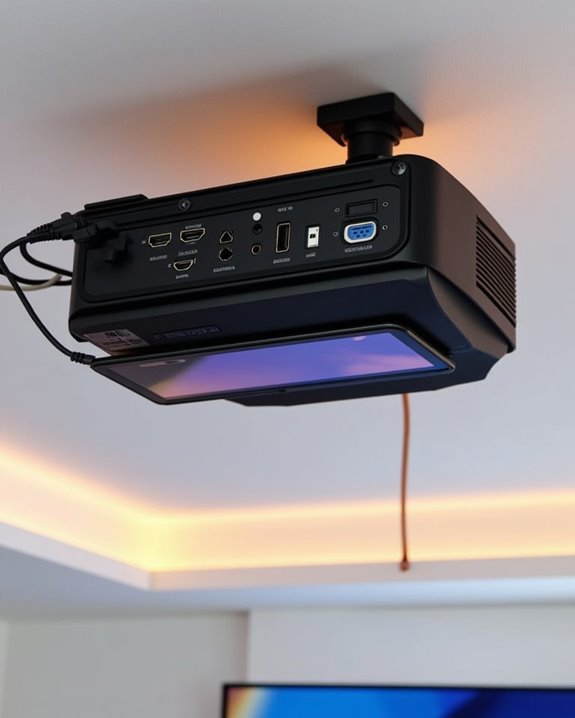
While achieving the perfect brightness level enhances your viewing experience, connectivity options determine what content you’ll actually be able to enjoy on your home theater projector. Modern projectors should include at least two HDMI ports supporting version 2.0 or higher, which guarantees compatibility with 4K content at 60Hz and HDR formats for vibrant colors.
Wireless streaming capabilities have become essential, with integrated Wi-Fi allowing direct access to streaming services without additional devices. Look for projectors supporting Miracast or AirPlay for convenient screen mirroring from your mobile devices. HDMI standards like ARC simplify your setup by allowing audio transmission to soundbars through a single cable. For additional flexibility, USB ports enable direct media playback, while Bluetooth connectivity provides wireless audio options for headphones or speakers, reducing cable clutter in your viewing space. Many modern projectors also feature WiFi 6 for more stable and faster streaming experiences.
Recommended Products

【The Latest WIFI 6 Technology And Bluetooth 5.3】This projector with Wi-Fi and Bluetooth is equipped with the latest Wi-Fi 6 technology, compatible with Wi-Fi 6, 5G and 2.4G, offering faster connection speed and stronger stability, eliminating buffering and disconnection issues, and ensuring smoother online content playback. Additionally, it is fitted with the latest Bluetooth 5.3 chip, allowing for easy connection to Bluetooth speakers, headphones or other Bluetooth audio devices, providing a more efficient and stable transmission channel, and enabling users to enjoy higher audio quality with ease

【Built-in WiFi & Bluetooth Projector with Apps】Dual-band WiFi 2.4G + 5G ensures fast and stable wireless streaming. Bluetooth 5.2 supports speakers and headphones. Built-in apps like YouTube and Prime Video are supported, and the projector is compatible with TV sticks (not included) to access a wide range of streaming content and enjoy massive video libraries, making it a perfect movie projector.
![[Built-in App & 2026 Upgraded] Mini Projector with WiFi 6 and Bluetooth 5.4](https://m.media-amazon.com/images/I/51mKV0J+8VL._SL500_.jpg)
[Projector with Air Remote Function & Built-in Apps] The remote control of the Wowlink W210 portable projector has the Air Remote function based on gyroscope technology. You can control the projector screen by just shaking your wrist. The W210 portable mini projector has built-in applications, compatible with Prime Video, YouTube and D+. You can watch movies and videos with one click without external devices, and start the immersive audio-visual feast of home theater anytime, anywhere
Size, Placement and Installation Requirements
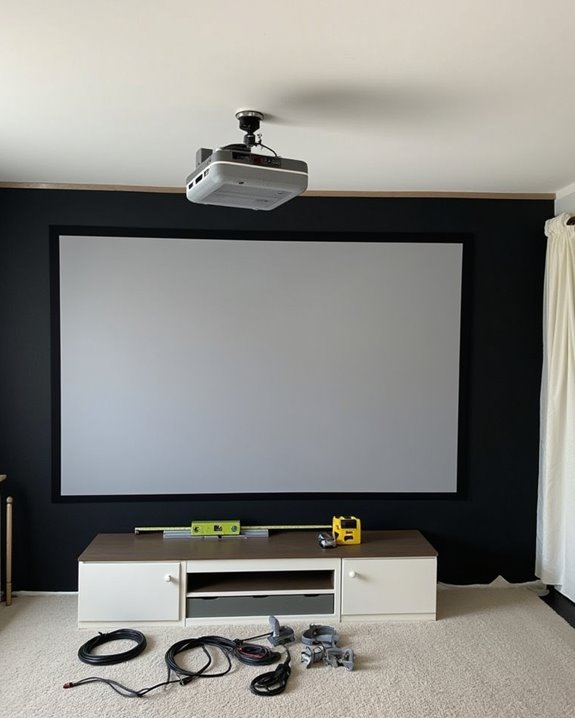
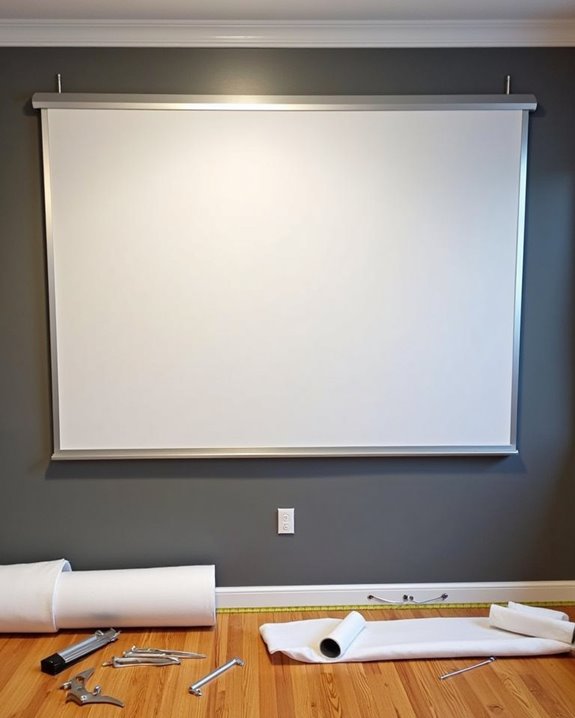
Setting up your home theater projector requires careful consideration of size requirements, placement options, and installation factors to achieve an immersive viewing experience. Your screen size should follow established guidelines, with SMPTE recommending a minimum width equal to 0.6 times your viewing distance in inches, while THX suggests a 40-degree field of vision for true cinematic immersion.
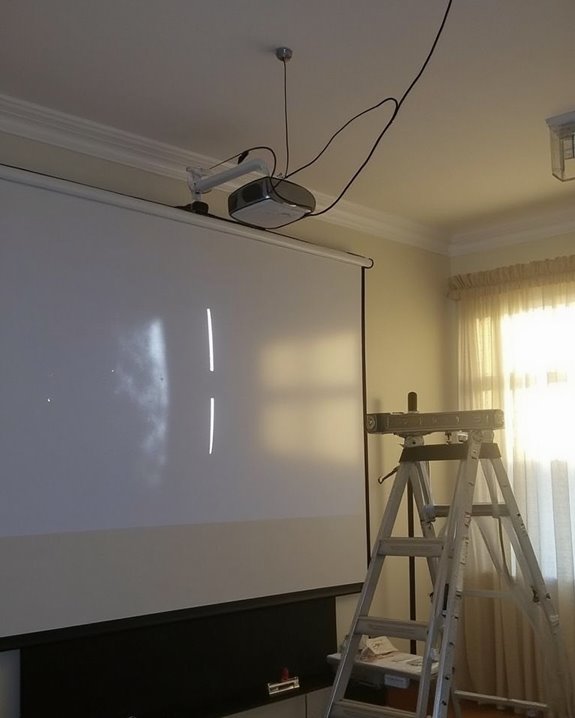
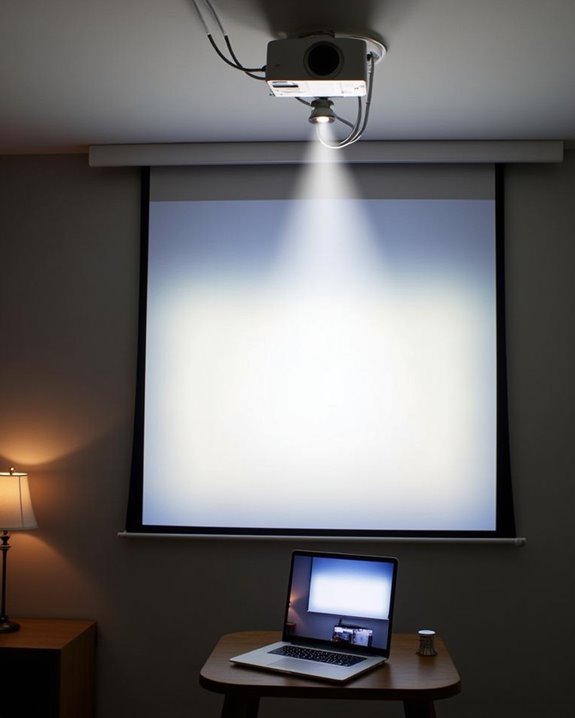
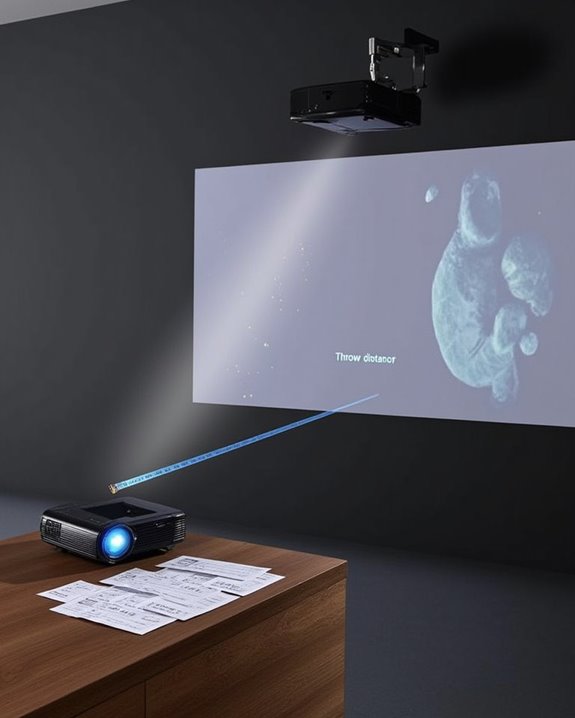
Placement options depend on your room’s dimensions, with throw distance being vital for proper image sizing. Consider whether you need a short-throw, standard, or long-throw projector based on your available space, and ensure your mounting location allows for proper ventilation. When selecting screens, match the aspect ratio (typically 16:9) to your projector’s native output, and choose appropriate screen materials based on your room’s ambient light conditions.
Recommended Products
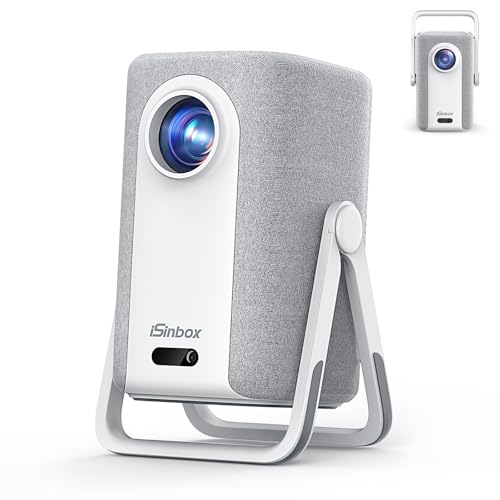
[Built-in Apps, 100,000+ Videos - No Need Extra Devices] The iSinbox 4K smart outdoor projector compatible with Netflix, and a built-in smart TV operating system, giving you instant access to YouTube, Prime Video, Disney+, HBO Max, Paramount+ and more—with over 200 additional apps available for download. Play over 100,000+ videos with just the touch of a remote. Say goodbye to TV adapters with this home theater projector, saving you over $300 per year. Enjoy regular updates and lifetime OS upgrades, ensuring your viewing experience remains fresh and secure.Perfect for family movie nights, game days, and binge-watching sessions.(Note: Access Hulu through the Disney+ channel.)

UNPARALLELED PICTURE QUALITY: TV Projector, comes with Native Full HD 1080p Resolution, 92% Rec. 709 Color Accuracy, 3000 Lumens and high native contrast ratio for the ultimate immersive cinematic and gaming experience.

HDR COMPATIBLE: HDR10 technology (with 4K input) enable brighter whites and deeper black levels. The six-segment color wheel (RYGCWB) produces accurate color with sRGB & REC. 709 color profile support..Power supply : 100 ~ 240V, 50 ~ 60Hz.Batteries Required:no
Value Assessment: Balancing Performance and Budget
Determining the right balance between performance and budget represents one of the most essential aspects of selecting a home theater projector that’ll satisfy your viewing needs without unnecessary expenditure. The $400-$1,000 range typically offers the best value proposition, where you’ll notice significant improvements in image quality relative to cost increases. When making your cost comparison, consider that projectors under $500 provide decent brightness for casual viewing, while mid-range options deliver better color accuracy and lower input lag.
Brand reputation often correlates with reliability and support quality, which impacts long-term value. Consider ongoing expenses like lamp replacements—laser projectors cost more upfront but last longer without maintenance. For most home theaters, a good 1080p projector with adequate brightness and contrast will deliver satisfying performance without requiring premium pricing of high-end models.
Recommended Products

A Roku account and internet connection are required for activation (Creating an account is free). Note: Power Supply: 100-240V AC, 50/60Hz.

【Everything You Need – 80" Foldable Projector Screen Included】No need to spend extra on a separate screen. We’ve got you covered. This mini projector comes with a generous 80-inch foldable projection screen – ready to use right out of the box. Just unfold, set up, and enjoy a true home theater experience without the hassle or hidden costs. Bigger, clearer, better – The 80" screen delivers sharper contrast and brighter colors compared to a blank wall. Portable & space-saving – Folds easily for storage and travel. Perfect for backyard movies, camping, or indoor entertainment. Great value – No extra purchase needed. Save money while getting professional-quality projection.
Frequently Asked Questions
How Long Do Projector Bulbs Typically Last?
Shining a light on projector facts: traditional UHP/UHM lamp lifespan ranges from 2,000-4,000 hours, while LED bulbs last 20,000-100,000 hours, and laser options 20,000-50,000 hours. You’ll need bulb replacement when brightness diminishes considerably.
Can a Projector Replace My TV Completely?
Yes, you can replace your TV with a projector if you’re willing to sacrifice some convenience for larger screen size. You’ll need proper room darkening and sufficient resolution to match your viewing expectations.
Do Projectors Work With Streaming Devices Like Roku?
Yes, projectors work well with Roku and similar streaming devices. You’ll need to check connectivity options like HDMI ports for direct connection. For the best experience, make sure your projector has good screen resolution for streaming content.
How Much Maintenance Do Projectors Require?
Time flies with proper projector care! You’ll need regular maintenance every 2-4 weeks for dust cleaning, plus filter cleaning every 3-6 months. Lamp replacements and software updates are occasional but essential long-term maintenance requirements.
Will My Projector Work Outdoors for Movie Nights?
For outdoor movie nights, you’ll need at least 2,000 lumens for visibility. Consider your projector’s brightness rating, weather resistance, and outdoor setup requirements. Don’t forget power access and a suitable screen surface!