As an Amazon Associate, we earn from qualifying purchases. Some links on this site are affiliate links at no extra cost to you. Our recommendations are based on thorough research and editorial judgment.

What Is the Projector? Understanding Projector TVs

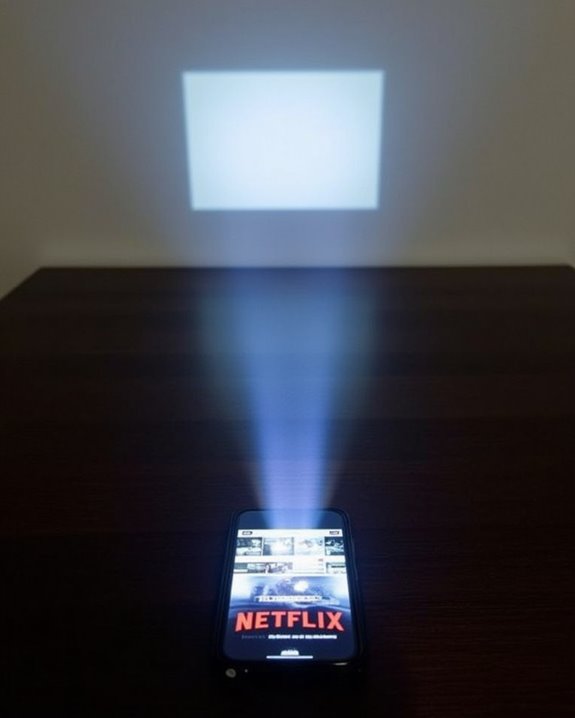
While many assume projectors are only for conference rooms or cinemas, today’s projector TVs offer a compelling alternative to traditional flat screens. You’ll find these versatile devices can transform any wall into an immersive viewing experience, often at sizes that standard TVs simply can’t match. Modern projectors combine sophisticated optics, powerful light sources, and advanced processing to deliver sharp, vibrant images that rival conventional displays. The technology has evolved dramatically in recent years, with innovations in resolution, brightness, and connectivity opening new possibilities for home entertainment enthusiasts.
Key Takeaways
- Projectors are display devices that cast images onto screens using light sources like LED, lamp, or laser through LCD panels, mirrors, and prisms.
- Modern projector TVs evolved from 19th-century film projectors to today’s portable systems with high-quality display technologies for home entertainment.
- Projection technologies include DLP (sharp, portable), LCD (bright whites), and LCoS (color accuracy), with resolutions ranging from HD to 4K.
- Laser projectors offer high brightness and 20,000-hour lifespan for large venues, while LED systems provide vibrant colors for home use.
- Projector TVs deliver immersive viewing experiences with features like auto-focus, keystone correction, gaming capabilities, and smart connectivity options.
The Evolution of Projector Technology
While most of us enjoy slim, wall-mounted televisions today, the journey to these modern displays began with bulky projection systems that transformed how we experienced visual media. The projection history can be traced to the late 19th century with celluloid film, followed by portable filmstrip projectors in 1925.
The display evolution took a significant leap in the 1950s when projection technology entered Corporate America, primarily used in theaters and auditoriums. By 1960, overhead projectors revolutionized presentations, while advancements in CRT technology during the same decade enabled the development of rear-projection TVs in the 1970s. These innovations, though bulky with compromised image quality at close range, solved the size limitations of direct-view CRTs, allowing for substantially larger screens that became status symbols in home entertainment. Today, portable projector screens offer versatile, lightweight options that facilitate immersive viewing experiences both indoors and outdoors.
How Projectors Work: Core Components and Mechanisms
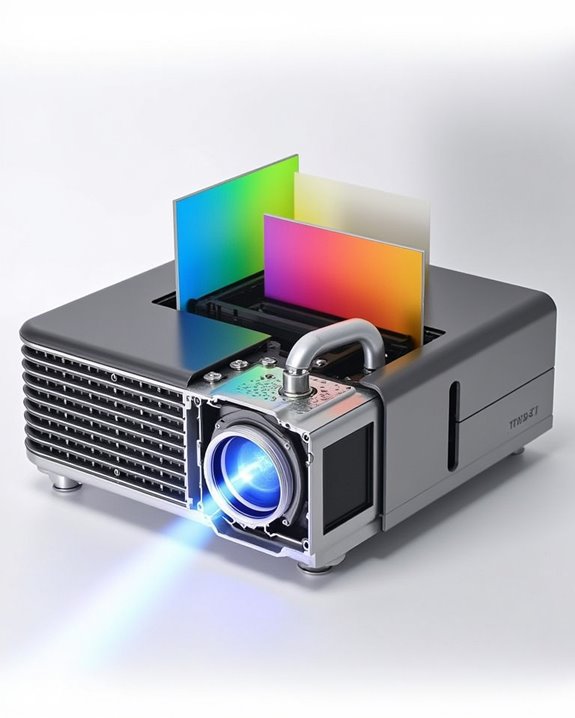
Although modern projectors appear as simple boxes that cast images onto screens, their inner workings involve sophisticated systems working in harmony to create the pictures we enjoy. At their core, projectors contain a light source (LED, lamp, or laser), LCD panels for each primary color, and a series of mirrors and prisms that separate and recombine light.
The image processing circuitry splits video signals into color components, while sophisticated Color Calibration systems ensure accurate hue reproduction and saturation adjustment. When operational, light travels through LCD panels, becomes polarized, and combines through a prism before passing through focus lenses. Equally important are the Cooling Systems, comprising fans, heat sinks, and air filters that prevent component overheating. These ventilation elements require regular maintenance to guarantee ideal performance and extend the projector’s lifespan, particularly in models with high-powered light sources.
Additionally, many modern projectors incorporate auto-focus and keystone correction technologies to ensure sharp and properly aligned images without manual adjustments.
DLP vs. LCD vs. LCoS: Comparing Projection Methods
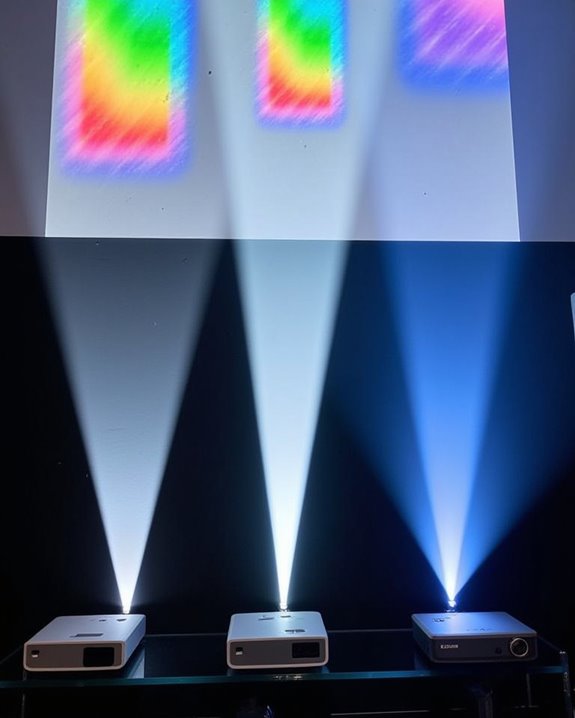
When selecting a projector for your home theater or business environment, you’ll encounter three primary projection technologies that differ markedly in how they create images: DLP, LCD, and LCoS. DLP projectors use tiny mirrors to reflect light, delivering sharp images with excellent detail during fast-motion scenes, while offering significant portability advantages at just a few pounds. LCD models pass light through three separate panels, producing bright whites but sometimes exhibiting the “screen door effect” at close distances, with reasonable color accuracy at mid-range price points. LCoS technology, the premium option, combines aspects of both systems to achieve superior color accuracy and pixel density, creating film-like images ideal for dedicated home theaters, though these units are typically heavier and more expensive than their counterparts. Additionally, modern 2K projectors often incorporate auto keystone correction and WiFi connectivity to enhance ease of use and versatility.
Recommended Products

A Roku account and internet connection are required for activation (Creating an account is free). Note: Power Supply: 100-240V AC, 50/60Hz.

UPGRADE VERSION Unlimited Streaming –Compatible with Netflix & Dolby Audio& DTS Audio: The Kogata GC357 home projector comes with Netflix, YouTube, and support Prime Video apps pre-installed, along with over 200 additional apps available for download. No need for extra TV sticks—access exclusive programs you can’t find in the app store and stream directly through the 4k projector’s browser. Enjoy Dolby and DTS-certified audio for crisp, clear sound that brings music, instrumentals, and every note of the concert to life as if it's playing right beside you. Whether it's movie night or gaming, the immersive sound elevates the entire experience.
The Rise of Laser and LED Projection Systems
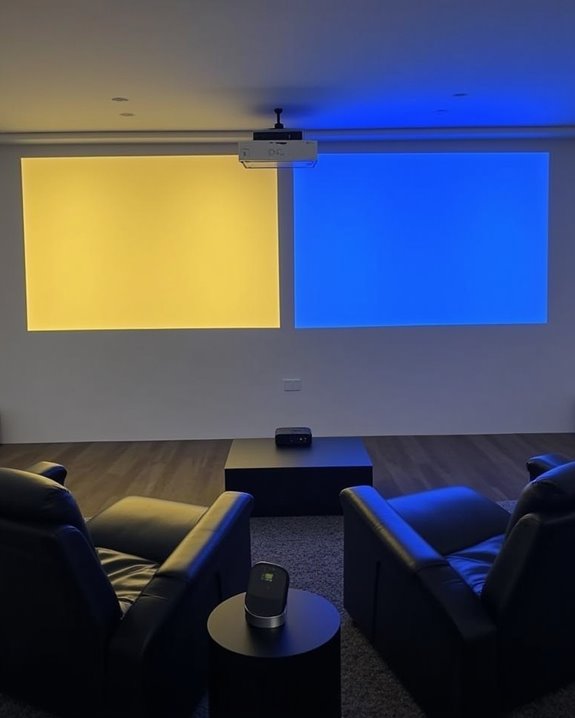
As traditional lamp-based projectors gradually fade from the market, laser and LED projection systems have emerged as revolutionary alternatives that’ll transform your viewing experience. Both technologies offer remarkable 20,000-hour lifespans and instant startup capabilities, eliminating the frustrating warm-up periods of conventional projectors.
Laser durability stands out in demanding environments, with brightness levels reaching an impressive 10,000 lumens and consistent performance throughout its lifespan. Meanwhile, LED contrast delivers superior color vibrancy and deeper blacks, making your content appear more lifelike. While lasers excel in larger venues with their powerful brightness, LEDs operate at cooler temperatures and consume less power, making them ideal for home theaters and smaller spaces. Your choice depends on your specific needs, with lasers offering raw power and LEDs providing exceptional color accuracy.
Understanding Resolution: From HD to 4K and Beyond
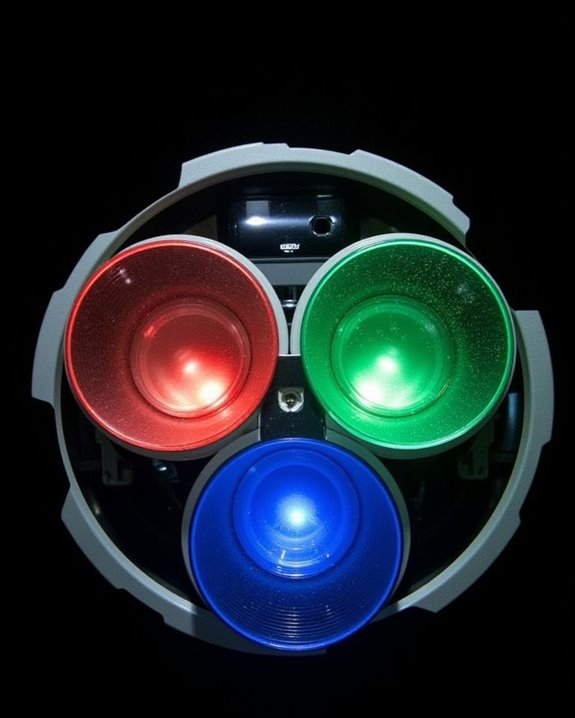
Since you’ll be investing in a projector TV, understanding resolution should be at the top of your priority list, as it directly impacts the quality and clarity of your viewing experience. Resolution comparison between different models reveals significant differences in pixel density, which determines how sharp your images appear.
Standard HD (720p) offers 1280 x 720 pixels, while Full HD (1080p) provides 1920 x 1080 pixels for noticeably sharper images. For truly immersive viewing, 4K projectors deliver 3840 x 2160 pixels—four times the detail of Full HD. This higher pixel density becomes particularly important when projecting onto larger screens where individual pixels might otherwise become visible.
When selecting your projector, consider your typical viewing distance, screen size, and content sources to determine which resolution best suits your needs.
Projector TVs: Where Television Meets Projection Technology
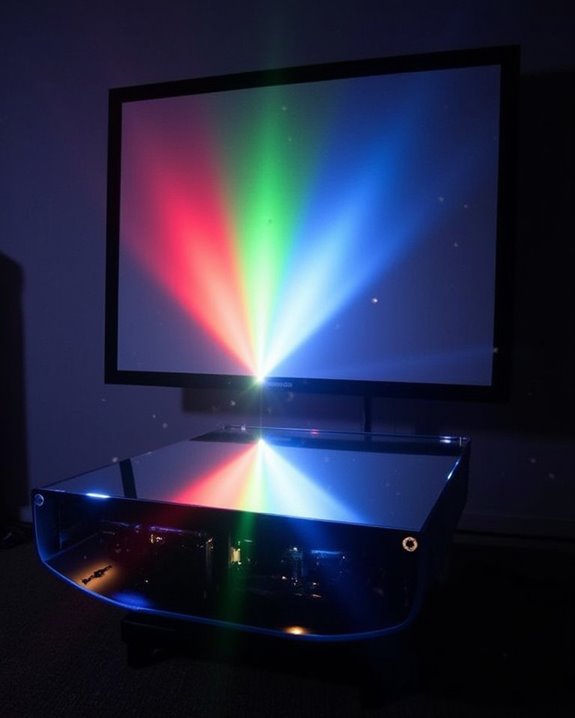
Moving beyond resolution considerations, projector TVs represent a fascinating marriage of traditional television functionality with sophisticated projection systems. These devices utilize either front or rear projection technologies, with DLP, LCD, and newer LCoS systems offering varying image quality and performance characteristics. Your choice between these technologies affects both picture quality and projector maintenance requirements over time.
Modern projector TVs connect seamlessly with multiple video sources, making them versatile entertainment hubs for home theaters and gaming setups. When selecting a system, consider the projection screen materials carefully, as specialized screens with Fresnel lenses can dramatically improve image clarity and brightness. For enhanced viewing experiences, pair your projector TV with appropriate external audio systems, as built-in speakers often lack the power necessary to match the impressive visual display.
Setting Up Your Home Theater Projector System
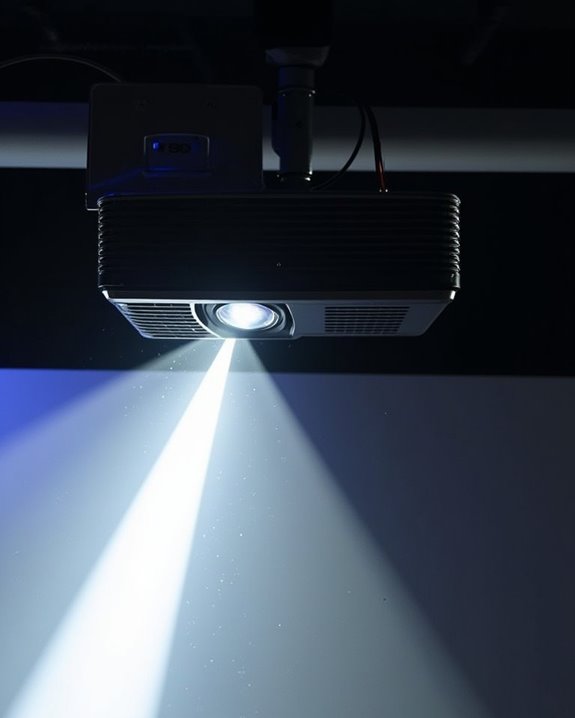
Setting up your home theater projector system requires careful planning and attention to technical details if you’re aiming for a truly immersive viewing experience. Begin by selecting a projector with appropriate lumens (1,000-3,000 for home use), resolution, and throw distance for your room size. Screen mounting should account for the projector’s vertical offset, with fixed or motorized options installed at excellent viewing height and matching your projector’s aspect ratio.
For audio integration, focus on strategic speaker placement according to 5.1 or 7.1 standards, with subwoofers in corners to maximize bass response. Mount your projector securely to ceiling joists using a stud finder for stability, and consider adjustable mounts for fine-tuning alignment. Finally, implement proper cable management and acoustic treatments to complete your professional-quality home theater setup.
Recommended Products

Stable & Durable: High-quality metal, supports up to 4.4 lbs (2 kg), this wall mount delivers strong stability. Ideal for home theaters, classrooms, conference rooms, gaming setups, and streaming stations in any room.
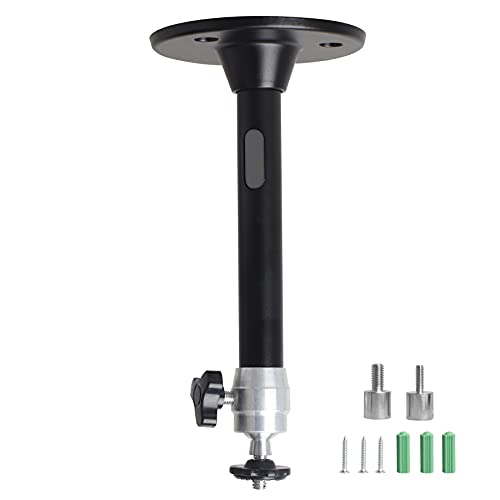
Projector Holder Compatible with QKK,DR.J,DBPOWER,Anker,VANKYO,AAXA,Jinhoo,PVO,TMY,AuKing and Most Other Mini Projector
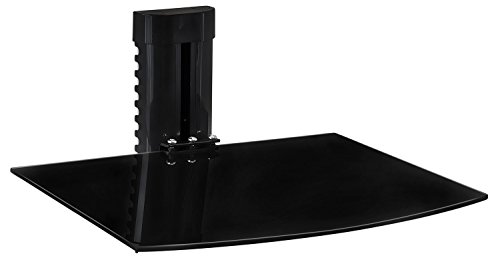
GAME NIGHT, ORGANIZED – Keep your console, streaming box, or cable box right where you need it, off the console table and out of the way, so your gaming corner or home theater setup stays clean and clutter-free.
Key Features to Consider When Buying a Projector
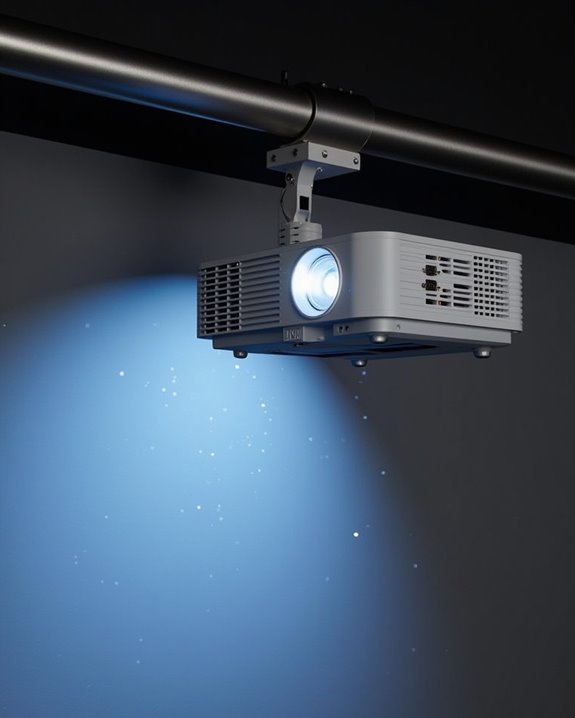
Now that you’ve planned your home theater space, selecting the right projector with appropriate features will determine your overall viewing satisfaction. Focus first on brightness (measured in lumens) and resolution, with 1080p suitable for casual viewing while 4K delivers cinema-quality images with superior detail. Color accuracy, measured by standards like sRGB and Rec. 709, guarantees realistic visuals after proper projection calibration. Consider contrast ratio for image depth, particularly important in darker scenes.
For complete immersion, evaluate sound integration options, as some projectors include built-in speakers while others require external audio systems. Connectivity features like HDMI ports, wireless capabilities, and streaming options add convenience. Finally, review smart features including voice assistants and built-in apps that eliminate the need for additional streaming devices.
Recommended Products

【The Latest WIFI 6 Technology And Bluetooth 5.3】This projector with Wi-Fi and Bluetooth is equipped with the latest Wi-Fi 6 technology, compatible with Wi-Fi 6, 5G and 2.4G, offering faster connection speed and stronger stability, eliminating buffering and disconnection issues, and ensuring smoother online content playback. Additionally, it is fitted with the latest Bluetooth 5.3 chip, allowing for easy connection to Bluetooth speakers, headphones or other Bluetooth audio devices, providing a more efficient and stable transmission channel, and enabling users to enjoy higher audio quality with ease
![[Officially-Licensed App & Auto Focus]White Smart Mini Projector with WiFi and Bluetooth, XuanPad 4K Support Movie Projector, Portable Native 1080P Outdoor Projector with 360° Stand](https://m.media-amazon.com/images/I/51I8uy-U8bL._SL500_.jpg)
Exciting Moments Begin - The XuanPad mini projector compatible with Netflix for the ultimate viewing experience.No extra devices or complicated setup needed—just enjoy instant access to a vast library of movies with immersive, smart TV-like quality.XuanPad smart projectors are compatible with a variety of built-in apps like YouTube and Prime Video, and support for wireless screen mirroring and HDMI. Whether it's movie night, a gaming session, or camping, our licensed projectors can meet your customized entertainment needs.

[ Built-in Google TV | 10,000+ Apps | Voice Control ] - VISSPL 4K projector brings your favorite entertainment together—no TV stick, no extra devices, and no complicated setup. This Google TV projector gives you instant access to YouTube, Prime Video, Disney+, Hulu, and 10,000+ apps from one easy-to-use home screen. Enjoy 800+ free live TV channels, personalized recommendations, and seamless access to movies, shows, sports. Simply press the voice button on the remote and ask Google Assistant to search movies, launch apps, adjust volume, or check the weather. From home theater nights to outdoor entertainment, this smart projector makes every viewing experience faster, smarter, and easier.
Optimizing Image Quality: Screens, Lighting, and Calibration
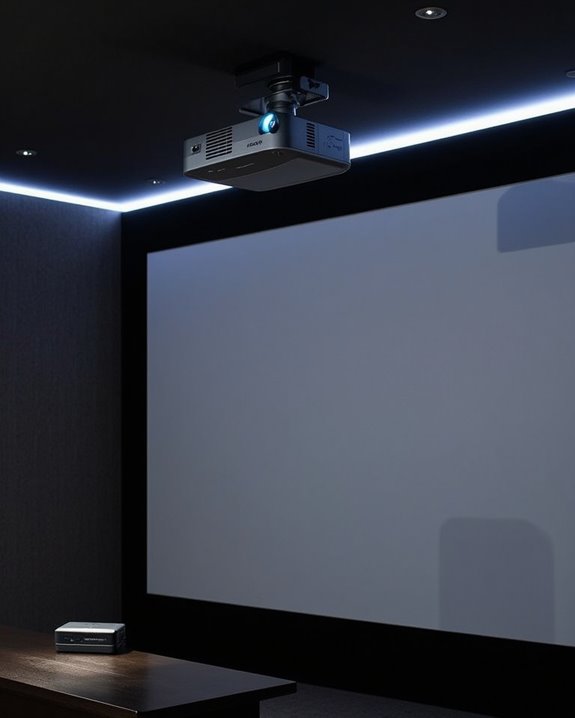
To achieve the stunning theater experience you’ve invested in, proper enhancement of your projector’s image quality becomes essential through three critical components: screen selection, lighting management, and calibration adjustments. Choose screen material specifically designed for projectors, as this markedly impacts color accuracy and brightness retention, with white screens providing versatility while gray or black screens enhancing contrast in certain environments.
Managing ambient lighting dramatically affects your viewing quality, with darkened rooms yielding the best results. Consider installing blackout curtains or scheduling movie nights after sunset to minimize light interference. Finally, regular calibration maintains ideal performance, including adjusting brightness to match room conditions, fine-tuning contrast and sharpness settings, and correcting keystoning to prevent image distortion. These enhancement steps, combined with proper maintenance like lens cleaning, will ensure your projector delivers its full potential.
Recommended Products
![BoxElfos 100% Blackout Blind Curtains Window Cover [157" x 59" XXL] [DIY Cut to Any Size or Shape] [Hook & Loop Tabs][ Portable Bags for Travel] [Light & UV Blocking ] for House,Nursery,Apartment](https://m.media-amazon.com/images/I/41myiLcrrJL._SL500_.jpg)
*💕[ Why Can We 100% Blackout]*💕 Our 100% Blackout curtains are made of innovative triple - blackout technology. Solar reflective coating, Thermal insulation treatment and Durable High-density Polyester. Our 100% bright sunlight and UV ray, turn day into night, enjoy your sweet sleeping and protect your furniture from color fading, providing privacy in your place.

ENERGY SAVING: These blackout curtains act as an insulating barrier

Room Divider Curtains: package includes 1 panel divider curtain and lifting plastic hooks, cbsroro divider blackout curtain can be transformed into different shapes when used in conjunction with bendable curtain tracks (track not included)
Modern Applications: Gaming, Outdoor Entertainment, and Smart Projectors
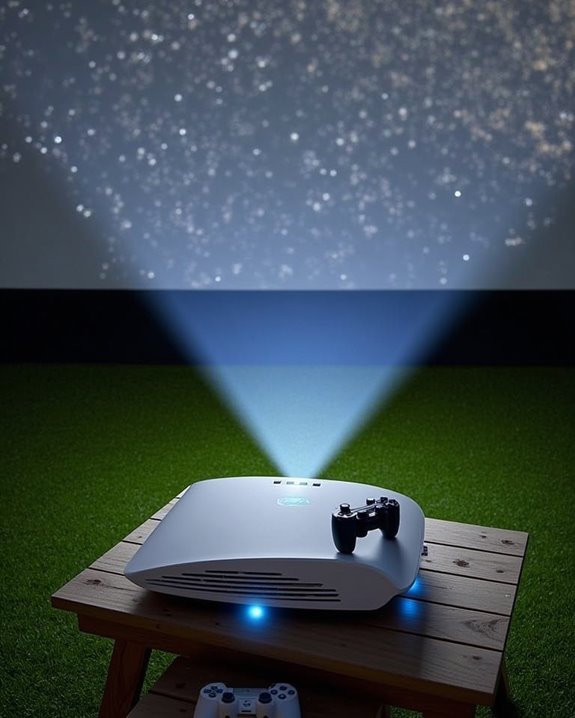
Projector TVs have evolved far beyond their traditional movie-viewing role, expanding into versatile entertainment solutions for today’s diverse media landscape. Modern gaming projectors deliver impressively low input lag (under 16ms) with refresh rates up to 240Hz, making them ideal companions for PS5 and Xbox Series consoles while avoiding the burn-in risks associated with OLED displays. For outdoor entertainment, portable projectors featuring laser and LED technologies provide bright, durable performance in various environments, with some models offering weatherproof accessories for expanded usage scenarios. Smart projectors now incorporate Android TV operating systems, Wi-Fi connectivity, and voice control, creating foundations for emerging technologies like Virtual Reality integration and Projection Art installations. With their expanding capabilities, today’s projectors serve as thorough multimedia hubs that adapt to your entertainment needs.
Recommended Products

【Smart Streaming Projector with Netflix Compatibility — Entertainment Without Limits】Skip the extra streaming devices and enjoy instant entertainment with this mini smart projector. Powered by Whale OS, it supports Netflix compatibility, YouTube, Prime Video, and hundreds of downloadable apps, giving you direct access to movies, shows, sports, and more. No TV stick, no complicated setup, and no HDMI accessories required. With fast startup, smooth navigation, OTA system updates, and a compact portable design, this smart projector brings your favorite content anywhere — from living rooms and bedrooms to outdoor movie nights.

[Hear the Difference–Hollywood-Grade Dual 60W Dolby Audio] Why spend more on a TV + soundbar or settle for a tinny projector speaker when the ONO5Pro 2.0 movie projector delivers big-screen visuals and theater sound in one? 1)Dual 60W Dolby Audio-Tuned by Hollywood experts (800+ hours) for 200% louder, clearer sound than other 4K projectors. 2)With exclusive AI Sound Master tech, it automatically removes echoes and boosts bass for punchy explosions and crisp dialogue. 3)Room-Filling Sound covers up to 540 sq.ft–No extra speakers needed. 4)The innovative diaphragm design delivers a perfectly balanced highs/mids/bass audio profile. One tap to unlock a true theater-like sound experience

【Your All-in-One Entertainment Hub - Prime Video & YouTube Pre-Built】Go from unboxing to watching in minutes! Our smart projector is compatible with Netflix Prime Video, and YouTube – they are pre-installed and ready to use. No more complicated sideloading, dodgy APKs, or extra streaming sticks. Just connect to WiFi and instantly access all your favorite shows and movies, making every day a movie day.
Frequently Asked Questions
What’s the Average Lifespan of Different Projector Light Sources?
Your projector’s lamp lifespan varies: halide lamps last 1,000-5,000 hours, while LED longevity is impressive at 20,000-30,000 hours. Laser sources match LED’s durability, giving you 20,000-40,000 hours of projection time.
Can Projectors Damage Eyesight With Prolonged Exposure?
Contrary to popular belief, projectors won’t permanently damage your eyesight. However, you’ll still experience eye strain with prolonged exposure. They’re generally gentler on eyes than TVs since they use reflected rather than direct light.
How Do Projectors Perform in Bright Rooms Versus TVS?
In bright rooms, your TV outperforms projectors considerably. Ambient lighting washes out projected images, making them appear grayish with poor contrast, while TVs maintain superior screen brightness, deeper blacks, and better color vibrancy.
Are Projectors More Energy-Efficient Than Traditional Televisions?
Like a tortoise versus a hare, your projector choice matters for energy consumption. While laser projectors can be efficient at large sizes, most TVs will use less power, reducing your environmental impact overall.
Can Projectors Effectively Replace Computer Monitors for Daily Work?
Yes, you can replace monitors with projectors for daily work, enjoying portability options and flexible screen sizes. However, ambient light may affect visibility, and you’ll need to contemplate screen resolution for detailed tasks.