As an Amazon Associate, we earn from qualifying purchases. Some links on this site are affiliate links at no extra cost to you. Our recommendations are based on thorough research and editorial judgment.
Does Iphone Have a Built-In Projector for TV Use?

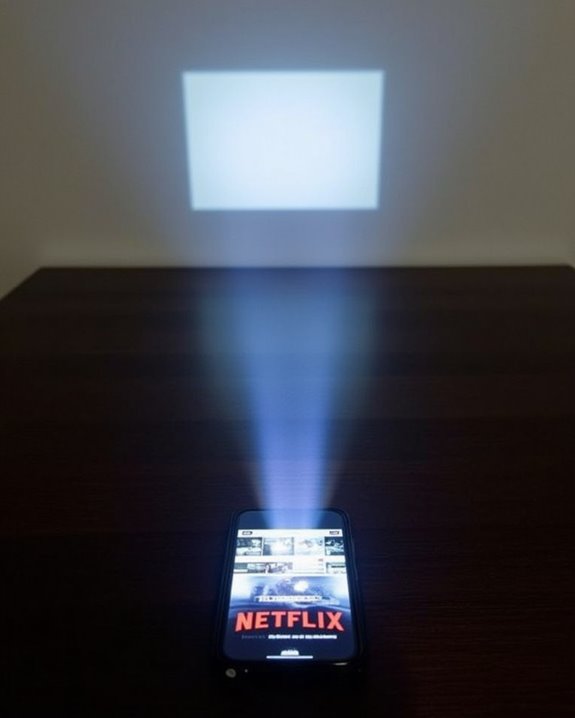
If you’re wondering whether your iPhone includes a built-in projector for TV use, it is worth pointing out that Apple hasn’t incorporated projection hardware into any iPhone model, focusing instead on advanced display technology and connectivity features like AirPlay, which lets you wirelessly stream content to compatible TVs. While this limits direct projection capabilities, there are several external accessories and methods designed to bridge this gap, offering alternative solutions worth considering.
Key Takeaways
- iPhones do not have a built-in projector for TV use or direct image projection.
- To project content, iPhones require connection to an external projector via wired or wireless methods.
- External projectors compatible with iPhones are widely available and support high-definition video streaming.
- Built-in projectors are unlikely in iPhones due to size, battery, and heat management limitations.
- Wireless options like AirPlay enable iPhones to stream content to external smart projectors or TVs.
Understanding Iphone’S Display Capabilities
Although iPhones are well known for their advanced displays, it’s important to understand exactly what those display capabilities involve, as they directly impact your viewing experience. You’ll notice that iPhones utilize both OLED and LCD screen types, with models like the iPhone 16e offering a sharp screen resolution of 2532 x 1170 pixels and a pixel density of 460 ppi, ensuring visuals are crisp and detailed. Display brightness is another critical factor—newer iPhones can reach peak brightness levels up to 1200 nits, providing excellent visibility even in bright outdoor conditions. With support for wide color (P3) and HDR, colors appear accurate and vibrant, while features such as True Tone technology and Haptic Touch further enhance usability and interaction with the device’s display. In addition, iPhones are rated IP68 for splash, water, and dust resistance, which means the device is built to withstand various environmental conditions while maintaining its high-quality display performance. However, unlike modern home theater projectors that offer native 1080P resolution and large screen sizes, iPhones rely solely on their built-in screens for display without integrated projection capabilities.
Exploring External Projector Options for Iphone
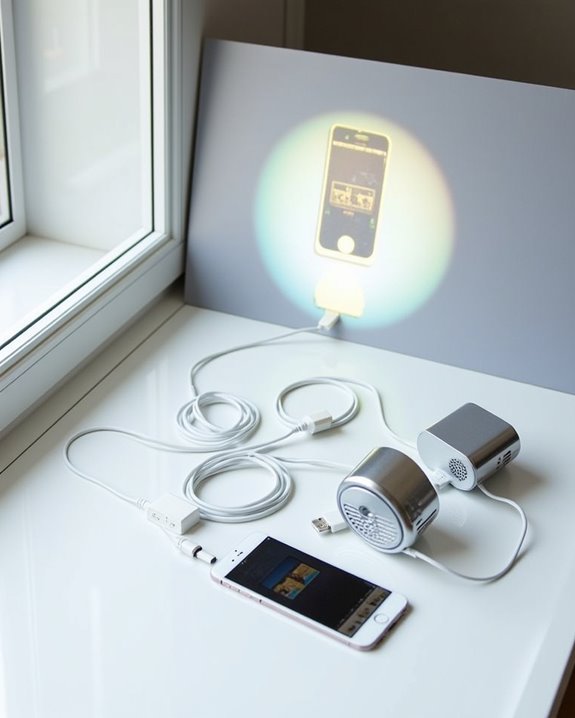
When you’re looking to project your iPhone’s screen onto a larger display, it’s important to know that iPhones don’t come with a built-in projector, so you’ll need to rely on external projector options that offer both wired and wireless connectivity. Major brands like Epson, Samsung, Miroir, Vankyo, and Kodak provide a wide range of projectors compatible with iPhones, each varying in display resolution, brightness, and smart features. Battery life and portability considerations are essential, especially if you need a device for on-the-go use or extended presentations. For a structured approach, consider the following:
- Evaluate connection methods: HDMI, VGA, or wireless like AirPlay. A wired connection ensures stable performance even in environments where WiFi is slow or unavailable. Choosing a projector with a wide viewing angle can enhance visibility for multiple viewers in diverse settings.
- Compare projector size and weight for portability.
- Assess battery life for uninterrupted usage during long sessions.
Recommended Products

【Smart Projectror with Built-in Apps】This projector does more than simply mirror videos and images from your external devices. Preloaded with mainstream streaming apps, it lets you directly access YouTube, Prime Video and more without an extra streaming TV stick. What's more, the MAYPUG mini projector comes with a built-in TV Store, enabling you to conveniently download your favorite additional streaming applications.
How to Connect Your Iphone to a Projector
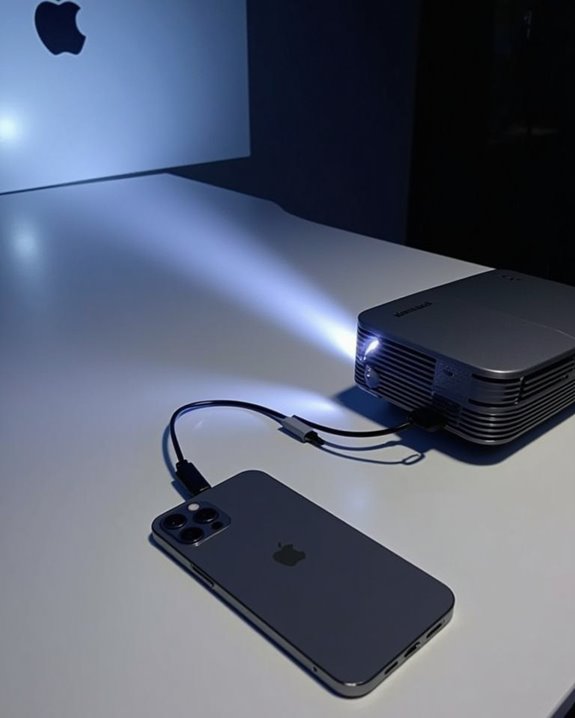
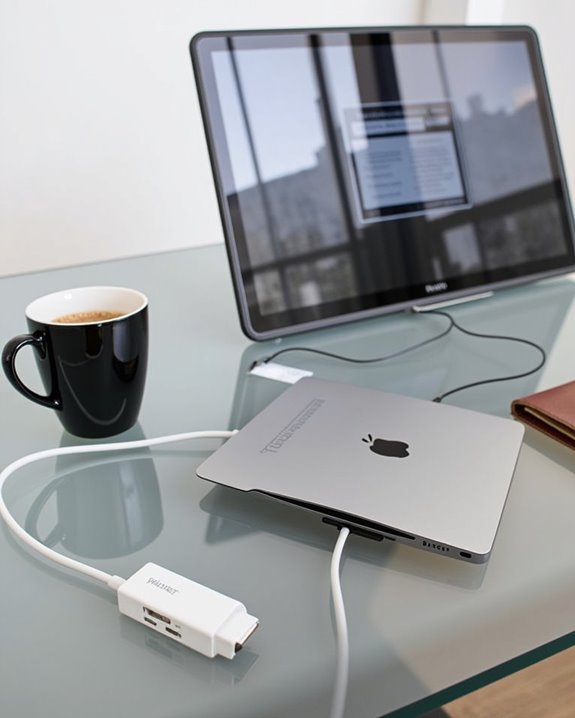
Connecting your iPhone to a projector is a straightforward process, but it does require the right equipment and understanding of your device’s capabilities. Depending on your iPhone model, you’ll use either a Lightning to HDMI adapter or a USB-C cable for direct connection to the projector; newer projectors may also offer wireless connectivity through Wi-Fi or Bluetooth. Many modern projectors support WiFi 6 and Bluetooth 5.2 to ensure stable and high-quality wireless connections. The iPhone itself does not have a built-in projector, so you will need to use external hardware or wireless methods to display your content. Wireless options, such as AirPlay, enable you to mirror your screen, but keep in mind that projecting high-resolution content can impact your iPhone’s battery life, so it’s wise to connect your device to a power source during use. Additionally, verify your storage capacity is sufficient for large media files, especially when projecting downloaded videos or presentations. Always adjust projector settings for excellent image quality and focus.
Recommended Products

【Lightning to HDMI Cable for iPhone to TV】 Elevate your viewing experience with our Lightning to HDMI cable supporting a resolution of up to 1080P (HD). Mirror what's displayed on your iPhone or iPad screen, including images, movies, games, apps, presentations, websites, slide shows, and more, on your HDMI-equipped TV, display, projector, or other compatible screens. Enjoy stunning visuals with crystal-clear clarity.

【iPhone 15 HDMI ADAPTER TO TV】- The 2-in-1 iPhone to HDMI adapter for tv helps iPhone15/16/iPad/MacBook expand a HDMI 4K@60Hz port and a charging port, enjoy crystal-clear audio and high-definition video experience, just share happiness with your family or friends. This apple HDMI to USB C adapter allows for faster charging, stable connections and high-definition output, which means you can enjoy home-theater, live streaming ,working report and playing while charging for your apple USB C to HDMI adapter.

[Device Compatibility Note] Designed for USB-C ports that support DisplayPort Alternate Mode (DP Alt Mode) or Thunderbolt 3/4/5. Before purchasing, please check if your device supports video output over USB-C. This cable does not support devices with Lightning ports or USB-C ports limited to data transfer and charging only (such as older Android phones and specific entry-level tablets).
Projector Apps Compatible With Iphone
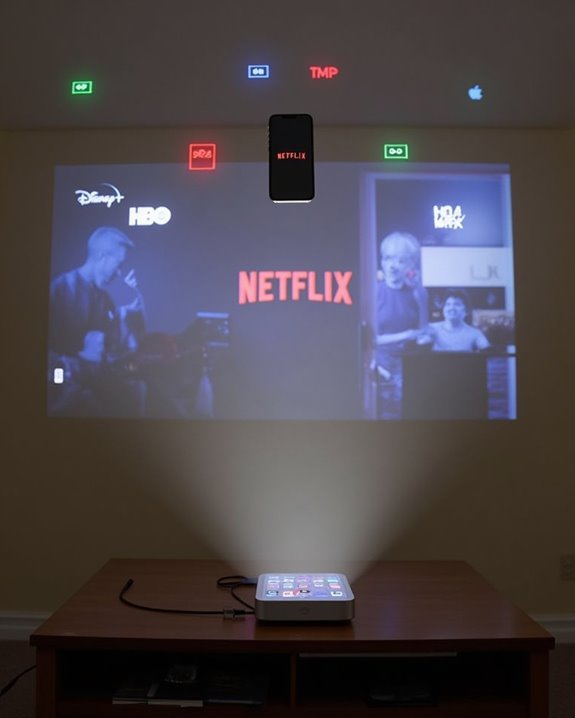
If you’re looking to project content from your iPhone, several dedicated projector apps can help you connect wirelessly to compatible projectors and control key presentation features directly from your device. Popular options like Epson iProjection enable screen mirroring, real-time video projection, and even annotation on projected images, making them versatile for both professional and personal use. When considering projector apps for your iPhone, remember to evaluate:
- Compatibility: Ensure the app supports your projector model, as each app, such as Epson iProjection, provides a list of compatible devices.
- Screen Resolution: Select apps that support high-definition output, as projecting crisp visuals depends on both the projector’s and the iPhone’s screen resolution.
- Battery Life: Monitor your iPhone’s battery life, since wireless projection and video streaming can quickly drain power.
For the best experience, it’s useful to test projection in advance, as some users report occasional stability or connectivity issues with certain projector apps.
Key Features of Mini Projectors for Iphone
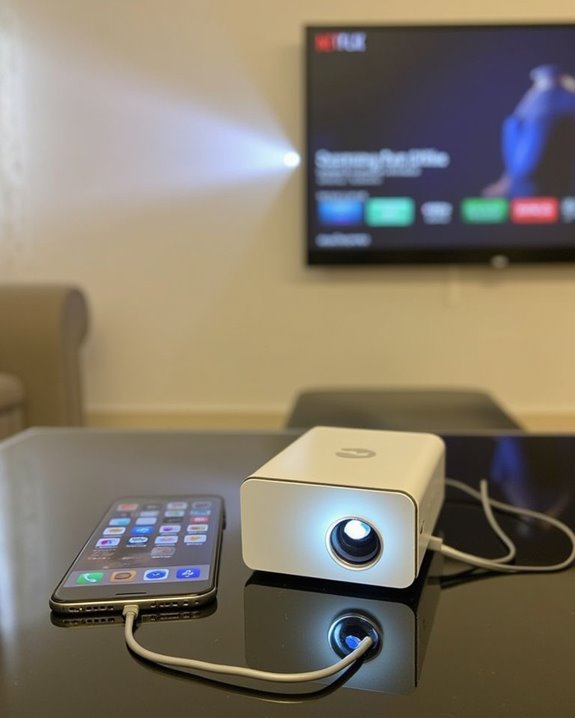
While projector apps make it easy to control and share content from your iPhone, combining these apps with a mini projector opens even more flexibility for mobile presentations and entertainment. Mini projectors stand out for their portable design, often weighing very little and sized to fit in your pocket or bag, making them ideal for travel. Mini projector durability is achieved through robust build materials, so you don’t have to worry about frequent transport or varying environments. These devices offer resolutions up to 1080P Full HD, high brightness, and contrast ratios like 6000:1, projecting crisp images up to 200 inches. You’ll find HDMI, USB, and microSD connectivity, plus built-in speakers with HiFi stereo, and simple plug-and-play operation, supporting various multimedia formats. No iPhone model currently includes a built-in projector for TV use, so using a mini projector is the best solution for projecting your iPhone’s screen onto a larger display.
Recommended Products

【P2P Direct Connection & NO WiFi Required】Newly upgraded P2P connection method, iOS/Android no longer needs to connect to the projector under WiFi environment. After the projector switches to the corresponding interface, the mobile phone can cast the screen with one click! Solve all connection problems caused by network interference. Whether you are outside or traveling, you can enjoy a smooth viewing experience

【Your Plug-and-Play Smart Cinema】It starts with the powerful Allwinner H726 chip and pure Android 14 for wireless freedom and direct access to hulu, YouTube and more with no extra sticks. The 135'' giant screen that pulls you into the immersive viewing experience. This is the smart projector that does it all

【Everything You Need – 80" Foldable Projector Screen Included】No need to spend extra on a separate screen. We’ve got you covered. This mini projector comes with a generous 80-inch foldable projection screen – ready to use right out of the box. Just unfold, set up, and enjoy a true home theater experience without the hassle or hidden costs. Bigger, clearer, better – The 80" screen delivers sharper contrast and brighter colors compared to a blank wall. Portable & space-saving – Folds easily for storage and travel. Perfect for backyard movies, camping, or indoor entertainment. Great value – No extra purchase needed. Save money while getting professional-quality projection.
Comparing Wired vs. Wireless Projection Methods
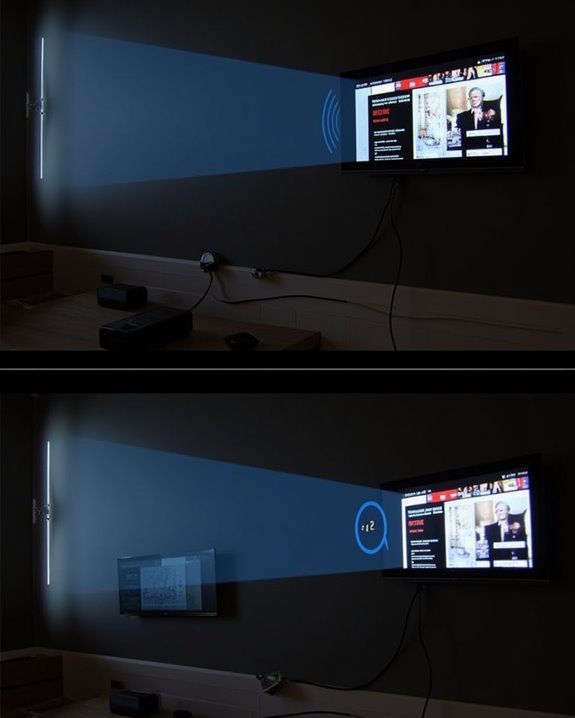
Although both wired and wireless methods let you project content from your iPhone onto a larger screen, each approach offers distinct advantages and challenges regarding stability, setup, and compatibility. If you prioritize stability and security, wired connections often deliver smoother data transfer with minimal interference, but require additional hardware like HDMI adapters, which can affect the overall price comparison. Wireless methods, such as AirPlay, provide greater convenience and flexibility, require less setup, and consume less battery life since you aren’t tethered to a cable, though they may be more susceptible to data interception and occasional connection drops. Consider these key differences:
- Wired methods offer stability and enhanced security but involve extra equipment.
- Wireless methods excel in mobility, ease of use, and battery life preservation.
- Both solutions vary in cost, depending on adapters and compatible devices.
The absence of built-in projector hardware in iPhones means that all projection options—wired or wireless—rely entirely on external devices or accessories rather than any onboard projection capability.
Recommended Products

【2-IN-1 USB-C to HDTV Adapter 】This 2-in-1 USBC to HDTV adapter for iPhone17 features a 4K@60Hz HDTV port and a USB-C 100W PD charging port, allowing you to stream videos, deliver presentations, mirror photos, or enjoy a bigger screen on a TV, monitor, or projector—all while charging your device at the same time. Note: not support iPhone 16e/17e.

iOS ONLY = ZERO COMPATIBILITY HEADACHES — Unlike adapters that claim "works with all devices" but fail on Android due to brand/model/OS differences, this adapter is designed exclusively for iPhone & iPad (iOS 7+). No app downloads, no Bluetooth pairing, no WiFi needed — just plug in and your screen mirrors instantly. Works with iPhone 16/15/14/13/12/11 and all iPad models.
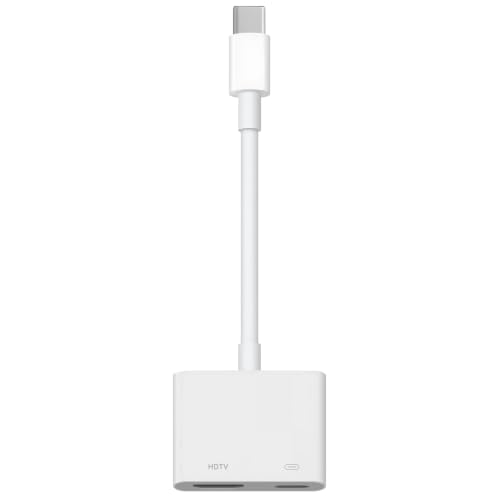
【Never Worry About Power】 Enjoy uninterrupted entertainment with 4K HDMI video output and USB-C 100W charging, ensuring you're always powered up and ready to go
Quality and Resolution: What to Expect
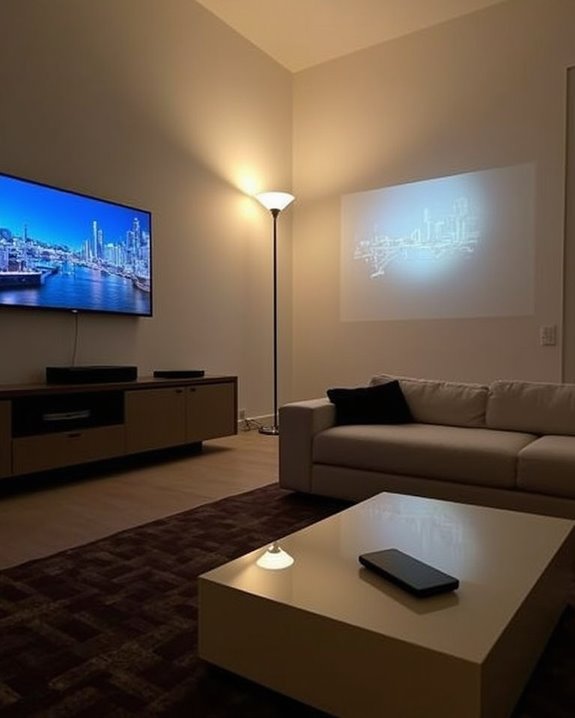
When projecting content from your iPhone, you’ll notice that both the quality and resolution of the image depend largely on the projector’s technical specifications, such as its supported resolution, brightness, and display technology. Projectors compatible with iPhones commonly offer screen resolutions from 1080p up to 4K, so higher-end models display sharper, more detailed images, contributing to superior image clarity. Brightness is also essential—projectors with ratings between 500 and 1500 ISO Lumens ensure visibility in various lighting conditions, which helps maintain clarity, especially in brighter rooms or outdoors. Display technologies like DLP and LED, often enhanced with HDR10, improve color richness and contrast. For those seeking wireless convenience, seamless connectivity features like AirPlay and Bluetooth are available on many modern projectors, making it easy to stream content directly from your iPhone. Ultimately, the combination of screen resolution and display technology determines how crisp and vibrant your projected content appears.
The Reality Behind Iphone Projector Concept Designs
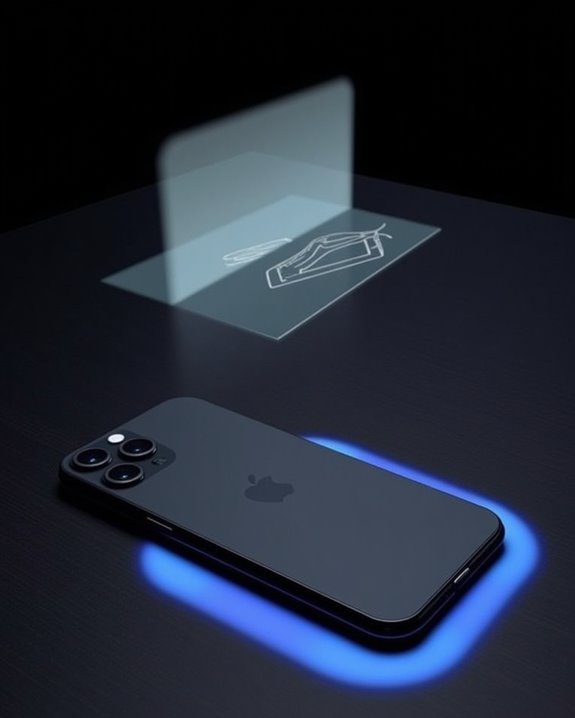
Building on the importance of image quality and resolution, it’s important to address the widespread curiosity about iPhone projector concept designs, which have captured attention through both imaginative renderings and speculative leaks over the years. While these concepts promise innovative features like motion technology and keyboard projection, real-world implementation faces substantial hurdles. Integrating a projector into an iPhone is limited by factors such as size, battery longevity, and heat management, which directly affect performance and usability. Additionally, the challenge of incorporating extra hardware without sacrificing the device’s slim profile or markedly increasing manufacturing costs remains unresolved. For instance, the unique projection mode concept seen in some renders, which includes pull-out inserts projecting displays and virtual keyboards, has yet to be confirmed as part of any real or upcoming iPhone release. Consider these technical realities:
- Projectors demand substantial power, impacting battery longevity.
- Compact integration risks overheating and device durability.
- Advanced components raise manufacturing costs, influencing pricing.
Market Availability and Popular Brands for Iphone Projectors
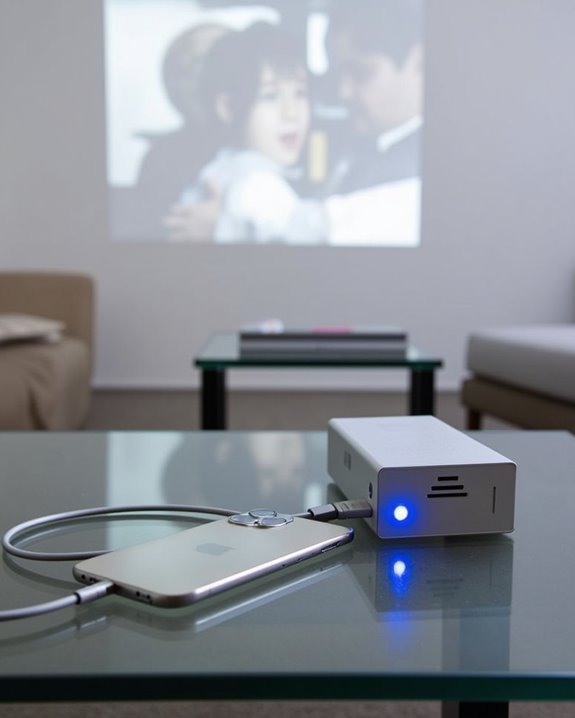
While iPhones themselves don’t include a built-in projector, the market for external iPhone-compatible projectors has expanded rapidly, offering a variety of high-quality options tailored to mobile streaming and presentation needs. Accessory compatibility is a top priority, with leading brands like Nebula, XGIMI, and ViewSonic earning strong brand reputation for designing devices that support direct streaming from your iPhone. These projectors feature high-definition resolutions—ranging from 1080p up to 4K—portable designs for easy mobility, and advanced features like autofocus, keystone correction, and built-in audio systems. Models such as the XGIMI HORIZON Pro deliver 1500 ISO Lumens and built-in Harman/Kardon speakers, while the ViewSonic M1 Max offers 1080p projection and smart capabilities, making it simple to enjoy a seamless viewing experience wherever you are. For those prioritizing portability and on-the-go use, compact projectors like the XGIMI MoGo 3 Pro and Elfin Flip are designed to be travel-friendly while still supporting iPhone screen mirroring and high-quality playback.
Recommended Products

【Built-in WiFi & Bluetooth Projector with Apps】Dual-band WiFi 2.4G + 5G ensures fast and stable wireless streaming. Bluetooth 5.2 supports speakers and headphones. Built-in apps like YouTube and Prime Video are supported, and the projector is compatible with TV sticks (not included) to access a wide range of streaming content and enjoy massive video libraries, making it a perfect movie projector.

【The Latest WIFI 6 Technology And Bluetooth 5.3】This projector with Wi-Fi and Bluetooth is equipped with the latest Wi-Fi 6 technology, compatible with Wi-Fi 6, 5G and 2.4G, offering faster connection speed and stronger stability, eliminating buffering and disconnection issues, and ensuring smoother online content playback. Additionally, it is fitted with the latest Bluetooth 5.3 chip, allowing for easy connection to Bluetooth speakers, headphones or other Bluetooth audio devices, providing a more efficient and stable transmission channel, and enabling users to enjoy higher audio quality with ease
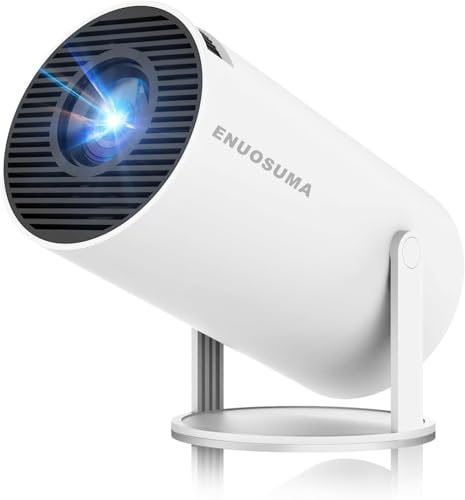
【Built-In Streaming Apps】Stream instantly, no extra devices needed,Eenjoy seamless streaming with popular apps like Prime Video, and YouTube built directly into the projector. No need for additional streaming sticks—simply connect to Wi-Fi and start watching your favorite movies and shows right away. Enjoy instant and uninterrupted entertainment from the comfort of your home.
Frequently Asked Questions
Can I Use My Iphone Projector in Bright Outdoor Environments?
If you’re using your iPhone with an external projector outdoors, outdoor visibility depends on the projector’s brightness. High lumens improve clarity, but that’ll also impact battery life, so you’ll want to plan for shorter viewing sessions.
Is It Safe for My Iphone Battery to Use External Projectors Frequently?
If you frequently use your iPhone with external projectors, it can impact battery health and charging safety. You’ll want to manage power by using adapters with charging ports and avoiding overheating to keep your battery lasting longer.
Are There Any Health Risks Associated With Using Projectors for Long Periods?
If you use projectors for long periods, you might experience eye strain and even sleep disruption from blue light exposure. It’s smart to take breaks, adjust projector settings, and be mindful of your screen time to stay healthy.
Can I Project Iphone Games With Motion Controls Seamlessly?
Like a well-oiled machine, you can project iPhone games using external projectors thanks to strong iPhone projector compatibility, but true motion control integration relies on your iPhone—projectors simply mirror output, so seamlessness depends on minimizing lag.
Do External Projectors Support Iphone Screen Mirroring for Video Calls?
You can use external projectors for iPhone screen mirroring during video calls if they’ve got wireless connectivity, like AirPlay, or you use HDMI adapters. Just make sure both devices are compatible for a seamless experience.