As an Amazon Associate, we earn from qualifying purchases. Some links on this site are affiliate links at no extra cost to you. Our recommendations are based on thorough research and editorial judgment.

Do Projectors Emit Blue Light? Understanding Eye Safety

Did you know that nearly 30% of visible light emitted by electronic screens is in the blue light spectrum, which can affect your eyes with prolonged exposure? When you use a projector, it also emits blue light as part of its visible output, whether from a traditional lamp or modern LED source, though that light is typically reflected off a screen and scattered in the environment, potentially reducing direct eye impact compared to devices like smartphones. Understanding how projector technology influences blue light exposure will help you make informed choices for safer viewing environments and might change how you approach screen time in your daily routine.
Key Takeaways
- Projectors do emit blue light as part of their visible spectrum, but typically at lower direct intensity than screens.
- Blue light from projectors is reflected off surfaces, resulting in softer, less harmful eye exposure compared to direct-view digital devices.
- Prolonged exposure to blue light can cause eye strain and discomfort, but projectors generally pose a lower risk than monitors or smartphones.
- Modern projectors often include low blue light features and certifications to enhance eye safety during extended viewing.
- Proper ambient lighting and projector settings can further reduce blue light exposure and minimize potential eye health risks.
What Is Blue Light and Why Does It Matter?
When you think about the light that comes from your phone, computer, or even the sun, you might wonder what makes blue light unique and why it matters for your health and vision. Blue light, with wavelengths between 380 and 500 nanometers, is a high-energy part of the visible spectrum, naturally emitted by the sun and artificially produced by digital screens and LED lights. It’s important to address blue light myths, as not all blue light is harmful, but certain high-energy blue-violet wavelengths (380–450 nm) are linked to eye strain and potential damage. Since your eyes can’t effectively filter blue light, more reaches the retina, raising eye safety concerns, especially with increased screen exposure. Modern projectors emit light levels that require eye safety precautions to prevent retinal damage over prolonged use. Understanding these technical details helps you make informed decisions about protecting your vision and overall health. Prolonged exposure to blue light from digital screens can contribute to digital eyestrain, which may cause symptoms like dryness, irritation, and fatigue.
How Projectors Generate and Emit Blue Light
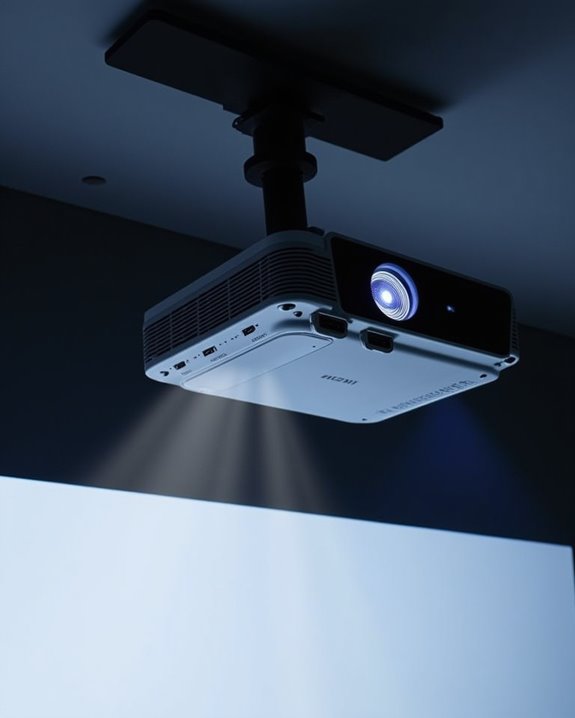
Although you might not think of projectors as a major source of blue light, understanding how they generate and emit this type of light can help you make informed choices about their use. Different projection mechanisms influence how much blue light is produced, based on the technology and components within each projector type. The blue light spectrum, ranging from 400 to 500 nanometers, is especially prominent in some projection systems due to how light is created and projected onto a screen. Projectors emit less blue light compared to smartphones or monitors, but the risk of exposure still depends on the duration of use and how close you are to the image. Here’s how the main projector technologies contribute:
- Traditional lamp projectors use bulbs that emit significant blue wavelengths as part of the visible light spectrum. These lamps typically have shorter lifespans and require more frequent replacement compared to newer technologies.
- LED projectors utilize white LEDs, which inherently peak in blue light emission. Their hybrid LED-laser technology offers longer durability and consistent brightness over time.
- Laser projectors allow precise control, minimizing blue light output. Many models, such as the Casio XJ-V10X, use hybrid laser/LED sources to optimize both brightness and eye safety.
- All systems project intensified light through a lens to display images. Optimal projection distance and screen type can also reduce direct eye exposure to blue light.
Recommended Products

CONVENIENT TO STORAGE AND CARRY : Compact one-piece,lightweight and folding design. You can fold the projector screen in small size and put it in your backpack or suitcase

Movie Screen Fabric: Made from white, soft-touch material, our thickened, smooth projector screen is crease-free and nontransparent, delivering brighter colors. It uses washable materials and can be washed either by hand or in a washing machine. Quality is strictly controlled, making it ideal for outdoor projector use.
Comparing Blue Light Emission: Projectors vs. Digital Devices
Understanding the different ways projectors and digital devices emit blue light can help you better manage your screen time and protect your eyes. When you compare the blue light spectrum across devices, it’s important to note that projectors use reflected light, which means the blue light you see is less direct than what you’d experience with digital screens like TVs, smartphones, or tablets. This emission comparison reveals that TVs and mobile devices emit blue light directly into your eyes, often at higher intensities, contributing to greater visual fatigue. Projectors, by contrast, generally emit less blue light and, due to their reflected light technology and larger screen distance, can offer a softer, more comfortable viewing experience. Projectors with high contrast ratios enhance image quality without increasing blue light intensity. Reflective lighting minimizes eyestrain compared to direct illumination, making projectors a safer choice for prolonged viewing. Adjusting settings and using filters can further reduce blue light exposure.
Recommended Products

【Lens Technology】JFXQDR high-quality clear lenses feature OAR double-sided coating, offering 98% light transmittance for exceptional clarity and HD vision. They are scratch-resistant, anti-oil, waterproof, anti-fog, UV-protective, and anti-glare.
CONVENIENT TO STORAGE AND CARRY : Compact one-piece,lightweight and folding design. You can fold the projector screen in small size and put it in your backpack or suitcase
Effects of Blue Light Exposure on Eye Health
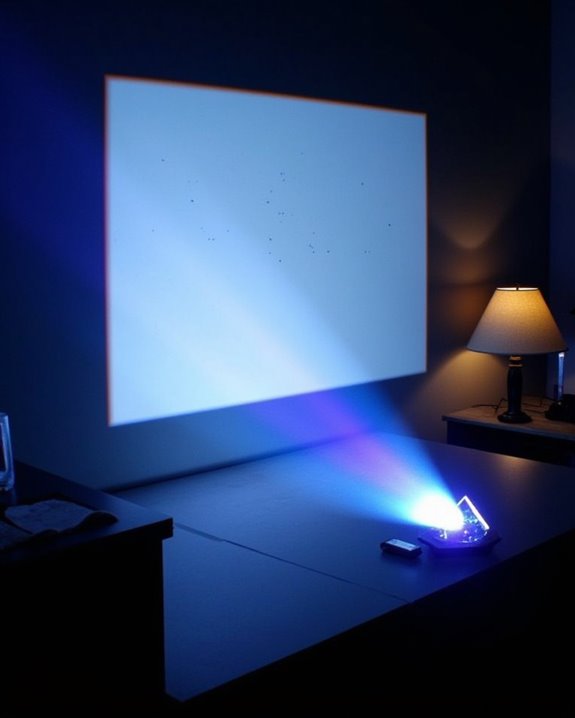
Since blue light is a high-energy wavelength that’s common in both natural sunlight and artificial sources like digital screens and projectors, it’s important to recognize how this type of light can affect your eye health over time. Extended exposure to blue light has been linked to potential issues such as retinal damage, increased risk of age-related macular degeneration (AMD), and the development of cataracts. You might also notice symptoms of eye strain, particularly if you frequently use digital devices. Blue light filters are one recommended solution to help mitigate these risks. Major source is sunlight; artificial sources include fluorescent lights, LED TVs, monitors, smartphones, and tablets. Key effects include:
- Retinal damage from photochemical reactions, especially with prolonged exposure.
- Increased risk of AMD and other eye diseases over time.
- Digital eye strain, causing discomfort and blurred vision.
- Potential disruption of circadian rhythms, affecting sleep quality.
Projectors vs. TVs: Which Is Gentler on Your Eyes?
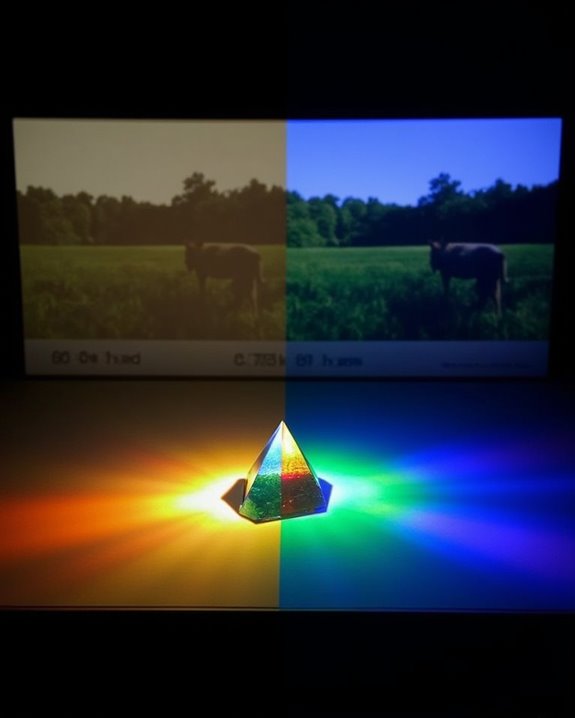
When comparing projectors to TVs regarding eye comfort, it’s important to take into account how each device delivers light and the implications for your eye health. Projectors use indirect, diffuse reflection to display images, which means you’re exposed to softer, less intense light, reducing eye fatigue compared to the direct light emitted by TVs. Projectors also emit less blue light, lowering your risk of discomfort or long-term eye issues, and their larger screen sizes minimize squinting and strain, especially when combined with flexible viewing distances. While TVs may offer higher color accuracy in some models, they often produce more blue light and direct intensity, potentially increasing eye strain. Projectors also tend to be more energy efficient for larger displays, supporting comfortable, extended viewing sessions. Another important factor is that projectors use reflected light, which is generally considered gentler on the eyes than the direct light emitted by most TVs.
Recommended Products

A Roku account and internet connection are required for activation (Creating an account is free). Note: Power Supply: 100-240V AC, 50/60Hz.

【The Latest WIFI 6 Technology And Bluetooth 5.3】This projector with Wi-Fi and Bluetooth is equipped with the latest Wi-Fi 6 technology, compatible with Wi-Fi 6, 5G and 2.4G, offering faster connection speed and stronger stability, eliminating buffering and disconnection issues, and ensuring smoother online content playback. Additionally, it is fitted with the latest Bluetooth 5.3 chip, allowing for easy connection to Bluetooth speakers, headphones or other Bluetooth audio devices, providing a more efficient and stable transmission channel, and enabling users to enjoy higher audio quality with ease

Note: For the best viewing experience, we recommend a 5.2ft distance for a 80" screen. Please also upgrade to the latest firmware for optimal performance.
Practical Tips to Reduce Blue Light Risks When Using Projectors
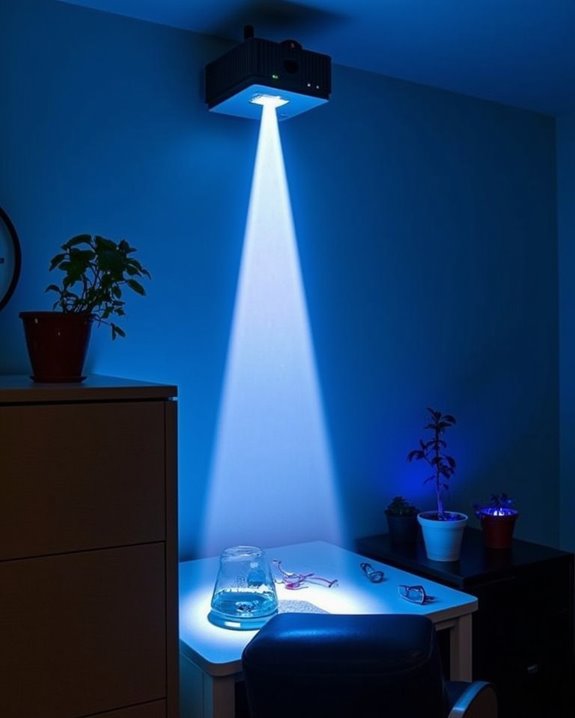
While projectors generally offer a gentler viewing experience than TVs because of their indirect light emission, it’s still important to manage blue light exposure for ideal eye comfort and long-term health. Thoughtful adjustments and careful projector placement can markedly reduce blue light risks. Here are practical measures you can implement:
- Adjust Color Temperature and Brightness: Choose warmer color temperatures and lower brightness settings to decrease blue light intensity without sacrificing image clarity.
- Utilize Blue Light Filtering Solutions: Apply blue light filters or compatible screen protectors to your projector screen, ensuring they maintain color accuracy and image quality.
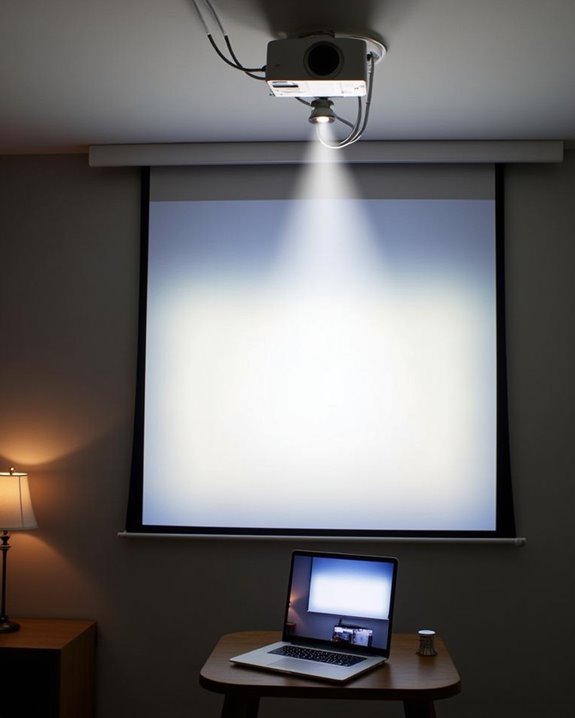
- Optimize Projector Placement: Position your projector and seating to avoid direct exposure, evenly distributing light across the viewing area. Unlike LED screens, projectors use diffused reflection, which helps reduce direct light exposure to the eyes and makes viewing more comfortable.
- Enhance Ambient Lighting: Balance room lighting to minimize contrast between the projection and surroundings, reducing eye strain during prolonged viewing sessions.
Recommended Products

Gel filter material: these gel filters are made of high light transmission plastic material, lightweight, steady color temperature and low loss, helpful to use

【Variable Color】Package include 14 pcs of gel light filters in total.If you feel the colored plastic sheets are transparent,you could to double (or more) up to get the deep color you want.

HIGH LIGHT TRANSMISSION MATERIAL: The transparent blue gel filter is made of high light transmission material with light weight, steady color temperature and low loss. PLEASE DON'T ATTACH THE GEL FILTERS TO MODELING LAMP OR IT WILL BE MELTED
Emerging Technologies for Safer, Low-Blue Light Projection
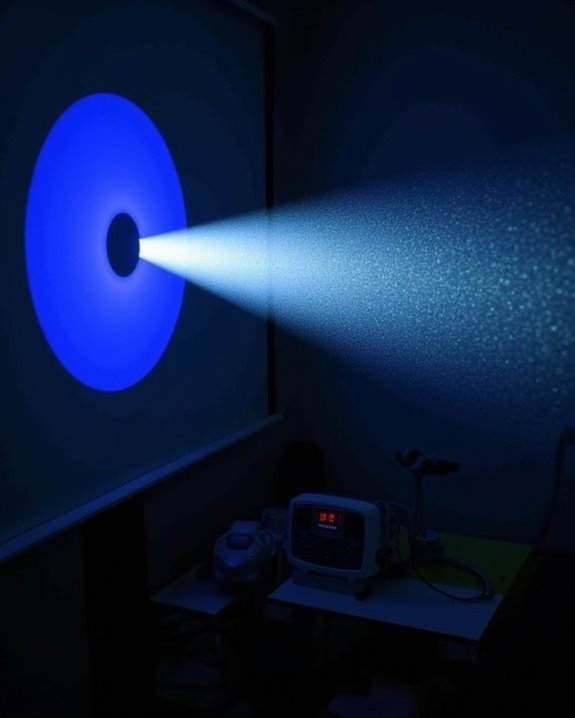
As projector technology keeps advancing, you’ll find a growing range of features designed to limit blue light exposure and protect your eyes during extended viewing sessions. Modern projectors use innovations like laser sources, LED lighting, and hybrid systems that target the blue light spectrum more precisely than older lamp-based models, often supported by certifications for low blue light output. Projector calibration tools and smart sensors can automatically adjust image brightness and color, further minimizing unnecessary blue light. Features such as Ultra Short Throw (UST) designs, diffuse reflection imaging, and automatic dimming reduce direct exposure to intense light, enhancing eye safety. Notably, recent projector shootouts have shown that manufacturers like Sony, Epson, and JVC are improving HDR handling and image processing, which helps reduce overall eye strain during high-contrast scenes. By selecting models like the ViewSonic X1-4K or Epson Home Cinema LS11000, you benefit from advanced low-blue light technology built specifically for safer, long-term viewing.
Recommended Products

Create Ghostly "ice Fog" Effects: instantly transform your Halloween setup into a mysterious, spectral realm; When paired with a low-lying fog machine (sold separately), the blue laser beam cuts through the ground-level mist to create a cool-toned, ethereal beam effect—as if ghosts were wandering through the night
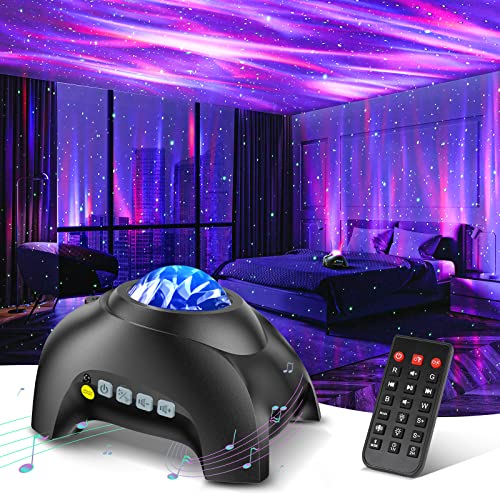
🏡【𝐔𝐩𝐠𝐫𝐚𝐝𝐞𝐝 𝟑-𝐢𝐧-𝟏 𝐆𝐚𝐥𝐚𝐱𝐲 𝐏𝐫𝐨𝐣𝐞𝐜𝐭𝐨𝐫】Watch the splendid aurora views without chasing around or hiking far away, turning your home into a mini planetarium room or cozy bedroom. Place yourself in a peaceful environment with natural white noises echoing in your ears, relaxing both your mind and body. Enjoy immersive sound while playing your favorite music through the built-in Bluetooth speaker and lamp-style ambient effect.

High brightness: 1900LM per H11 H8 LED fog light bulb, 3800LM per set; Current: 720Ma; Power: 8.6W; Voltage: 10V~30V(fits 12V/24V vehicles); Waterproof IP67; Color: Ice Blue
Frequently Asked Questions
Are There Projector Screen Materials That Reduce Blue Light Exposure?
You won’t find projector screen materials specifically designed to reduce blue light exposure. Instead, you should use blue light filters or choose projectors with special coatings. Adjusting projector settings can also help minimize blue light effects.
Can Wearing Blue Light Blocking Glasses Help When Watching Projectors?
Better safe than sorry—if you want blue light protection while watching projectors, wearing blue light blocking glasses might help. However, glasses effectiveness varies, so you’ll need high-quality lenses to see any real benefit for your eyes.
Do Projector Brightness Settings Affect Blue Light Emission Levels?
If you lower your projector brightness, you’ll reduce blue light emission because overall light intensity drops. Adjusting projector brightness and choosing warmer color settings can help minimize how much blue light your eyes are exposed to during viewing.
Is Blue Light Exposure From Projectors a Concern for Pets?
You should consider pet safety, since blue light exposure from projectors can be a household hazard for pets. It may disrupt their sleep, affect their health, and contribute to eye issues, especially if exposure happens at night.
How Does Room Lighting Impact Blue Light Effects From Projectors?
You’ll notice that ambient illumination in your room can soften blue light’s effects by reducing glare and eye strain. Also, screen reflection—especially from lighter surfaces—can influence how much blue light reaches your eyes.