As an Amazon Associate, we earn from qualifying purchases. Some links on this site are affiliate links at no extra cost to you. Our recommendations are based on thorough research and editorial judgment.

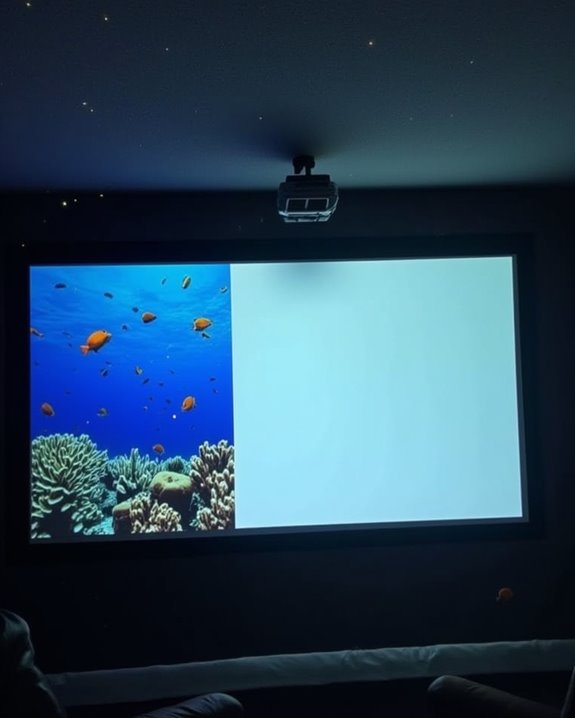
Can Projectors Do HDR? Understanding HDR in Home Theater Projectors

If you think only TVs can deliver the breathtaking detail of HDR, you might be surprised by how far projectors have come, as many now support advanced HDR formats like HDR10 and Dolby Vision, utilizing features such as tone mapping and dynamic iris to enhance both contrast and color. With these technologies, projectors can create more lifelike and vivid images, though their performance depends heavily on brightness and room setup, which introduces unique considerations you’ll want to explore further.
Key Takeaways
- Many modern home theater projectors support HDR formats like HDR10, HDR10+, Dolby Vision, and HLG for enhanced image quality.
- True HDR performance in projectors is limited by lower brightness and contrast compared to high-end TVs, especially on larger screens.
- Advanced features like tone mapping, dynamic iris, and wide color gamuts help optimize HDR content for vivid colors and deeper contrast.
- Room conditions, screen type, and ambient light control are crucial to maximizing a projector’s HDR impact.
- The effectiveness of HDR in projectors depends on proper calibration, environment optimization, and the projector’s tone mapping capabilities.
What Is HDR and How Does It Work in Projectors?
When you hear about HDR, or High Dynamic Range, in home theater projectors, it refers to a technology that expands the difference between the brightest whites and the darkest blacks, making images look more vivid and lifelike. To achieve this, projectors use advanced brightness control, dynamic iris technology, and precise color calibration—including EOTF curve adjustments—to accurately represent both highlights and shadows. Some models also incorporate auto keystone correction and auto-focus to optimize image clarity automatically. Tone mapping processes further optimize HDR content by adapting image details to the projector’s brightness limits, preserving clarity in all areas. HDR supports wider color gamuts like Rec. 2020 and DCI-P3, resulting in more saturated and vivid colors. Selecting the right screen materials is essential, as they influence how HDR images appear, while audio calibration ensures your sound matches the enhanced visuals for a cohesive experience. Proper calibration and thoughtful choices in these areas maximize the benefits of HDR in home theaters.
Key HDR Formats Supported by Home Theater Projectors
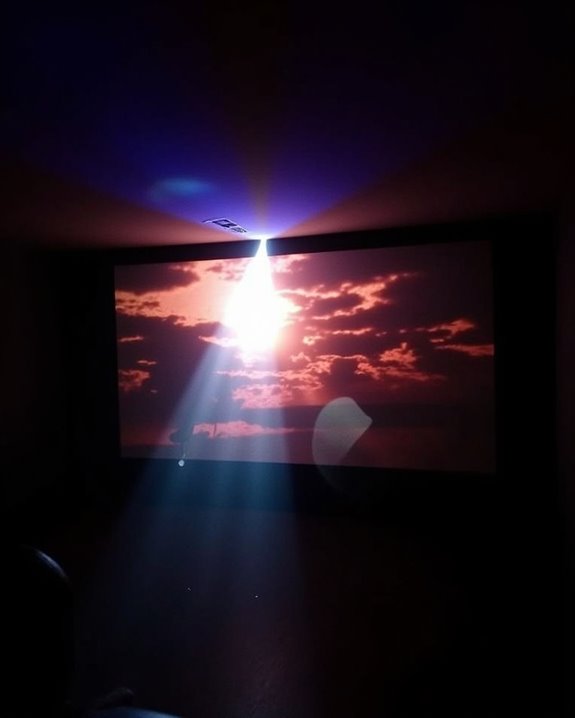
Although home theater projectors often advertise HDR capabilities, it’s important to understand which specific HDR formats they support, as this directly impacts your viewing experience and compatibility with different content sources. The most common format is HDR10, which uses static HDR metadata and 10-bit color depth, ensuring reliable playback for Blu-ray and streaming content across most projectors. Some newer models support HDR10+, which upgrades to dynamic metadata for scene-by-scene brightness and color adjustment, enhancing visual detail. Dolby Vision, offering up to 12-bit color depth and advanced dynamic metadata, is typically limited to premium projectors or requires external processing. For live broadcasts, Hybrid Log-Gamma (HLG) is widely included in current models, supporting HDR without dedicated metadata and offering broad compatibility with UHD TV broadcasts. Many advanced projectors, such as the JVC DLA-NZ7, also feature support for FILMMAKER MODE™, which disables frame interpolation and noise reduction for a more authentic cinematic experience. Additionally, projectors with high contrast ratios and superior color accuracy significantly enhance the effectiveness of HDR content, providing more vibrant and lifelike images.
Recommended Products

4K PRO-UHD (1) — An amazing 4K experience utilizing advanced processing for resolution enhancement, color and image processing; HDR10 (2) and HLG support produce an extraordinary range of color and detail in both bright and dark scenes
![Outdoor-Projector-4K [VIDAA Live TV/40W Dolby/920 ISO] with WiFi6 and Bluetooth Compatible with Netflix, Smart Projector, AI Voice Control & Auto Focus, HDR10, Movie Proyector for Ceiling Home Theater](https://m.media-amazon.com/images/I/51R8227Xr5L._SL500_.jpg)
【2026 No.1 Fast VIDAA OS | Cloud Storage & Data Security】The upgraded X9 PRO 4k projector builds on the classic X9 proyector with superior speakers, higher brightness, and the exclusive VIDAA OS—designed to feel like a smart TV but perform even smoother. Unlike standard Android or Google TV projectors, VIDAA stays fast and stable over months of heavy use, with zero lag. It includes cloud storage to keep local memory free, and no data tracking, no targeted ads, and no personal collection. Kids mode with enhanced privacy protection. Whether at home, camping, or watching live sports, you get a secure, distraction‑free cinema experience every time
Brightness and Screen Size: Challenges for HDR Projection
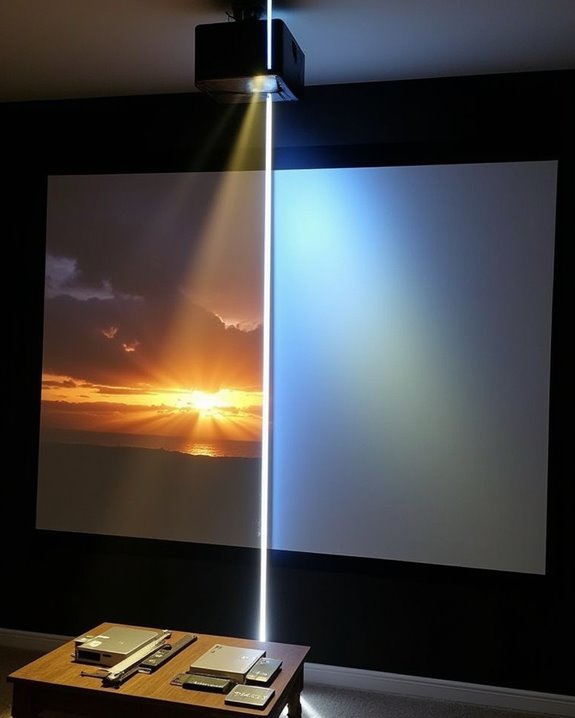
Even though HDR can considerably enhance your home theater experience, achieving true HDR performance with projectors presents unique challenges, especially regarding brightness and screen size. Unlike flat-panel displays, most projectors struggle to reach the high brightness levels—ideally 120 to 150 nits—required for impactful HDR, particularly on larger screens. The actual peak brightness often falls well below the HDR mastering standards of 1000 nits or more. To understand these challenges, consider:
- Larger screens demand more projector lumens to maintain clarity, but most home theater models can’t exceed 100 nits on 110–130-inch screens. Additionally, screen sizes above 200 inches require significantly higher brightness to avoid image degradation due to ambient light.
- Screen gain (typically 1.0 to 1.3) can improve perceived brightness, but may compromise color accuracy. Using an ambient light rejection screen paired with a high-lumen projector can also enhance image quality in bright conditions.
- Ambient light in your viewing room reduces contrast and brightness, requiring even higher output for ideal HDR performance.
Because room color impacts reflectivity, using black or dark gray walls and ceilings in your viewing environment can significantly enhance perceived contrast and maximize HDR effectiveness.
Recommended Products
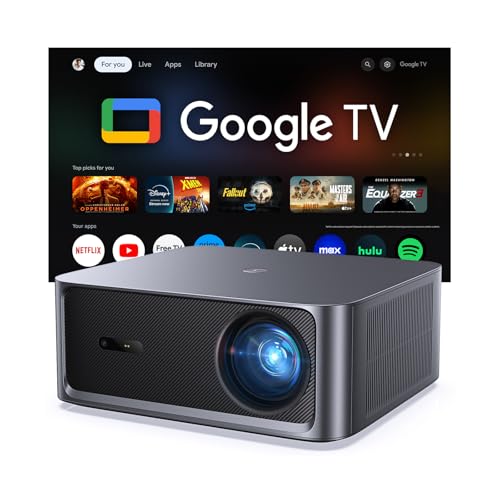
[Built-in Google TV with Official Streaming Apps]-Enjoy instant access to 1,000+ apps with built-in Google TV, including Netflix, Prime Video, YouTube, Hulu, and Disney+. No extra TV stick needed—just power on and start streaming your favorite movies, shows, and sports with a smooth plug-and-play experience.

[Image Clarity & Movie Viewing Experience] Worried about blurry, dim projector images with missing details during home viewing? This projector delivers native 1080P (1920×1080) full HD resolution, genuine 24000 lumen brightness, and professional 4K decoding. It outputs sharp, bright, highly detailed images, fixes common picture quality defects of regular projectors, and builds a premium, immersive home theater viewing experience.
Enhancing Contrast and Color With HDR Technology
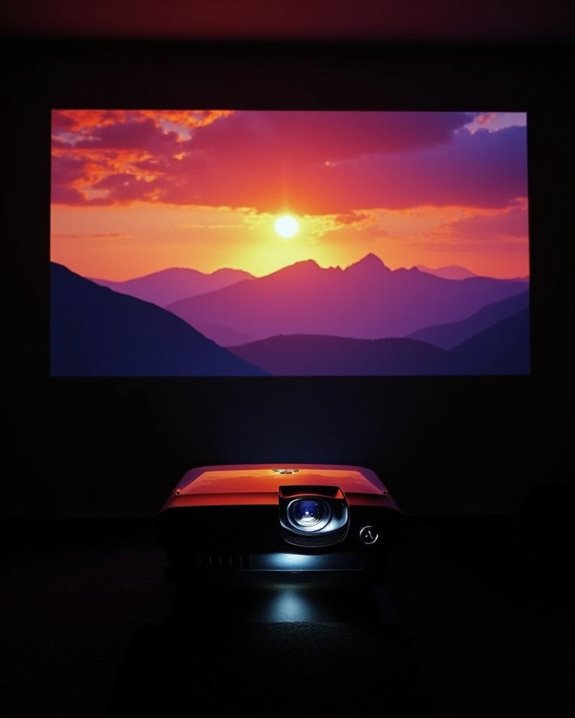
While projector brightness and screen size present hurdles for achieving impactful HDR, advancements in HDR technology are transforming how projectors handle contrast and color reproduction. With HDR color, projectors can now display a broader color gamut, offering richer and more vibrant images that closely match what filmmakers intend. Contrast enhancement, enabled through features like BenQ’s HDR-PRO Global and Local Contrast Enhancer, sharpens image depth and boosts stereo perception by selectively increasing contrast in different zones of the picture. This approach allows projectors to render deeper blacks and brighter whites simultaneously, preserving subtle shadow and highlight details. You’ll notice smoother color gradations, fewer visible bands, and overall improved realism, all contributing to a more immersive home theater experience that brings cinema-quality visuals into your living room.
The Role of Dynamic Iris and Calibration in HDR Projectors
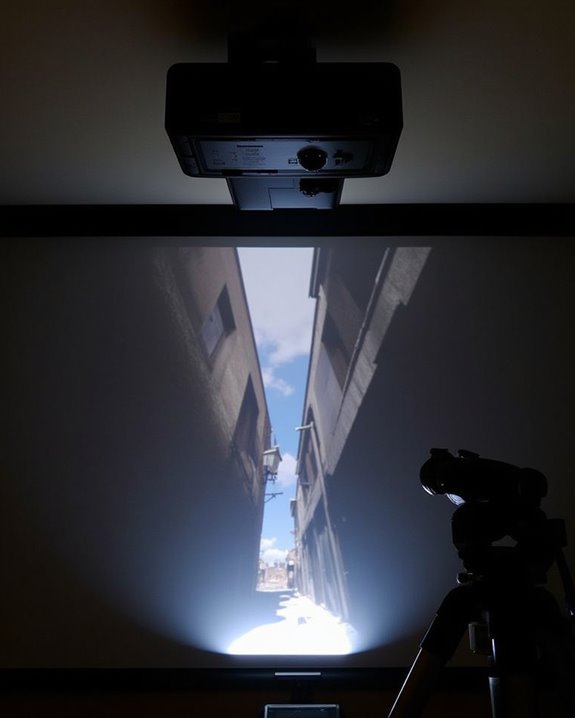
Because achieving true HDR impact with projectors involves more than just boosting brightness, dynamic iris technology and careful calibration play a critical role in home theater setups. The dynamic iris is a mechanical mechanism that adjusts the projector’s aperture in real-time, optimizing light output scene by scene. When you employ calibration techniques, you ensure the dynamic iris aligns with your room and screen conditions, maximizing HDR performance. Consider these essentials:
- Dynamic iris enhances black levels and contrast by modulating light output for each scene.
- Calibration techniques fine-tune brightness and contrast, avoiding crushed blacks or blown-out highlights. Some advanced projectors use a dual dynamic iris solution, which employs two irises for refined light control and even greater contrast enhancement.]
- Proper setup matches projector output with screen size and ambient light, ensuring comfortable, detailed viewing.
Together, dynamic iris and calibration techniques create a balanced, realistic HDR experience tailored to your space.
Recommended Products
![[Officially-Licensed App & Auto Focus]White Smart Mini Projector with WiFi and Bluetooth, XuanPad 4K Support Movie Projector, Portable Native 1080P Outdoor Projector with 360° Stand](https://m.media-amazon.com/images/I/51I8uy-U8bL._SL500_.jpg)
Exciting Moments Begin - The XuanPad mini projector compatible with Netflix for the ultimate viewing experience.No extra devices or complicated setup needed—just enjoy instant access to a vast library of movies with immersive, smart TV-like quality.XuanPad smart projectors are compatible with a variety of built-in apps like YouTube and Prime Video, and support for wireless screen mirroring and HDMI. Whether it's movie night, a gaming session, or camping, our licensed projectors can meet your customized entertainment needs.
Evaluating HDR Performance: Contrast, Color, and Luminance
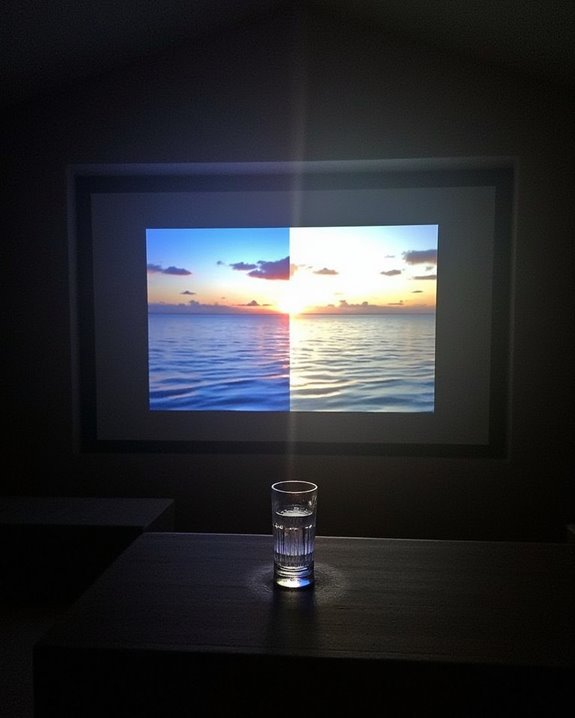
To accurately evaluate HDR performance in home theater projectors, you’ll need to contemplate three critical aspects: contrast ratio, color capabilities, and luminance output, as each plays a distinct role in delivering the vividness and realism expected from HDR content. Contrast ratio determines the difference between deep blacks and bright whites, with higher sequential ratios, such as 5,000:1 or above, revealing greater shadow detail and depth. Effective contrast calibration guarantees these differences are maintained without artificial boosting. Luminance, or brightness, impacts how well a projector displays highlights, with laser projectors offering stable output and adjustable settings, typically ranging from about 2,900 to over 25,000 lumens. HDR color accuracy depends on wide color gamuts and precise calibration, allowing projectors to render lifelike, vibrant images across the spectrum. For the most trustworthy assessment, it’s important to consider native contrast as it provides a more realistic depiction of a projector’s true performance than dynamic or inflated ratios.
Recommended Products

A Roku account and internet connection are required for activation (Creating an account is free). Note: Power Supply: 100-240V AC, 50/60Hz.

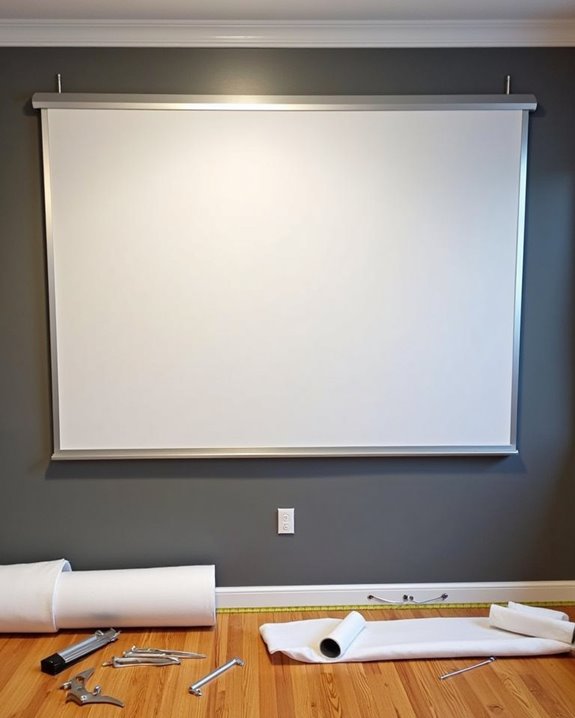
Wall Mounted Fixed Frame Projection Screen (Overall Size 58.75" Tall x 100.75" Wide) (Viewing Area 110" Diagonal x 54" Tall x 96" Wide) No option for Legs or Stands with this product. Recommended for projectors with Native 16:9 Resolution
Using HDR Projectors in Different Lighting Environments
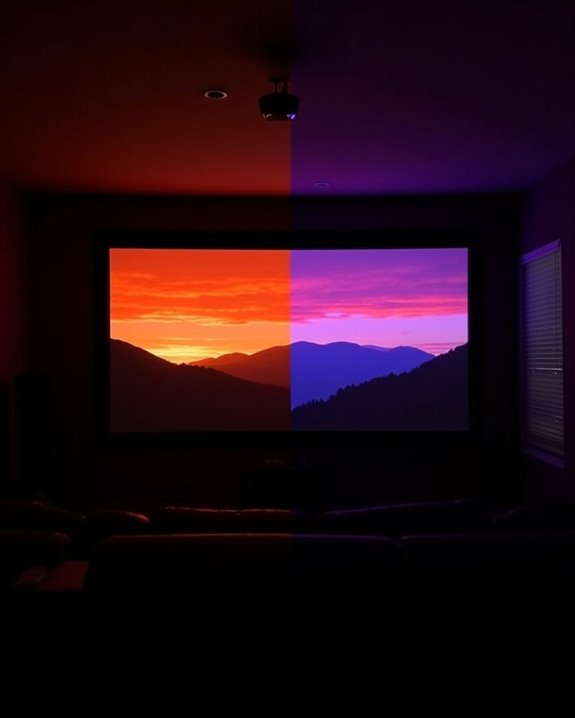
Even with advanced HDR projectors, the lighting conditions in your viewing environment play a critical role in determining the quality of your home theater experience, as ambient light can considerably affect both contrast and color performance. To maximize HDR impact, you’ll need to carefully manage both ambient light and room color, since these elements directly influence how well the projector can display shadow detail and color gradation. Consider the following:
- Minimize ambient light: Use blackout curtains or controlled lighting to prevent washed-out images and preserve contrast.
- Optimize room color: Choose darker wall and ceiling shades to absorb stray light, which boosts perceived HDR contrast and color accuracy.
- Match projector brightness: Select a projector with sufficient lumens for your environment, compensating for any remaining ambient light to maintain vibrant HDR visuals. Actual HDR quality depends on device’s tone mapping capability, so choosing a projector with advanced tone mapping will help you achieve more natural, lifelike results even in less-than-ideal lighting conditions.
Recommended Products

Premium 4K UHD Laser Projector: Experience high-fidelity 4K UHD (3840x2160p) resolution powered by 5,500 ANSI lumens; providing incredible brightness and clarity for large-scale home theaters and expansive entertainment venues
Future Trends in HDR Projector Technology
While rapid advancements continue to reshape home theater experiences, the future of HDR projector technology centers on delivering richer colors, higher contrast, and smarter integration. You’ll see projectors equipped with wider color gamuts and higher contrast ratios, made possible by stacked OLED and TriChroma RGB backlight technologies, which work together to improve overall picture fidelity. Increased brightness will allow HDR images to remain vivid even in rooms with challenging ambient light, while AI-driven content calibration will automatically adjust settings for most suitable viewing regardless of the environment. New generations of projectors will increasingly leverage laser projection, HDR, and WCG technologies, resulting in brighter, more energy-efficient, and longer-lasting home theater solutions.] Expect support for advanced HDR formats like HDR10+ and Dolby Vision, as well as seamless smart home integration, including voice assistant compatibility and proactive adaptation to ambient light. Higher resolutions, such as 8K, and faster gaming response times will also become standard.
Frequently Asked Questions
Do All HDMI Cables Support HDR Signals for Projectors?
High-speed HDMI harmony helps, but not all cables carry complete HDR charm. You’ll need proper HDMI compatibility and cable capacity for your projector resolution. Otherwise, HDR signals stumble, sacrificing sharpness, smoothness, and the stunning spectrum you seek.
Can I Upgrade a Non-Hdr Projector to Support HDR?
You can’t truly upgrade a non-HDR projector to support HDR, since it’s missing essential hardware. While HDR calibration and projector firmware tweaks help mimic HDR, you’ll still need external processors for the best HDR-like appearance.
Is HDR Gaming Possible on Home Theater Projectors?
Imagine diving into worlds with richer colors—yes, HDR gaming is possible on home theater projectors. You’ll need a model with HDR support and high projector refresh rates, like 120Hz or 240Hz, for smooth, vibrant gameplay.
How Does HDR Affect Projector Lamp Lifespan?
When you watch HDR content, your projector’s lamp works harder for better color accuracy, safeguarding lamp longevity, especially in halide lamps. To extend lifespan, manage brightness, clean regularly, ensure good cooling, and follow manufacturer guidelines.
Are There Specific Screens Recommended for HDR Projector Setups?
Nearly 100 nits of brightness is ideal for HDR projection, so you’ll want screen enhancement with unity gain (1.0) for color accuracy. Avoid high-gain or ALR screens unless absolutely necessary to prevent color shift and image artifacts.