As an Amazon Associate, we earn from qualifying purchases. Some links on this site are affiliate links at no extra cost to you. Our recommendations are based on thorough research and editorial judgment.

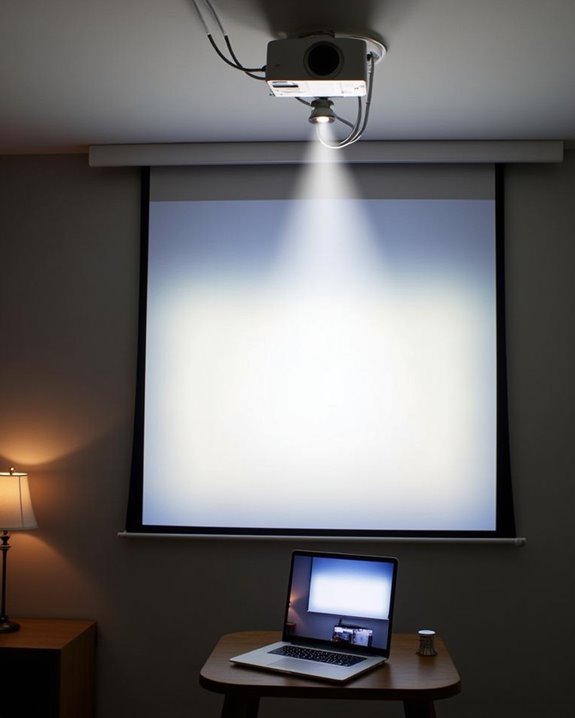
How to Hook Up a Projector for Home Theater or Presentations

Whether you’re creating a cinematic experience at home or preparing for a professional presentation, hooking up a projector correctly can make all the difference in your viewing quality. You’ll need to consider several key factors: proper placement, appropriate connectivity options, and ideal image settings. Setting up a projector might seem technically challenging at first, but with the right approach, you can achieve professional-quality results without specialized training. The following guide will walk you through each essential step, ensuring your projected image captivates your audience and delivers the visual impact you’re aiming for.
Key Takeaways
- Position the projector perpendicular to the screen with an unobstructed path and at the correct throw distance for your desired image size.
- Connect devices using HDMI cables for best quality, or utilize Bluetooth/Wi-Fi for wireless streaming when available.
- Control ambient light with blackout curtains or dimmer switches, and consider ALR screens for rooms with unavoidable light.
- Organize cables with ties, labels, and wall channels to prevent tripping hazards and signal interference.
- Calibrate brightness, contrast, and color settings based on your room conditions and viewing preferences.
Preparing the Ideal Space for Your Projector Setup
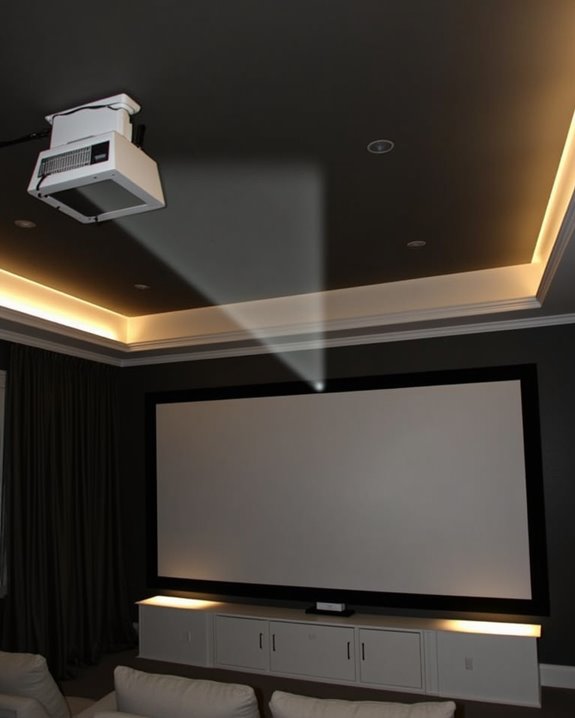
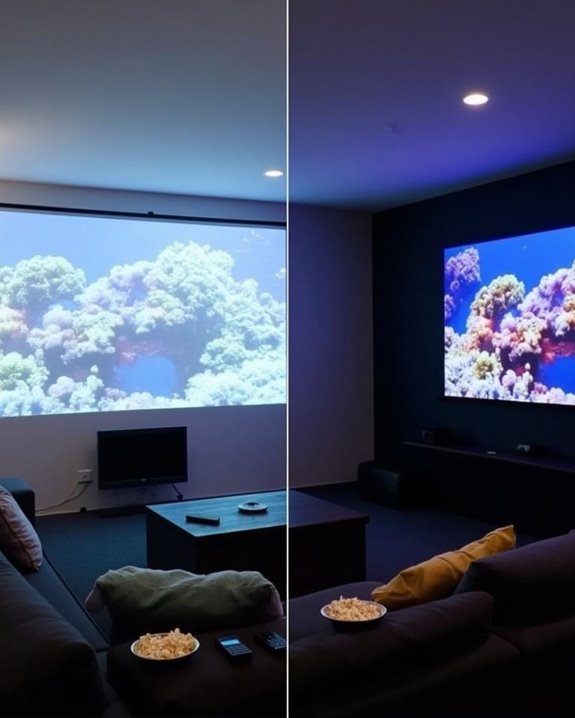
Before you connect a single cable, ensuring your space is properly prepared will dramatically improve your projector’s performance and your viewing experience. Start by controlling room lighting, as projectors need minimal ambient light for ideal image quality—aim for projectors with at least 2,000 lumens if your room has windows or bright lights. Choose neutral wall colors to reduce unwanted reflections, and arrange furniture to avoid obstructing the projector beam.
Don’t overlook acoustic treatments, which considerably enhance your audio experience. Sound-absorbing panels or carpeting will prevent echo and improve sound clarity. Organize cables using cord covers or channels to prevent tripping hazards and extend equipment life. Remember, your projector needs about five times the light of its surroundings, so blackout curtains or dimmer switches are worthwhile investments. For the best picture quality, consider pairing your projector with an ALR screen to enhance contrast and color saturation in ambient light conditions.
Recommended Products

Movie Screen Fabric: Made from white, soft-touch material, our thickened, smooth projector screen is crease-free and nontransparent, delivering brighter colors. It uses...
Selecting and Positioning Your Screen for Optimal Viewing
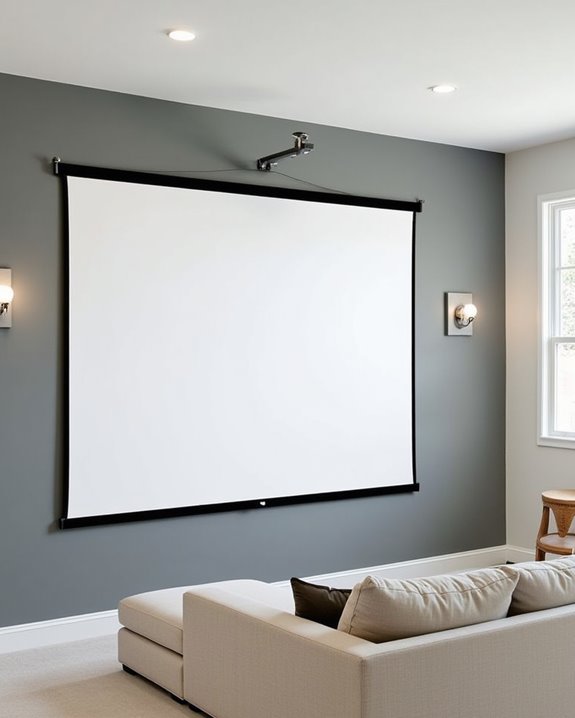
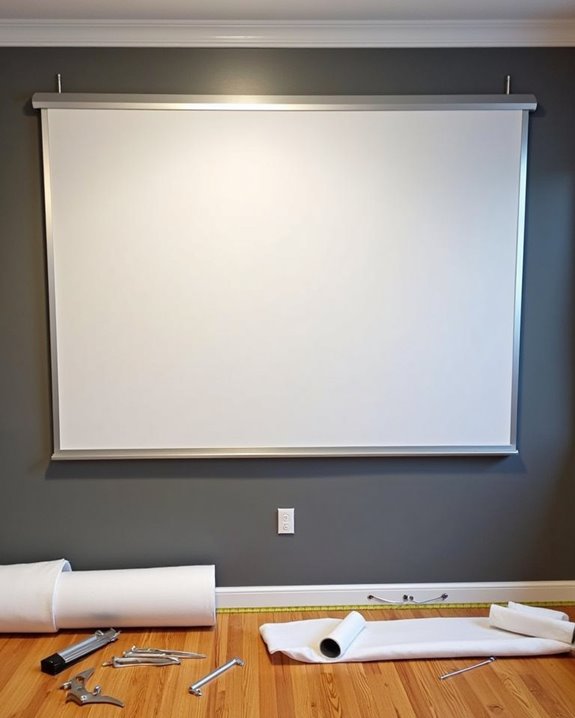
While setting up your projector requires attention to the environment, choosing the right screen and positioning it correctly can make or break your viewing experience. Consider the aspect ratio that suits your content—16:9 is ideal for home theaters, while 4:3 might work better for business presentations. The screen material affects image quality considerably; white screens excel in dark rooms, while grey materials reduce ambient light reflections.
Position your screen so its center aligns with viewers’ eye level, ensuring comfortable viewing sessions. The distance between your projector and screen depends on the throw ratio specified by the manufacturer. For best results, verify your screen is perfectly level to prevent image distortion. Select a screen size appropriate for your room dimensions and seating arrangement, remembering that larger screens demand more projector brightness. Additionally, choosing a screen with a wrinkle-free surface helps maintain consistent picture quality and durability over time.
Recommended Products

CONVENIENT TO STORAGE AND CARRY : Compact one-piece,lightweight and folding design. You can fold the projector screen in small size and put it in your backpack or suitcase

【Watch Before Buying】Please read the dimensions carefully and measure the size corresponding to the desired scene before confirming. You can also match the scene according to the specific size, without being limited to the following.

Unshakably Stable Base and Support: This projection screen features a sturdy base and support—extended and reinforced—effectively addressing instability issues common in screen stands. Crafted from premium steel, the accessories of projector screen ensures long-term durability and resistance to bending or breaking
Choosing the Perfect Projector Placement
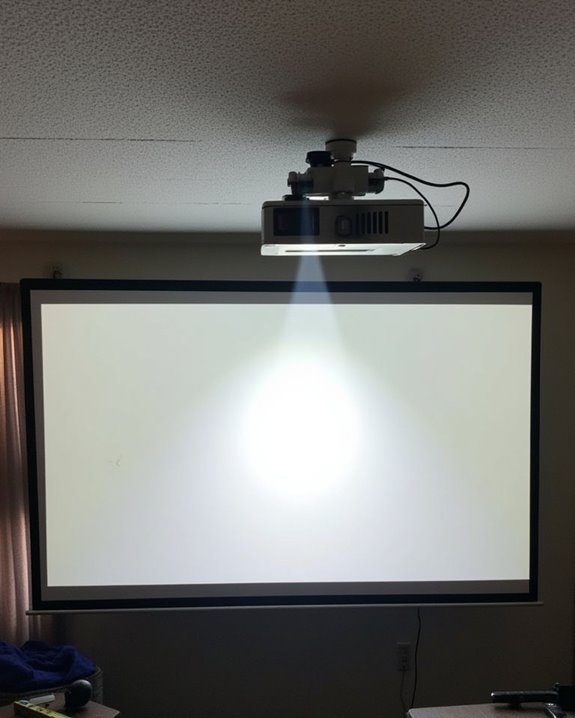
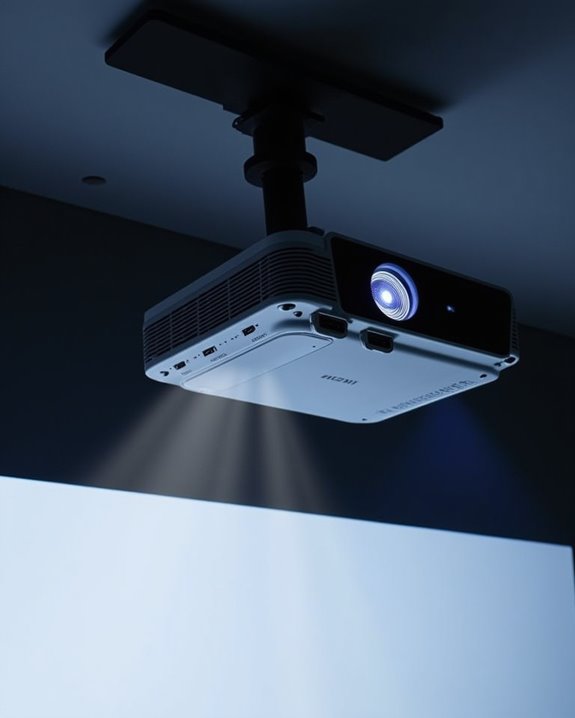
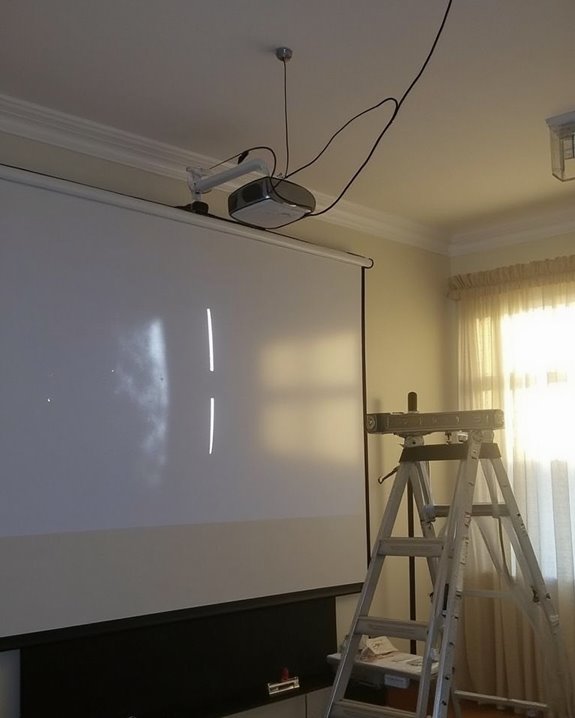
Once you’ve set up your screen, finding the ideal placement for your projector becomes your next critical decision. Position your projector along a perpendicular line from the screen’s center, ensuring an unobstructed projection path free from shadows or interference. Your ceiling height will directly impact both screen size potential and projector mounting options, so measure carefully before installation.
When mounting, always secure your projector to structural elements like ceiling joists for maximum mount stability, using stud finders to locate proper attachment points. Calculate the proper projection distance using your projector’s throw ratio specifications, which determines how far the unit must be from the screen to achieve your desired image size. Consider ambient light sources when finalizing placement, avoiding locations where sunlight or room lighting might wash out your projected image. For bedrooms or small rooms, using a short-throw projector can help achieve large images in limited space without compromising quality.
Recommended Products

Universally Compatible: This projector ceiling mount supports most projector brands with distance between the mounting holes on back 12.1 inches or less. This mount can be used on flat ceiling.
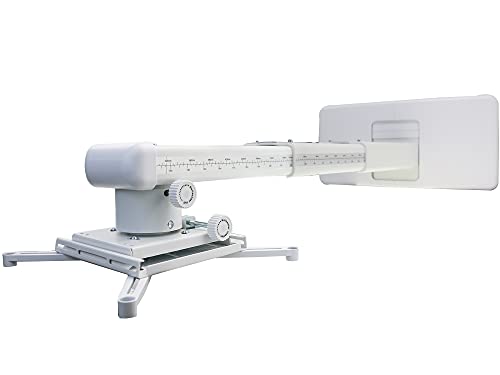
ultra Short Throw Projection,Most sturdy of all, great fine tune knobs, best manual (very very detailed),It has the advantages of heavy load, over four times machine, high negative precision, small shaking, fast adjustment, quick positioning, small package, light and portable
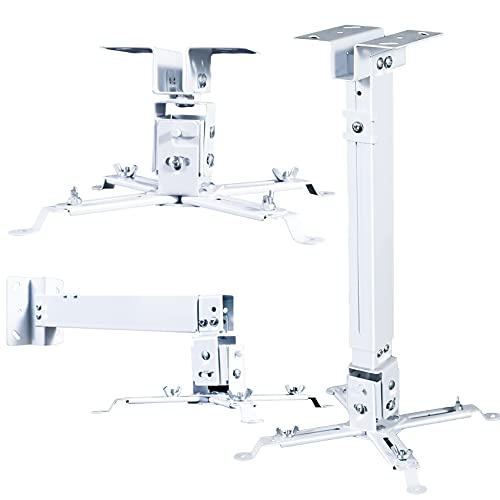
🎬【Upgraded cable management, safely contained】 The projector mounts adopt a large square tube design which helps keep HDMI, audio, and video cables concealed and organized, power cords and cables safely contained, keeps everything clean and organized, eliminate hazards due to tangled or stray electrical cables.
Connecting Devices and Managing Cables Effectively
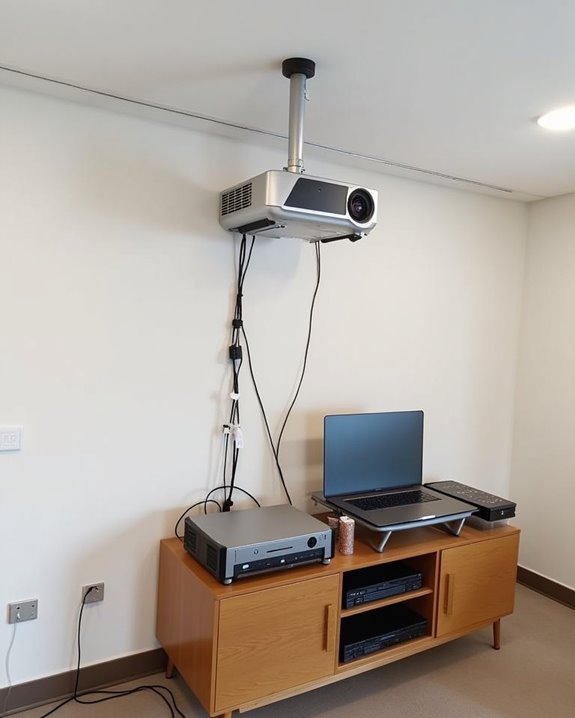
After you’ve secured your projector in its ideal position, it’s time to establish connections with your media sources and manage the resulting cable network. Connect your laptop, gaming console, or streaming device via HDMI cables for the best quality, ensuring all connections are secure and properly seated.
For wireless streaming, utilize your projector’s Bluetooth or Wi-Fi capabilities to eliminate some physical connections, particularly useful for smartphone integration or tablet presentations. Cable organization becomes essential as your setup grows, so implement a systematic approach using cable ties, labels, and protective sleeves to prevent tangles and damage. Route cables along walls or through designated channels, keeping power cables separate from signal cables to prevent interference. Consider investing in a cable management box for storing excess cable length, creating a cleaner, more professional appearance.
Recommended Products
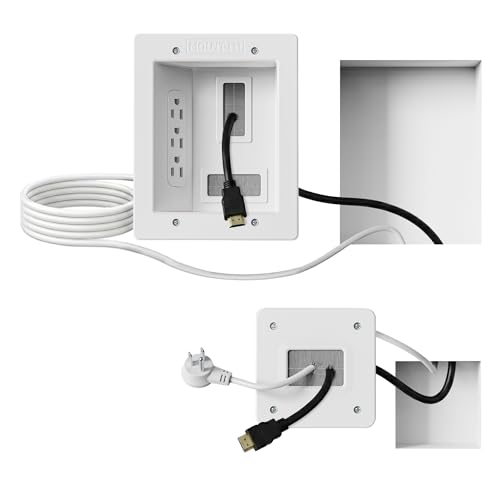
Organized home theater setup – Eliminate messy wires and give your entertainment area a clean, modern look. This in-wall cable management kit provides an easy way to power your TV and hide cables for a polished setup in living rooms, bedrooms, or home theaters.

Cable Management Kit:4pcs Cable Sleeves( 20 in L x 0.4 in w), 20pcs reusable wire ties,53Cable Clips 12Cord Holders, 2 Self Adhesive Cable Tie Rolls(The length of each roll is 118 in), 20Pcs Cable Zip Tie Mounts(3.54L x1.1 inW),200Cable Fastening Ties:100pcs (8 in*0.12 in ),100pcs(6 in*0.12 in)

This all-inclusive kit features 2 durable cable sleeves, 15 adhesive clips, 10 reusable ties, 10 cable clips,10 cable zip tie and 100 zip ties for a clutter-free space.
Calibrating Settings for the Best Image Quality
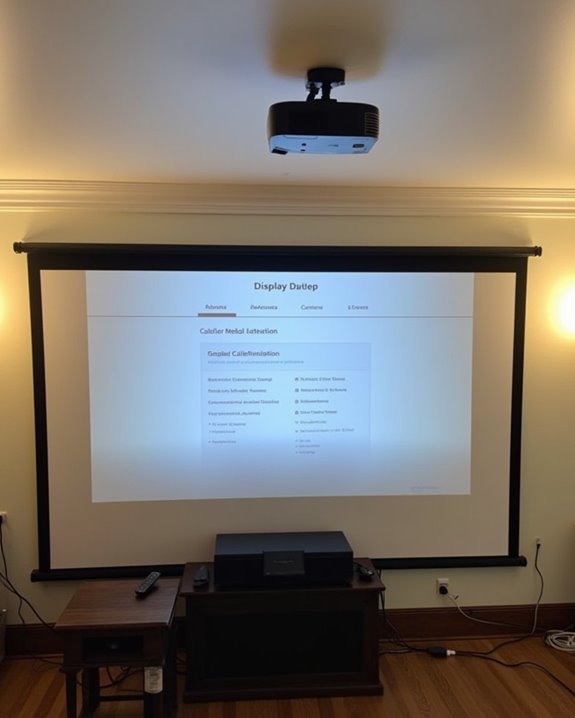
With your device connections established, properly calibrating your projector’s settings will dramatically transform your viewing experience. Start by adjusting brightness calibration using test patterns, ensuring whites appear bright without washing out and blacks remain deep while preserving shadow detail. Fine-tune contrast settings under your typical room lighting conditions to prevent eye strain.
For ideal color accuracy, use a colorimeter with calibration software or manually adjust color temperature, tint, and saturation using test images. Check screen uniformity by displaying a solid white or gray image, looking for any uneven spots or color shifts that might require lens cleaning or repositioning. Finally, save your calibrated settings as profiles labeled for different content types (movies, presentations, gaming), and schedule periodic recalibration as bulbs age and environmental conditions change.
Recommended Products

SUPERIOR ACCURACY - Ensures precise color calibration with professional-grade chips, delivering consistent and reliable results for video production.

𝗘𝗡𝗦𝗨𝗥𝗘 𝗔𝗖𝗖𝗨𝗥𝗔𝗧𝗘 𝗖𝗢𝗟𝗢𝗥: Groundbreaking lens-based color engine provides a higher level of color accuracy for multiple monitors. Spyder X Pro features room-light monitoring, automatic profile changing and significantly more precise screen color, shadow detail and white balance.

ACHIEVE TRUE COLOR - Ensures your monitor displays colors accurately, critical for photography, design, and video editing, with unlimited gamma, whitepoint, and brightness settings.
Frequently Asked Questions
How Do I Resolve Wireless Connectivity Issues With My Projector?
When troubleshooting connectivity issues, check your physical connections, restart devices, and verify Wi-Fi settings. Minimize wireless interference by moving electronics away from your projector. Confirm your router configuration supports the projector’s wireless requirements.
Can I Use My Projector Outdoors for Movie Nights?
Like a chameleon adapting to its environment, you can absolutely take your movie magic outdoors. For successful outdoor setup, make certain your projector has sufficient lumens and always factor in weather considerations before planning your starlit cinema.
How Do I Prevent Overheating During Extended Projector Use?
To prevent overheating during extended use, guarantee proper ventilation options around your projector, clean filters regularly, use eco-mode, and consider additional cooling systems like external fans. Schedule brief rest periods between long sessions.
Which Streaming Devices Work Best With Home Theater Projectors?
For projector streaming device compatibility, you’ll get the best results with Google TV 4K Streamer, Roku, or Chromecast. They’re easy to set up and offer wireless connectivity with excellent 4K streaming capabilities.
How Do I Fix Audio Sync Problems Between Projector and Speakers?
Ever felt like your movie’s dialogue is running a marathon behind the action? Adjust your projector’s audio delay settings, check HDMI connections, restart devices, and try speaker calibration. External audio solutions can also help.