As an Amazon Associate, we earn from qualifying purchases. Some links on this site are affiliate links at no extra cost to you. Our recommendations are based on thorough research and editorial judgment.
Does a Projector Need to Be Perfectly Centered?

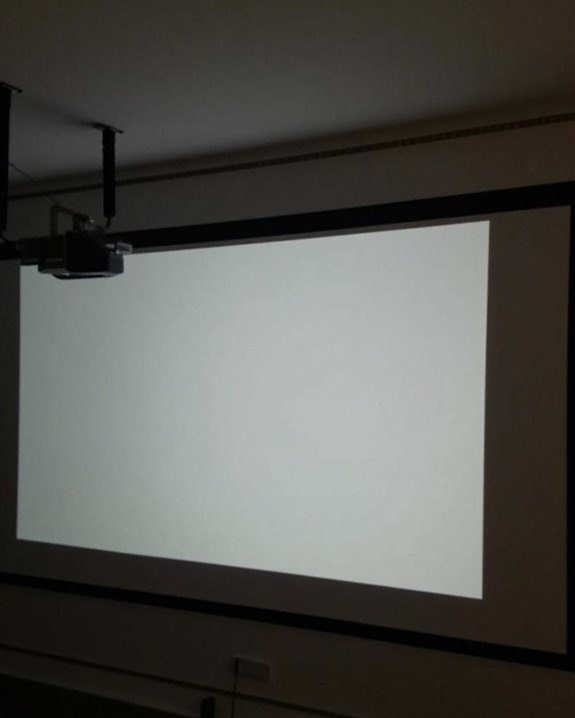
When setting up a projector, you don’t actually need to place it perfectly centered, but its alignment plays a vital role in achieving ideal image quality, as even slight misplacement can cause distortion or uneven focus, especially along the screen edges. Most modern projectors offer features like lens shift and keystone correction to address these issues, though relying on digital correction may reduce image sharpness, so understanding how placement affects your viewing experience is essential before considering alternative adjustments.
Key Takeaways
- Perfect centering ensures the sharpest, most accurate, and geometrically correct image projection.
- Off-center placement causes trapezoidal distortion (keystone effect), uneven brightness, and reduced color accuracy.
- Most modern projectors offer keystone correction and lens shift to compensate for minor misalignment, but these can reduce image quality.
- Physical adjustment (leveling, shifting) is preferable to digital corrections for maintaining sharpness and brightness.
- When perfect centering isn’t possible, advanced correction features or wide viewing angle screens can help minimize visual issues.
Understanding Projector Alignment and Image Distortion
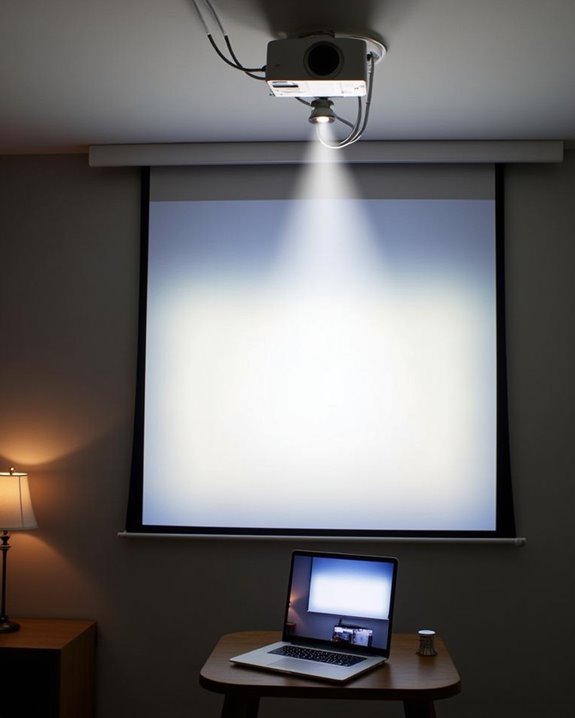
When you’re setting up a projector, understanding how alignment affects image quality is essential, since even slight misplacement can lead to noticeable distortion. If your projector isn’t perfectly centered, the image may become trapezoidal rather than rectangular, a result of the keystone effect, where the projected light hits the screen at an angle. This misalignment impacts not only the shape of the image but also influences color accuracy and brightness consistency, as light distribution may become uneven across the screen. As a result, you’ll notice areas that appear brighter or colors that seem less vibrant. Centering the projector helps maintain uniform image dimensions, ensuring that every part of the projected picture is evenly illuminated and true to its source content, optimizing both clarity and visual fidelity. Many projectors now include automatic keystone correction features to help adjust the image and reduce distortion when the projector is off-center. Many projectors provide some degree of image adjustability, allowing users to correct minor misalignments without physically moving the projector.
Recommended Products

【Compatibe with Netflix, No Extra Devices Needed】This isn’t just a projector—it’s your "Hollywood Digital Pass." Instantly access a global library with pre-installed YouTube/Prime Video, offering 1000,000+ titles at your fingertips. Enjoy officially licensed content, secure and regularly updated, with stunning 4K HDR clarity.

【The Latest WIFI 6 Technology And Bluetooth 5.3】This projector with Wi-Fi and Bluetooth is equipped with the latest Wi-Fi 6 technology, compatible with Wi-Fi 6, 5G and 2.4G, offering faster connection speed and stronger stability, eliminating buffering and disconnection issues, and ensuring smoother online content playback. Additionally, it is fitted with the latest Bluetooth 5.3 chip, allowing for easy connection to Bluetooth speakers, headphones or other Bluetooth audio devices, providing a more efficient and stable transmission channel, and enabling users to enjoy higher audio quality with ease
![[Compatible with Netflix & TOF Real-time Focus] Mini Projector with WiFi and Bluetooth, XuanPad Silver Smart Projector 4K Support, Dolby Audio & Keystone for Home Presentation Boards, Display Booths](https://m.media-amazon.com/images/I/51-EGzGGSlL._SL500_.jpg)
[Compatible with Netflix, Instant Access to Global Entertainment] The smart projector Compatible with Netflix & comes preloaded with multiple streaming apps that unlock a library of over a million movies or shows, with constantly updated content that is secure and stable. Imagine a quiet evening with beam of light pouring gently from projector, instantly transforming the wall into theater screen. Whether it’s a thriller or a rom-com.
The Role of Lens Shift and Keystone Correction
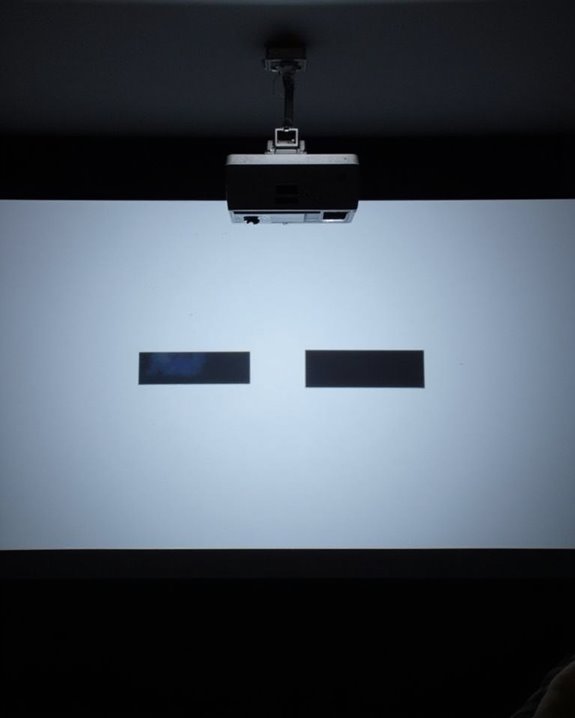
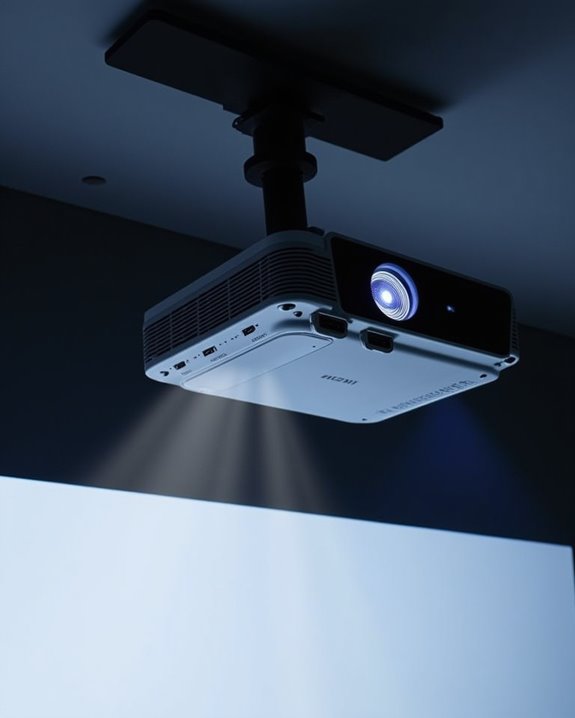
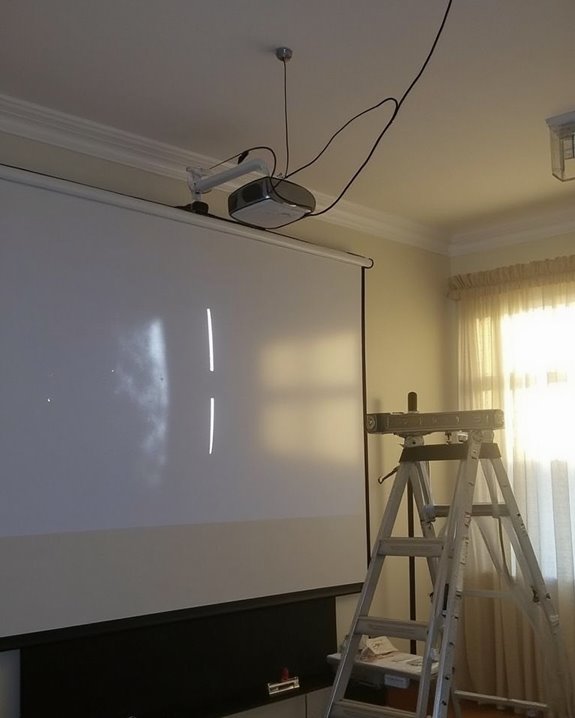
Getting the projector perfectly centered isn’t always possible, especially in rooms with limited mounting options or furniture constraints, which is where advanced features like lens shift and keystone correction come into play. Lens shift lets you move the projected image vertically or horizontally without tilting or relocating the projector, preserving brightness and resolution by keeping the optics undistorted. Many modern projectors, such as the Casio XJ-V10X, also include ceiling mounting compatibility to help optimize placement without compromising image quality. Keystone correction, on the other hand, electronically or optically adjusts image shape to counteract distortion from angled or off-center placement, but can reduce sharpness and brightness. To understand these features better, consider the following:
- Lens shift allows precise image alignment on the screen without physical projector movement.
- Vertical and horizontal keystone correction fix trapezoidal distortion from above, below, or lateral misplacement.
- Digital keystone correction can degrade image quality.
- Prioritize lens shift for ideal results.
When using keystone correction, be aware that digital scaling reduces the number of active pixels, which leads to a softer and less detailed projected image.
Recommended Products

Powered by RGB Triple Laser: The X-Master RGB triple laser engine delivers 3200 ISO lumens and a 100,000:1 contrast ratio for vivid, accurate colors and exceptional image depth—perfect for immersive viewing anytime.


[Hear the Difference–Hollywood-Grade Dual 60W Dolby Audio] Why spend more on a TV + soundbar or settle for a tinny projector speaker when the ONO5Pro 2.0 movie projector delivers big-screen visuals and theater sound in one? 1)Dual 60W Dolby Audio-Tuned by Hollywood experts (800+ hours) for 200% louder, clearer sound than other 4K projectors. 2)With exclusive AI Sound Master tech, it automatically removes echoes and boosts bass for punchy explosions and crisp dialogue. 3)Room-Filling Sound covers up to 540 sq.ft–No extra speakers needed. 4)The innovative diaphragm design delivers a perfectly balanced highs/mids/bass audio profile. One tap to unlock a true theater-like sound experience
How Placement Impacts Image Quality
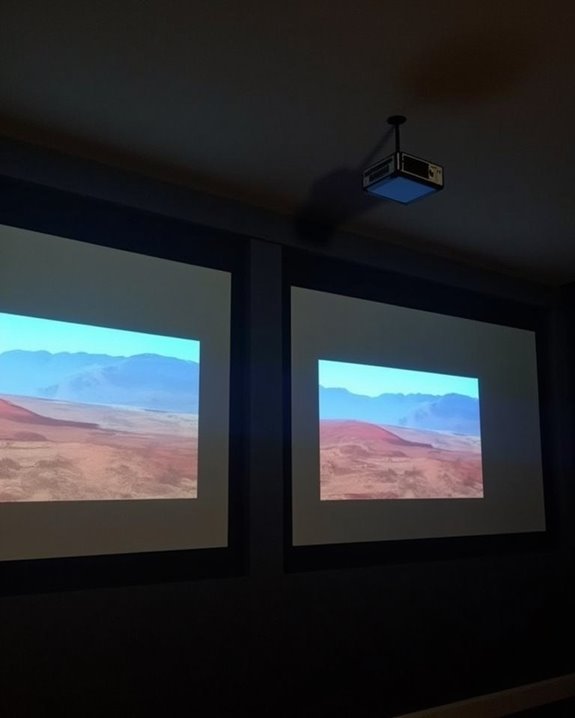
Although projectors offer some flexibility in placement, the position of your projector directly influences image quality, with screen alignment, light distribution, and viewing angle all playing critical roles in the final result. If your projector isn’t properly centered, you may notice geometric distortion, such as the keystone effect, which creates a trapezoidal image and can impair color accuracy. Even with digital correction tools, physical misalignment often results in reduced sharpness and uneven brightness, both of which detract from overall visual performance. Uneven light distribution can lead to inconsistent color reproduction, while a poor viewing angle may diminish audience engagement by making the image appear skewed or less vibrant. Selecting screens with wide viewing angles can help mitigate the impact of less-than-ideal projector placement on image visibility. Modern projectors feature zoom functions to adjust throw range while maintaining image size, providing some flexibility in placement without sacrificing image proportions. Ensuring correct placement is essential for maintaining color accuracy, clarity, and a professional-looking presentation that holds your audience’s attention.
Recommended Products

▶【Easy to Set UP】 JWSIT 135 inch projector screen with stand is ready for quick set-up in a few minutes. Just press the metal snaps around the portable frame to quickly fasten the projector screen to the one-piece frame flatly, detachable legs can be assembled easily with no tools required.

【2.0x Gain + 40% Brighter】Built for the Home Theater: Say goodbye to dim projections! Featuring advanced 2.0x optical gain coating, this projector screen reflects more light to boost brightness by 30-40%, delivering richer colors and sharper contrast. The 100-inch screen (87"W x 49.2"H) fits perfectly in living rooms and bedrooms—whether used as a permanent home theater screen or a flexible option that can be stored away, it transforms any space into your personal viewing room

120-INCH DUAL PROJECTION SIZE: 120-inch diagonal projector screen supporting both front and rear projection. Designed to pair well with a portable projector 4k, the viewable area measures 58.8" H x 104.6" W in a 16:9 aspect ratio, providing a widescreen format suitable for movies, presentations, and video playback. Fully assembled size measures 105.8" H x 60.1" W.
Practical Tips for Optimal Projector Positioning
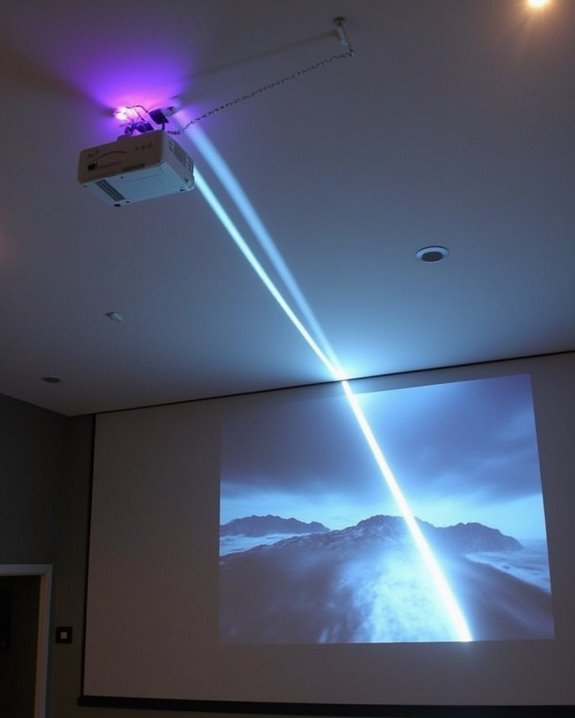
While optimizing projector placement might seem complex, a few practical strategies can guarantee you achieve the best possible image quality for your space. To maximize performance, pay attention to both the technical setup and the environment, as these factors directly affect your viewing experience. Start by ensuring your projector is level and positioned at the correct throw distance, then make careful adjustments for screen height and speaker placement. For accurate visuals, don’t overlook color calibration, which compensates for ambient light and screen surface differences. Use physical adjustments, such as adjustable feet and lens shift, before relying on digital corrections. Because throw distance determines the potential image size and clarity, always consider your projector’s recommended placement range before finalizing your setup. Here are four essential tips:
- Level the projector and screen for minimal distortion.
- Set throw distance and screen height based on room layout.
- Calibrate color and brightness for true-to-life images.
- Plan speaker placement for immersive audio alignment.
Recommended Products

Universal Compatibility: Fits most projectors (Note: Length <13.7'', Width <8.6'') with standard mounting interfaces. Projector Wall Mount supports a maximum load of 10kg/22LBS, suitable for home, office, cinema and other scenarios, and is compatible with mainstream device sizes, no compatibility concerns

【Note】The projector mount used in this projector mount should have the following conditions: 1. The wall where the mount is installed should be a hard solid wall, not a hollow and weak wall; 2. The projector has 3-4 screws holes to install screws; 3. The diameter of screw holes is 3 mm or 4 mm.

Fits projectors with 1/4 inch thread (or M4 or M6), and weight under 30lbs (13.6kg). Note: Only for single-hole installation. Not suitable for three-hole or four-hole installations.
Evaluating Alternatives to Perfect Centering
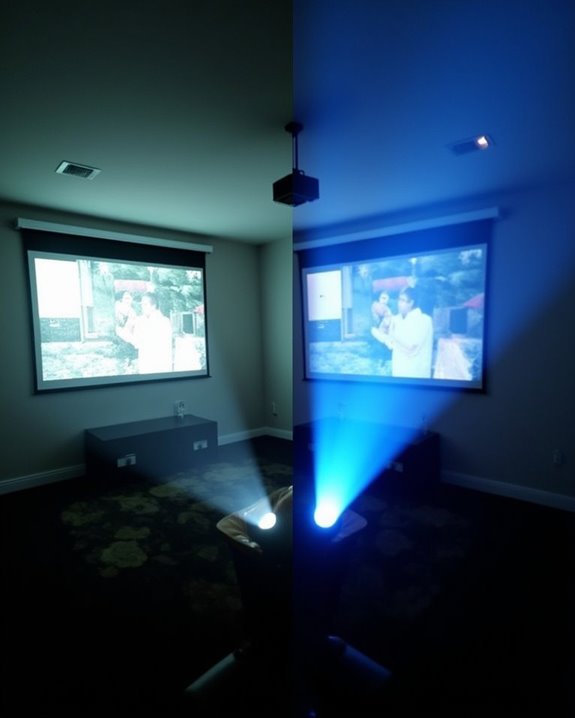
If perfect projector centering isn’t possible in your setup, modern advancements offer several effective alternatives that guarantee high-quality image alignment and clarity. Digital image warping allows you to adjust the projected image electronically, compensating for misalignments without requiring physical repositioning, and ensures proper color calibration even when the projector is off-center. Computer vision techniques analyze projected images and automatically align them, reducing manual calibration time and adapting quickly to changes in ambient lighting. Precise superimposition is especially challenging in stereo projection systems, but high-end projectors with advanced lens shift features can achieve accurate alignment without the need for beam-splitters. Self-correcting projectors, equipped with built-in cameras and sensors, automatically calibrate the image to fit any surface, minimizing the impact of surface inclination. Projection mapping technologies, including radiometric compensation and multifocal lenses, further enhance image accuracy and adaptability. As an alternative, commercial displays and interactive whiteboards eliminate centering concerns entirely for classrooms or collaborative spaces.
Recommended Products

SUPERSIZED MOVIES AND GAMES: High brightness 3500 Lumens 1080p projector with advanced visual features

Lossless Optics: Flexible lens shift and optical zoom give you more freedom in setup—without sacrificing clarity. Enjoy crisp, distortion-free visuals at any size, from any angle.

BRIGHTEN YOUR LIVING ROOM: This Tv projector is great addition to your home theater set up. Experience movies and games with lights on, with a 3200 ANSI lumens laser light source in your living space.
Frequently Asked Questions
Can Projector Alignment Affect 3D or Gaming Performance?
Imagine your projector as a knight aiming for the dragon’s heart—projection accuracy is your sword, and image distortion the enemy. If you don’t align carefully, you’ll lose sharpness, increase lag, and ruin your 3D or gaming quest.
Are There Health Concerns With Misaligned Projectors?
You won’t face direct health risks from a misaligned projector, but you might experience eye strain or discomfort due to visual distortion, uneven focus, or brightness. It’s best to align your projector properly for comfortable viewing.
How Do Ultra Short Throw Projectors Handle Off-Center Placement?
Imagine your favorite movie night ruined by a warped image—projection alignment matters! With ultra short throw projectors, you’ve got more flexibility for off center placement, but keystone correction and a level screen still keep your visuals sharp.
Will Off-Center Placement Void My Projector’S Warranty?
Off-center placement alone usually won’t cause warranty issues, but you’ve got to follow the manufacturer’s placement accuracy guidelines. If improper installation leads to damage, your warranty could be voided, so always check your user manual and warranty terms.
Can Smart Projectors Auto-Correct Alignment Issues?
Like Aladdin’s magic lamp, smart projectors with auto correct features and alignment sensors can grant your wish for a perfect image. You don’t have to fuss; they’ll automatically adjust alignment, keystone, and even avoid obstacles.