As an Amazon Associate, we earn from qualifying purchases. Some links on this site are affiliate links at no extra cost to you. Our recommendations are based on thorough research and editorial judgment.

Which Projector Is Best for Classroom Use?

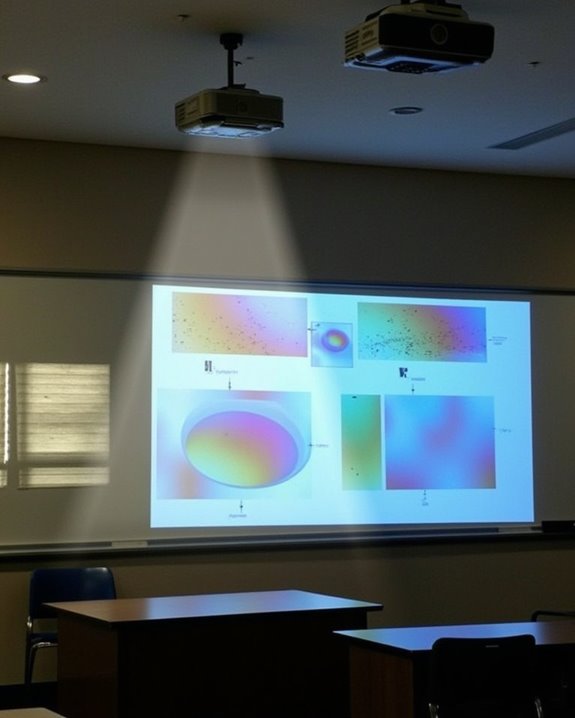
Think of choosing a classroom projector like picking the right tool in a busy workshop—if your projector isn’t bright enough or lacks clear resolution, your lessons can lose impact, much like a dull saw slows down work. You’ll want to contemplate models offering at least 4,300 lumens for visibility in daylight, full HD resolution for crisp visuals, and flexible mounting options, but the decision also hinges on durability, maintenance needs, and integration with classroom technology.
Key Takeaways
- Choose a projector with at least 4,300 lumens and Full HD resolution for clear, bright images in classroom settings.
- 3LCD and laser projectors offer superior color performance, longevity, and lower maintenance compared to traditional lamp-based models.
- Models like Epson PowerLite 109W, BenQ MW536, and ViewSonic LS630W are highly rated for classroom use.
- Prioritize features like wireless connectivity, network control, and interactive compatibility for flexible, modern teaching environments.
- Opt for dust-resistant, energy-efficient projectors with long-life components to minimize maintenance, downtime, and environmental impact.
Key Features to Look for in a Classroom Projector
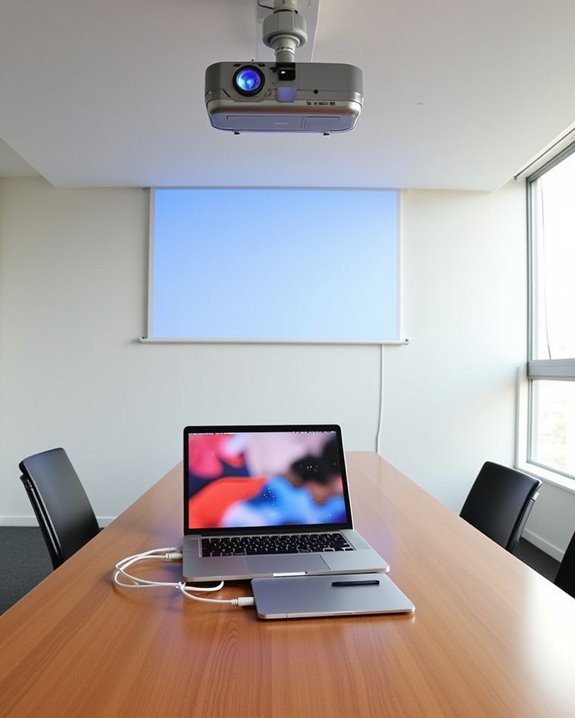
When you’re choosing a projector for your classroom, it’s important to evaluate several key features that directly impact both performance and ease of use. Start by considering projection placement—ceiling mounting offers a tidy, permanent solution, while short throw options are ideal for smaller rooms. Flexibility in front or rear projection lets you adapt to various room layouts, and keystone correction ensures your image stays perfectly aligned. Network-capable projectors allow for centralized control and content sharing across multiple classrooms, making them a valuable choice for schools with distributed learning spaces. Many modern projectors also include WiFi 6 connectivity, which ensures stable and fast wireless connections that can simplify content sharing and device integration. Next, brand reputation matters; established names like Optoma and Epson often provide better reliability, longer lamp life, and more seamless software updates. Look for high brightness—at least 4,300 lumens—to combat ambient lighting, and ensure you have Full HD resolution and strong contrast ratios for clear, engaging visuals. Wireless connectivity and eco-friendly designs further simplify daily classroom operation.
Recommended Products

Short Throw WXGA Projector: Experience crisp visuals with WXGA (1280x800p) resolution and a 0.5 throw ratio; ideal for projecting large, clear images in classrooms or small meeting rooms without shadows
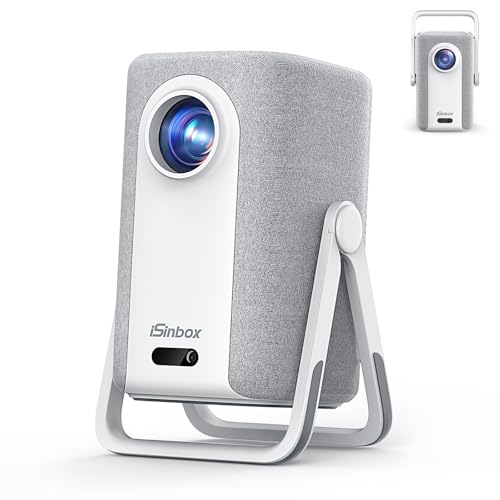
[Built-in Apps, 100,000+ Videos - No Need Extra Devices] The iSinbox 4K smart outdoor projector compatible with Netflix, and a built-in smart TV operating system, giving you instant access to YouTube, Prime Video, Disney+, HBO Max, Paramount+ and more—with over 200 additional apps available for download. Play over 100,000+ videos with just the touch of a remote. Say goodbye to TV adapters with this home theater projector, saving you over $300 per year. Enjoy regular updates and lifetime OS upgrades, ensuring your viewing experience remains fresh and secure.Perfect for family movie nights, game days, and binge-watching sessions.(Note: Access Hulu through the Disney+ channel.)

Short Throw XGA Visuals: Deliver reliable XGA (1024x768p) resolution with a 0.6 throw ratio; perfect for standard business presentations and classroom instruction in compact environments
Comparing Display Technologies: DLP, 3LCD, and Laser
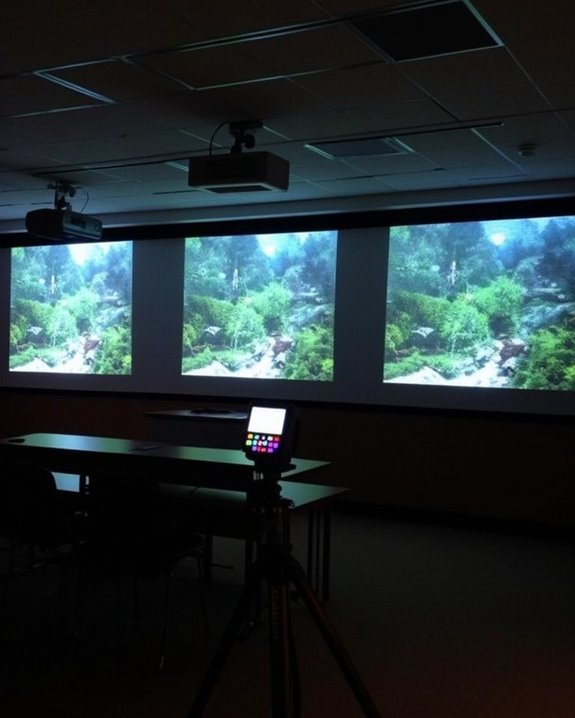
After considering the key features that matter most in a classroom projector, it’s important to understand how the underlying display technology can shape both image quality and long-term reliability. DLP projectors offer high image resolution and contrast, are compact, and often have fewer moving parts, making them cost-effective with lower maintenance needs, though they may show a rainbow effect during fast motion. Additionally, their sealed optical engines help reduce dust interference, enhancing durability and image clarity. In contrast, 3LCD projectors are widely adopted in classrooms because they deliver superior color brightness and saturation, perform well under ambient light, and avoid rainbow artifacts, making them ideal for accurate color reproduction and clear visuals. 3LCD’s color accuracy and brightness benefit environments with ambient light. Laser projectors, meanwhile, provide consistent brightness, long lifespan, and energy efficiency. Regardless of technology, always consider speaker quality, as built-in audio varies significantly between models and external audio options can greatly enhance the classroom experience.
Recommended Products

Uses the 3LCD technology for uncompromising and powerful display

3-chip 3LCD technology for Best-in-Class Color Brightness (4) — 4,200 lumens of color and white brightness (2)

Experience true-to-life colors thanks to the 3LCD, 3-chip technology
Top Recommended Projector Models for Classrooms
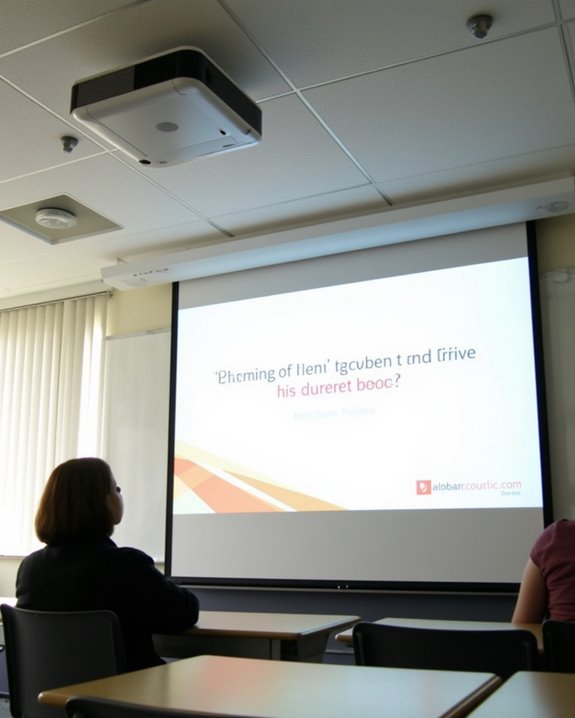
Although the market features a wide range of projectors, a handful of models consistently stand out for classroom use due to their combination of high brightness, reliable resolution, and user-friendly features. When selecting a projector, you’ll want to consider projector mounting options for ideal placement and noise level considerations to reduce classroom distractions. Portable and short throw projectors are especially popular in educational settings for their flexibility and ability to minimize shadows and glare during presentations. Additionally, choosing a projector with high ANSI lumens ensures clear visibility even in well-lit classrooms. Here are five top models worth your attention:
- Epson PowerLite 109W: Delivers 4,000 lumens, WXGA resolution, and versatile mounting options.
- BenQ MW536: Offers 4,000 ANSI lumens, dual HDMI ports, and a 20,000:1 contrast ratio.
- ViewSonic LS630W: A laser projector with up to 4,500 lumens, supporting flexible installation and quiet operation.
- Epson PowerLite 1785W: Portable, easy to set up, and suitable for shared classroom environments.
- Nebula Cosmos Laser 4K: Boasts 4K UHD resolution, vivid visuals, and low noise output.
Recommended Products
![[ Ultra Short Throw & Built-in Apps ] Android 14 Smart Projector with WiFi and Bluetooth, USB-C Powered, 1080P FHD HDR10, Auto Focus/Keystone, YQHS Mini Portable Projector for Bedroom/Outdoor, Yellow](https://m.media-amazon.com/images/I/51MyDSArFtL._SL500_.jpg)
Android 14 Smart Projector TV with Built-in Apps: Compatible with Netflix, Prime Video, YouTube, and more—no extra dongle needed. Whether enjoying family movie nights in your living room or camping under the stars, instantly access a vast library of films. Immersive, smart TV-level picture quality is right before your eyes, delivering ultimate convenience.

HDR COMPATIBLE: HDR10 technology (with 4K input) enable brighter whites and deeper black levels. The six-segment color wheel (RYGCWB) produces accurate color with sRGB & REC. 709 color profile support..Power supply : 100 ~ 240V, 50 ~ 60Hz.Batteries Required:no

4100 lm brightness ensures that your audiences will enjoy clear, bright and vivid visuals with brilliant colors
Budget and Long-Term Cost Considerations
Because classroom projectors represent a significant investment, it’s essential to look beyond just the upfront purchase price and carefully consider the full scope of long-term costs. Conducting a thorough pricing analysis means factoring in not only the initial cost, which varies based on resolution and brightness, but also ongoing expenses like lamp replacements (ranging from $199 to $399), electricity usage, and maintenance. Cost saving tips include choosing lamp-free options such as laser or LED projectors, which offer up to 20,000 hours of maintenance-free operation and lower energy consumption. Selecting dustproof models with sealed engines reduces maintenance needs, while exhaustive warranty packages can offset unexpected repair costs. Projectors with longer lamp life are especially valuable in high-usage classrooms, as they can last many years without needing costly replacements. Comparing total cost of ownership will help you allocate your budget efficiently and make a future-proof investment.
Recommended Products

【2 in 1 USB Type C Receiver & Magnetic Storage Design & NO APP】Plug & Play,2.4GHz.Our wireless presentation clicker is equipped with 2 in 1 USB Type C receiver compatibility with MAC,Laptops,PC,Computer.A multifunctional PPT click gadget for users using newer devices. Needn't to purchase a new slide clicker if you changed your device. The 2.4GHz dongle is magnetically stored at the bottom of the power point clicker,our wireless presenter remote is ideal for professional and educational settings

High Brightness FHD Laser Projector: Experience sharp visuals with native 1080p (1920x1080p) resolution and a 1.1-1.5 throw ratio; providing consistent clarity for professional-grade presentations and high-definition video content

Creative Control at Your Fingertips: Wirelessly connect to the mobile app to design custom 3D animations. Draw your own patterns, use simple pattern recognition, or enter text—plus choose from over 200 built-in effects, all within a 32ft range. (Whether it's SALA or any other, they all use the same APP to control the laser lights, and there is no difference in version or function, and this app can currently only create simple patterns)
Essential Educational and Connectivity Features
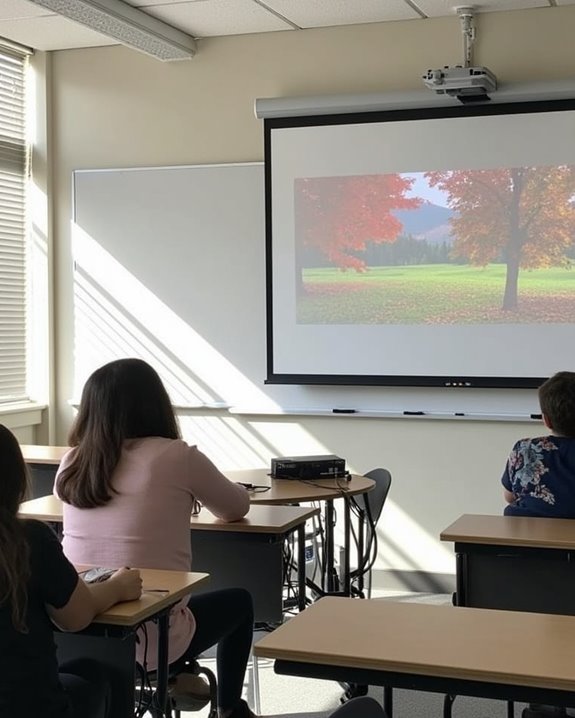
Selecting the right projector for your classroom isn’t just about managing costs—it’s also about making sure the device supports a productive and collaborative learning environment through advanced features. You’ll want to prioritize projectors that integrate seamlessly with interactive whiteboards, enhancing student engagement by enabling real-time participation and feedback. Pay close attention to technical capabilities, such as wireless connectivity and support for various input sources, which streamline content sharing and device compatibility for teachers and students alike. Ultra short throw projectors help educators make the most of limited classroom space by projecting large, clear images from just inches away, reducing glare and eliminating shadows. High resolution, and dustproof designs offer flexibility, consistent performance, and clear visuals in dynamic classroom settings.
- Interactive capabilities for direct engagement with content
- Wireless connectivity for easy device integration
- Ultra short throw to maximize space
- Multi-surface projection for dynamic lessons
- Support for mobile devices and cloud access
Recommended Products
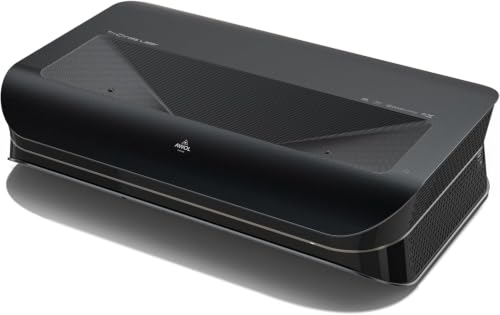
World’s First UST Projector with Built-in Center Channel Speaker: Innovative center speaker mapping delivers crystal-clear dialogue directly from the screen without extra speakers. Paired with AWOL premium ALR screens and the ThunderBeat 4.2.2 surround sound system, it instantly upgrades your home theater to a 5.2.2 setup. Tip: As an ultra short throw projector, it has a fixed throw ratio of 0.25:1 (approx. 8.54" for 100", 12.84" for 150"). If your cabinet depth is insufficient, use the AWOL motorized Slider to adjust placement for perfect focus and screen size.

Long Operating Life: The projector has an operating life of 30,000 hours, providing long-lasting performance.
![[ Ultra Short Throw & Built-in Apps ] Android 14 Smart Projector with WiFi and Bluetooth, USB-C Powered, 1080P FHD HDR10, Auto Focus/Keystone, YQHS Mini Portable Projector for Bedroom/Outdoor, White](https://m.media-amazon.com/images/I/51MZDT-VBLL._SL500_.jpg)
Android 14 Smart Projector TV with Built-in Apps: Compatible with Netflix, Prime Video, YouTube, and more—no extra dongle needed. Whether enjoying family movie nights in your living room or camping under the stars, instantly access a vast library of films. Immersive, smart TV-level picture quality is right before your eyes, delivering ultimate convenience.
Environmental Impact and Maintenance Factors
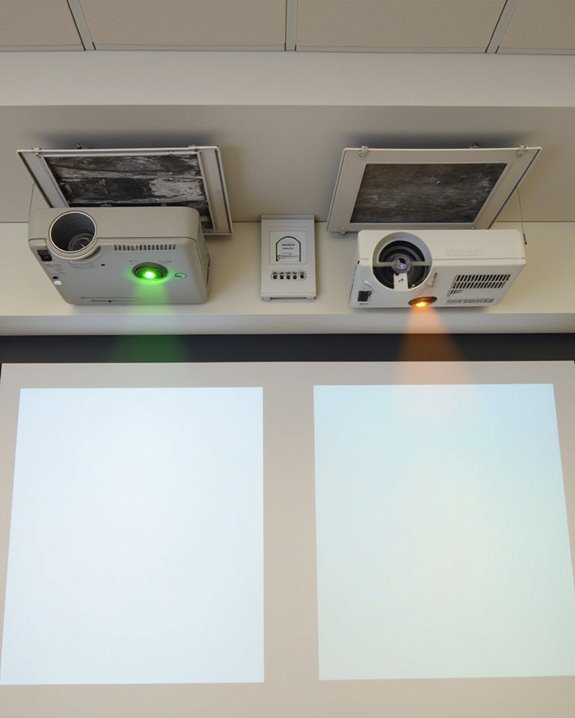
When considering a projector for your classroom, it’s important to weigh the environmental impact and long-term maintenance factors, as these elements directly affect both sustainability and ongoing costs. Choosing a projector with an eco certification, such as RoHS, ensures compliance with environmental regulations and confirms the use of recyclable, mercury-free components. Modern projectors often feature energy-efficient light sources and SmartEco technology, reducing both energy consumption and carbon emissions. Selecting a projector that uses eco-friendly packaging materials, such as those that minimize plastic waste, also supports broader sustainability goals for your educational environment. To lower maintenance costs, prioritize models with a dustproof design, as this feature prevents dust accumulation, which can cause image blemishes, overheating, and frequent repairs. Additionally, longer lifespan components and eco-friendly packaging contribute to a reduced total cost of ownership. Using carbon footprint calculators can further guide your selection toward sustainable, reliable classroom technology.
Frequently Asked Questions
How Do I Safely Mount a Projector in a Classroom?
When mounting a projector, you’ll want to review all mounting options, use load-rated hardware, and follow safety precautions like securing safety cables and ensuring proper ventilation. Don’t forget to check the ceiling’s structure and follow the manufacturer’s instructions.
Can Projectors Be Controlled Remotely by Teachers?
You don’t have to be tied to one spot—thanks to remote control and wireless connectivity, you can operate your projector from anywhere in the classroom, whether you prefer traditional remotes, touchscreen panels, or smartphone apps with IR blasters.
Are Projectors Compatible With Interactive Whiteboards?
You’ll find most modern projectors support interactive whiteboard integration, but you’ll need to check touch screen compatibility for your setup. Remember, projectors alone won’t power boards—you’ll need separate connections for full interactive functionality and smooth operation.
What Is the Typical Warranty Period for Classroom Projectors?
You’ll usually find a warranty duration of two to three years on classroom projectors. Coverage details typically include parts and labor, though lamps and accessories aren’t always covered. Some brands let you purchase extended warranties for more protection.
How Do I Prevent Projector Theft in Schools?
Imagine walking into class and discovering the projector’s vanished—don’t let that happen! You’ll want to use strong security measures like locking mechanisms, surveillance cameras, and staff training to boost theft prevention and keep your equipment protected.