As an Amazon Associate, we earn from qualifying purchases. Some links on this site are affiliate links at no extra cost to you. Our recommendations are based on thorough research and editorial judgment.

How to Make Your Projector Brighter for a Better Viewing Experience

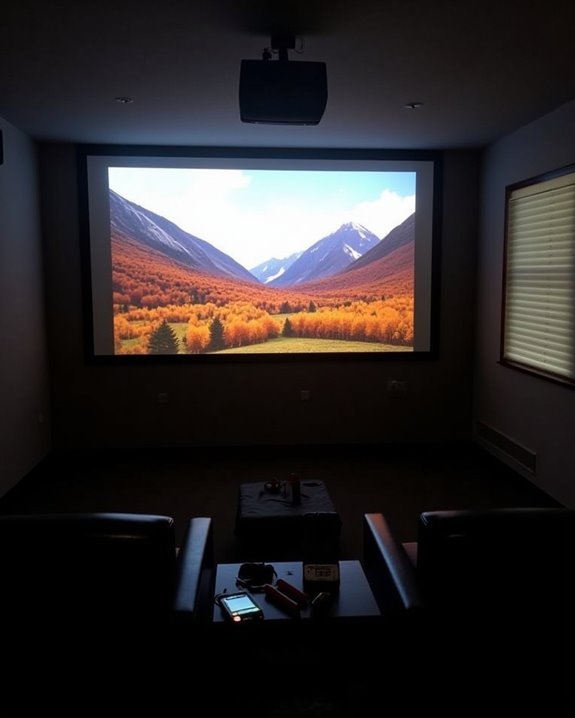
Just when you’re settling in for movie night, that dim projector image can ruin the experience. You’re not alone if you’ve squinted at faded colors or strained to see details in dark scenes. Whether you’ve invested in a top-tier projector or a budget-friendly model, several practical adjustments can dramatically improve brightness without breaking the bank. The solutions range from simple setting tweaks to strategic room modifications, and the difference in picture quality might surprise you.
Key Takeaways
- Adjust projector settings by increasing brightness, setting contrast to 55-65%, and disabling eco-mode for maximum light output.
- Control ambient light with blackout curtains, dimmed fixtures, and darker wall colors to reduce competing light sources.
- Select a high-gain screen (1.1-2.5) designed for ambient light rejection to amplify brightness and improve image clarity.
- Clean lens and air filters regularly to prevent dust buildup that diminishes brightness over time.
- Consider upgrading to a laser projector with higher lumens if your current device cannot achieve desired brightness levels.
Optimize Your Projector Settings for Maximum Brightness
When you’re trying to get the most out of your projector, optimizing the display settings should be your first step toward achieving maximum brightness. Start by manually increasing the brightness level in your projector’s menu system, then adjust the contrast to between 55-65% to maintain color accuracy while enhancing image illumination.
For even better results, disable eco-mode, which conserves power but considerably reduces brightness output. Proper lens adjustment can dramatically improve brightness, sometimes doubling the perceived illumination when correctly focused. Color calibration is also essential—select appropriate color modes like “Cinema” or “Movie” for content-specific optimization. If your projector supports HDR, enable these settings to improve both brightness and color dynamic range. Finally, ensure your projector’s lumen output matches your room size, particularly in environments with ambient light. For rooms with more ambient light, selecting a projector with higher brightness (ANSI lumens) will significantly enhance image clarity and visibility.
Recommended Products

[ Native 1080P Full HD Resolution ] - Enjoy crystal-clear visuals with HAPPRUN H1's native 1920x1080 resolution, delivering sharper, brighter, and more vibrant images for an immersive viewing experience. This 1080p projector is perfect for creating a stunning home theater or bedroom projector setup

[Stream Without Limits - Built-in APPs, Compatible with Netflix] The ONO3Pro 2.0 outdoor projector brings the world’s top streaming platforms to your fingertips—no extra devices needed. Compatible with Netflix, YouTube, Prime Video, Apple TV, Disney+, Live TV, and over 1.2 million videos in stunning clarity. With regular updates, your movie projector stays ahead with the latest features, enhanced security, and uninterrupted stability—so your entertainment is always fresh, legal, and buffer-free, wherever you go

[Hear the Difference–Hollywood-Grade Dual 60W Dolby Audio] Why spend more on a TV + soundbar or settle for a tinny projector speaker when the ONO5Pro 2.0 movie projector delivers big-screen visuals and theater sound in one? 1)Dual 60W Dolby Audio-Tuned by Hollywood experts (800+ hours) for 200% louder, clearer sound than other 4K projectors. 2)With exclusive AI Sound Master tech, it automatically removes echoes and boosts bass for punchy explosions and crisp dialogue. 3)Room-Filling Sound covers up to 540 sq.ft–No extra speakers needed. 4)The innovative diaphragm design delivers a perfectly balanced highs/mids/bass audio profile. One tap to unlock a true theater-like sound experience
Strategic Room Setup: Minimizing Ambient Light
Although your projector’s settings markedly impact brightness, the environment where you use it plays an equally essential role in achieving ideal image quality. Start by controlling your room lighting with dimmable fixtures, positioned to avoid direct screen illumination that causes washout. Cover windows with dark curtains or blinds to block natural light that diminishes color contrast.
For optimal results, paint your walls in matte or eggshell finishes rather than semi-gloss, preferably using darker colors to minimize reflections. Wall textures should be smooth to avoid creating scattered light patterns. Position your furniture strategically, avoiding shiny surfaces near the projection area, and consider using an ALR screen that rejects ambient light. Arrange your viewing space so overhead lights don’t create glare on the screen, ensuring the projector itself remains shielded from nearby light sources. Additionally, choosing a projector with a brightness level of at least 1000+ ANSI lumens can significantly enhance image clarity in environments with some ambient light.
Recommended Products

DAYTIME BRILLIANCE BLACK BACKING: Our exclusive black backing layer eliminates light bleed and hotspots by absorbing 100% of rear ambient light. This ensures vibrant, distortion-free images even in sunlit rooms—unlike single-layer screens that wash out. Combined with premium polyester fabric, it delivers superior color accuracy and sharpness for daytime viewing. (Note: Designed for front projection only.)

★【Better Contrast and Color】 Light bleed is eliminated by the black backing layer, significantly improving image quality.

Unshakably Stable Base and Support: This projection screen features a sturdy base and support—extended and reinforced—effectively addressing instability issues common in screen stands. Crafted from premium steel, the accessories of projector screen ensures long-term durability and resistance to bending or breaking
Choosing the Right Screen for Brightness Enhancement
The right projection screen can dramatically enhance your projector’s brightness, functioning as an essential component in your visual setup rather than merely a surface for display. Screen gain, which measures light reflectivity, profoundly impacts image brightness; high-gain screens (1.1-2.5) reflect more light back to viewers, making them ideal for rooms with ambient light. For darker environments, neutral or low-gain screens provide better color accuracy and wider viewing angles.
Screen size also affects perceived brightness, as larger screens require the same amount of light to be spread across more surface area. When selecting a screen, consider your room’s dimensions, typical lighting conditions, and seating arrangement to determine the best size and gain. Balancing these factors ensures your projected image remains bright and clear, regardless of your viewing environment. Choosing between fixed and portable screens can also influence brightness performance and installation flexibility depending on your setup needs.
Recommended Products

★【BRIGHTNESS BOOST】This screen displays significantly brighter images than a normal white screen when viewed from center seats (up to 2.6x gain), and maintains comparable brightness from other angles. Enjoy a brighter image, or use the brightness for a bigger screen! (NOT for UST projectors.)

CONVENIENT TO STORAGE AND CARRY : Compact one-piece,lightweight and folding design. You can fold the projector screen in small size and put it in your backpack or suitcase
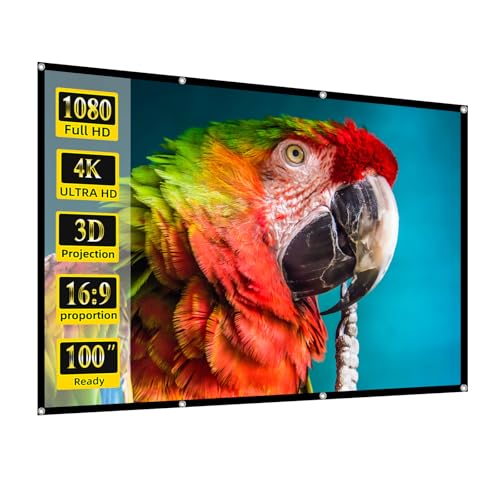
1. 【Lightweight & Foldable 16:9 Screen】 Designed for casual indoor and outdoor use. This high-density polyester projection screen offers a wide viewing angle. It is incredibly lightweight and folds compactly to fit in your own backpack, making it the perfect budget-friendly choice for camping, backyard movie nights, or temporary setups.
Essential Maintenance to Restore and Maintain Brightness
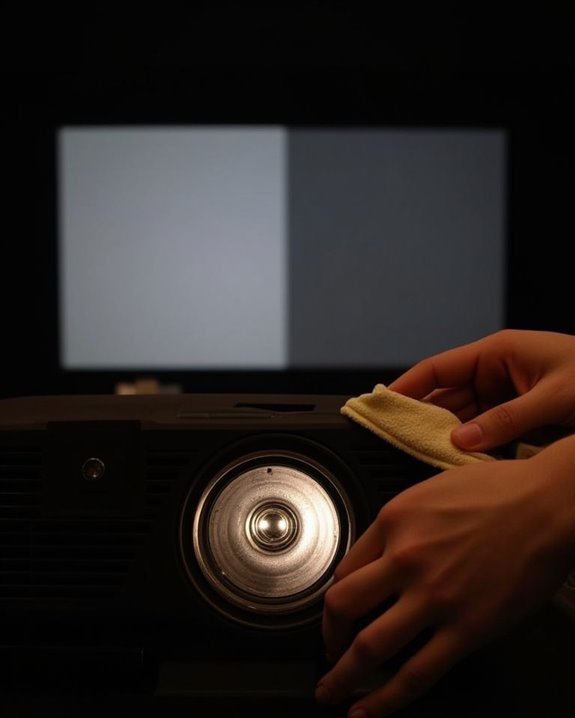
Regular maintenance of your projector isn’t just recommended, it’s absolutely essential for preserving peak brightness and extending the lifespan of your investment. Implement consistent cleaning routines by gently wiping the lens with a microfiber cloth and appropriate lens cleaner, removing dust that diminishes image quality. Your monthly maintenance schedule should include cleaning air filters, either with compressed air or a gentle wash, ensuring ideal airflow and preventing overheating issues that reduce brightness.
Storage tips that will preserve your projector’s performance include keeping it in dry environments to prevent internal moisture damage, covering the device when not in use, and ensuring vents remain unobstructed. Regular inspection of all components, particularly ventilation pathways, helps identify potential issues before they impact your viewing experience.
Recommended Products
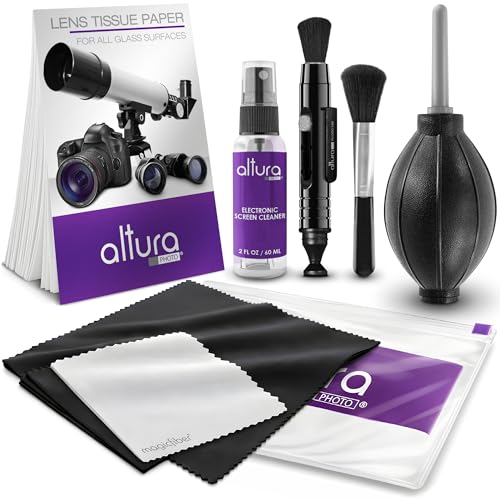
COMPLETE CAMERA CLEANING KIT: Our camera lens cleaning kit includes an alcohol & ammonia-free lens cleaner spray, cleaning brush, lens pen, air blower, MagicFiber microfiber cloths (3), and lens tissue paper wipes (50). Most competing lens cleaning kits cost more and still make you buy the spray and brush separately. Ours doesn't.

WHAT YOU CAN GET: 1 camera lens Cleaner 50ml + 1 air blower + 1 two in one Lens Cleaning Pen + 1 Retractable wool soft brush + 5 sensor cleaning swab + 25 lens cleaning Tissue Paper + 2 Microfiber Cleaning Cloth + 8 Cleaner Wipes + 1 storage box.

【PROFESSIONAL LENS CLEANING KIT】:Dslr cleaning kit includes Camera Dust Blower*1, Lens Cleaning Pen*1, Microfiber Lens Cleaning Cloths*2. Safe for all electronics, coated lenses and sensors.
Hardware Solutions: When to Upgrade Your Projector
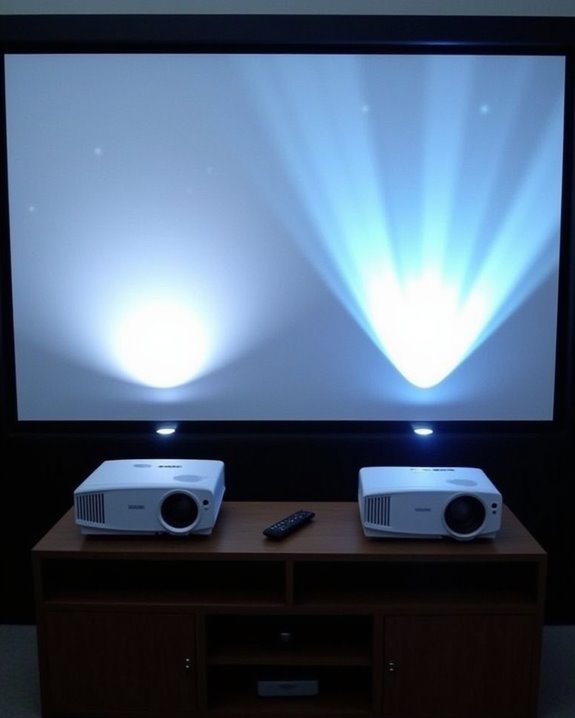
Determining when to upgrade your projector represents a critical decision that balances cost considerations against performance needs, especially as technology rapidly evolves in the display market. Assess your current projector’s age and performance, as older models typically consume more power while delivering less brightness. When evaluating replacement options, consider hybrid laser projectors, which offer superior brightness and color accuracy compared to traditional lamp-based models.
Pay attention to the projection angle, as newer models with advanced optics can maintain brightness even when positioned at challenging angles. DLP projectors often provide better contrast than LCD alternatives, while solid-state light sources deliver more consistent brightness with lower long-term maintenance costs. Remember that high-lumen projectors perform better in well-lit environments but may increase power consumption considerably.
Recommended Products

Compatibility - Compatible for Camry XV70 Hybrid XLE June 2017 - April 2024. Note: When you want to use these marker lights as replacement lights, first make sure that your car has the original door lights❗❗❗

High Brightness FHD Laser Projector: Experience sharp visuals with native 1080p (1920x1080p) resolution and a 1.1-1.5 throw ratio; providing consistent clarity for professional-grade presentations and high-definition video content
Compatibility - Compatible for Camry XV70 Hybrid XLE June 2017 - April 2024. Note: When you want to use these marker lights as replacement lights, first make sure that your car has the original door lights❗❗❗
Frequently Asked Questions
Can Heat From Projectors Affect Brightness Over Time?
Did you know projectors can lose 50% brightness before failure? Yes, excessive heat considerably reduces your lamp lifespan. Without proper heat dissipation, temperatures rise, causing lamp components to degrade and dim over time.
Will Viewing Angle Impact Perceived Brightness?
Yes, viewing angle considerably impacts brightness perception. As you move away from the center, you’ll notice decreased brightness. Your perceived brightness drops by 50% at the half gain viewing angle position.
Do Projection Distance Calculators Help Optimize Brightness?
Yes, projection distance calculators help optimize brightness by guiding proper projection calibration. They prevent excessive light diffusion by determining the ideal distance between your projector and screen, ensuring you’ll achieve maximum perceived brightness.
Can Projection Mapping Techniques Improve Brightness in Specific Areas?
Painting with light, you can absolutely improve brightness in targeted areas. Through color calibration, multi-projector overlapping, and lens enhancement techniques, you’ll boost luminance exactly where you need it without affecting other regions.
How Does Audio-Visual Integration Affect Perceived Image Quality?
Audio-visual integration enhances your perception of image clarity and color accuracy. When sound and visuals sync perfectly, you’ll notice improved overall quality as your brain processes the combined stimuli more effectively than either alone.