As an Amazon Associate, we earn from qualifying purchases. Some links on this site are affiliate links at no extra cost to you. Our recommendations are based on thorough research and editorial judgment.

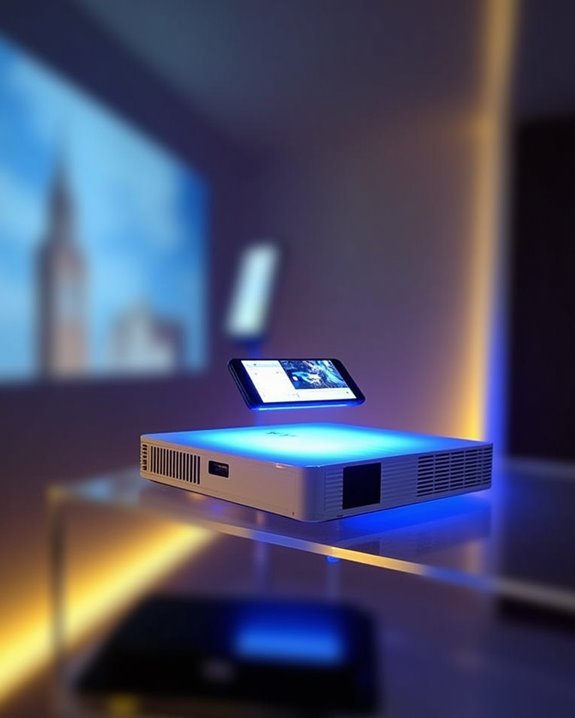
Are Projectors Bluetooth Compatible?

Connecting your projector wirelessly is like cutting the cord on traditional limitations, as many modern projectors now feature Bluetooth compatibility, enabling direct links to smartphones, tablets, or wireless speakers for streamlined audio and device control. With typical ranges of up to 30 feet and support for newer Bluetooth versions such as 5.1 or 5.2, you’ll find enhanced stability and easier pairing, but understanding which models support these features and how pairing works is essential before making your choice.
Key Takeaways
- Many modern projectors offer Bluetooth compatibility, enabling wireless connections to smartphones, tablets, laptops, and speakers.
- Bluetooth-enabled projectors support audio streaming and sometimes device control, reducing the need for physical cables.
- Bluetooth version (e.g., 5.0, 5.1, or 5.2) and firmware affect compatibility, range, and connection stability.
- Pairing is simple: activate Bluetooth on both devices, select the projector from your device’s Bluetooth menu, and confirm the connection.
- Limitations include a typical range of about 30 feet, possible interference, and occasional compatibility or latency issues.
Understanding Bluetooth Technology in Projectors
When you’re exploring how Bluetooth technology is used in projectors, it’s important to understand that Bluetooth enables wireless connections between devices, making it easier to transfer data and stream audio without relying on physical cables. Bluetooth functionality in projectors allows you to connect with smartphones, tablets, or laptops, supporting wireless audio streaming and flexible setups. Newer Bluetooth versions, such as 5.1, improve range and connectivity, though practical use is still limited by obstacles and interference. Battery life and power consumption are vital factors—Bluetooth connectivity can slightly increase power usage, so portable projectors must balance performance with energy efficiency. Compact, wireless designs often result in better portability, but you should always consider how Bluetooth features may affect the overall battery life during extended presentations or entertainment sessions. Many high-quality projectors now come equipped with Bluetooth 5.1 or 5.2, which ensures superior audio transmission and seamless pairing with devices. For example, many modern projectors, like the Epson Home Cinema 2350 and the Miroir L710S Pro, include Bluetooth support for connecting to wireless audio devices such as soundbars or headphones.
Types of Projectors With Bluetooth Support
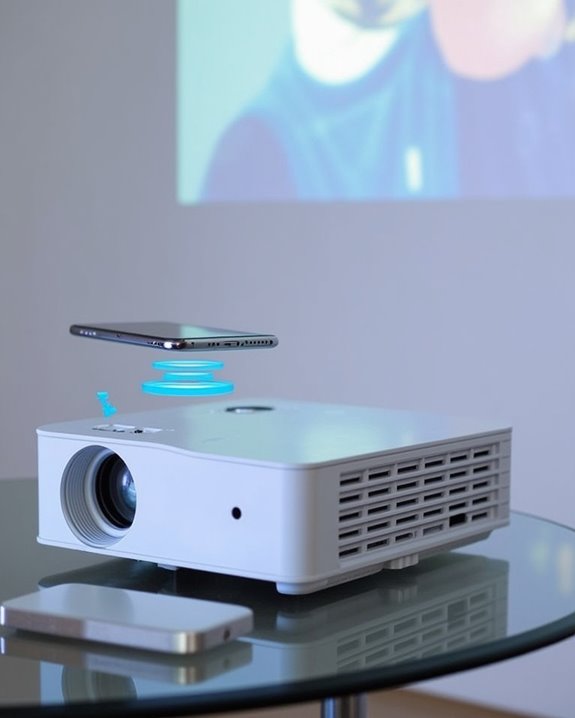
Although Bluetooth projectors come in a variety of designs and feature sets, most models share core characteristics such as wireless connectivity, integrated speakers, and high-definition resolution, making them suitable for a wide range of uses. You’ll find popular types like Nebula Capsule projectors, which deliver 1080p HD visuals and efficient Bluetooth streaming, and Nebula Mars models, designed for outdoor applications with up to 1000 ANSI lumens brightness. Anker Nebula Cosmos units offer 4K UHD resolution and robust dual speakers, while Miroir L710S Pro projectors provide smart 1080p wireless capabilities, supporting both Bluetooth and smart home integration. Many portable models, including those from Epson and WeWatch, focus on battery life optimization, ensuring extended use for home entertainment, presentations, or education without frequent recharging. Some compact mini projectors also feature Bluetooth connectivity, offering portable size and flexible wireless options for casual and on-the-go projection needs. These projectors often include Bluetooth 5.1 or 5.2 technology to enhance pairing stability and audio quality.
Recommended Products

【Built-in WiFi & Bluetooth Projector with Apps】Dual-band WiFi 2.4G + 5G ensures fast and stable wireless streaming. Bluetooth 5.2 supports speakers and headphones. Built-in apps like YouTube and Prime Video are supported, and the projector is compatible with TV sticks (not included) to access a wide range of streaming content and enjoy massive video libraries, making it a perfect movie projector.

【P2P Direct Connection & NO WiFi Required】Newly upgraded P2P connection method, iOS/Android no longer needs to connect to the projector under WiFi environment. After the projector switches to the corresponding interface, the mobile phone can cast the screen with one click! Solve all connection problems caused by network interference. Whether you are outside or traveling, you can enjoy a smooth viewing experience
How Projector Bluetooth Connectivity Works
Projectors with Bluetooth support offer a straightforward way to connect wirelessly to devices like smartphones, laptops, or speakers, removing the clutter and limitations of physical cables. When you enable Bluetooth on your projector, it uses the 2.4 GHz radio band and fast frequency hopping technology, switching signals 1600 times per second to minimize signal interference from other wireless devices. Bluetooth security is maintained through encrypted, point-to-point connections, ensuring your audio or video data is protected during transmission. With a typical range of about 30 feet, you can transmit audio to wireless speakers or headphones, or even receive multimedia content from your mobile devices. Many modern devices also feature additional smart functions to enhance user experience through advanced wireless features. Notably, Bluetooth and WiFi operate on separate frequencies, so using Bluetooth with your projector will not interfere with your home WiFi network. This setup provides flexible placement options and makes your projector far more adaptable in various environments without compromising on data security.
Step-by-Step Guide to Pairing Bluetooth Devices
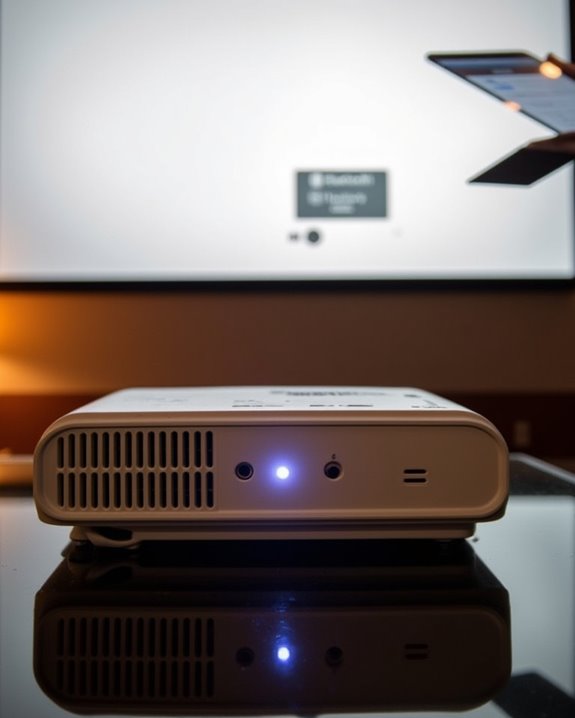
To get started with Bluetooth pairing on your projector, you’ll first need to guarantee that both your projector and the device you intend to connect—such as a smartphone, tablet, or laptop—support Bluetooth functionality and have it enabled in their respective settings menus. Begin by powering on your projector, confirming it’s connected to a stable power supply option, and browsing to the settings menu to locate the Bluetooth feature. Many models offer remote control features, like a dedicated Bluetooth button, for straightforward activation. Once Bluetooth is enabled, your projector should automatically enter pairing mode, indicated by a flashing light or icon. If pairing is not completed within 1 minute, the projector will automatically return to standby mode to prevent prolonged pairing attempts. On your device, activate Bluetooth in the settings menu, search for available devices, select your projector, and confirm the pairing if prompted. Connection is typically established within moments.
Recommended Products
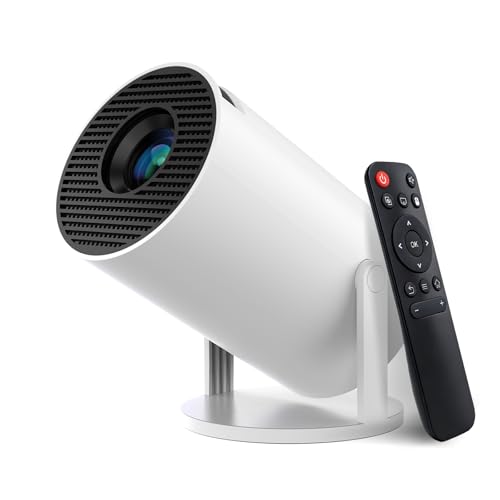
【Built-in Streaming Media APP】Without any additional equipment, the smart projector can directly access applications such as Prime Video, YouTube and Hulu. The built-in applications allow you to easily enjoy a wide variety of movies, popular TV series and millions of other contents. Moreover, it also has an app store where you can download more applications. Whether it's a shared movie night or personal entertainment, this smart projector is very suitable
![[Built-in Apps] Mini Projector with WiFi and Bluetooth & Android 12, Electric Focus 1080P Mini Portable Projector, Compatible with HDMI/Smartphone/USB for Movie/Gaming](https://m.media-amazon.com/images/I/51fGmnvk0+L._SL500_.jpg)
【Built-In Smart Apps & Smooth Operation】Please Attention: Bluetooth function supports audio transmission only, not video!! Enjoy endless entertainment with our small projector with WiFi. The upgraded system comes with popular apps pre-installed for instant movies and shows. No extra devices are needed.The intuitive interface makes it easy for everyone to use right out of the box

A Roku account and internet connection are required for activation (Creating an account is free). Note: Power Supply: 100-240V AC, 50/60Hz.
Bluetooth Versions and Device Compatibility
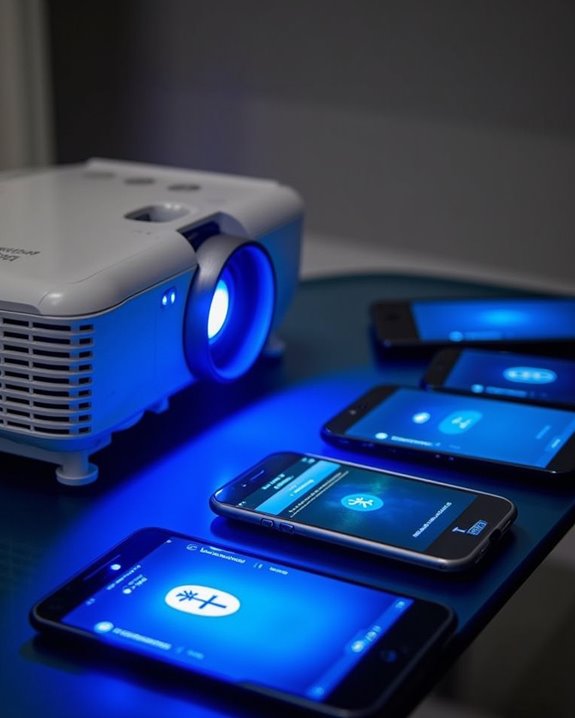
Once you’ve mastered the basics of pairing Bluetooth devices with your projector, it’s important to understand how different Bluetooth versions and device specifications can impact your overall experience. Newer projectors featuring Bluetooth 5.0 offer enhanced range and stability, supporting stronger connections and better compatibility with a wider range of audio devices. However, if your projector or audio device uses an older Bluetooth version, you may encounter connectivity or performance issues, especially if device firmware isn’t up to date or doesn’t support the required Bluetooth protocols. Bluetooth security is also a key factor, as some protocols like SCMS-T ensure secure and high-quality audio transmission. Always check manufacturer specifications to confirm device compatibility, and remember that mismatched versions or outdated firmware can prevent seamless wireless connections. Many customers prioritize features like Bluetooth compatibility when choosing a projector, making it a key factor in the current projector market.
Recommended Products
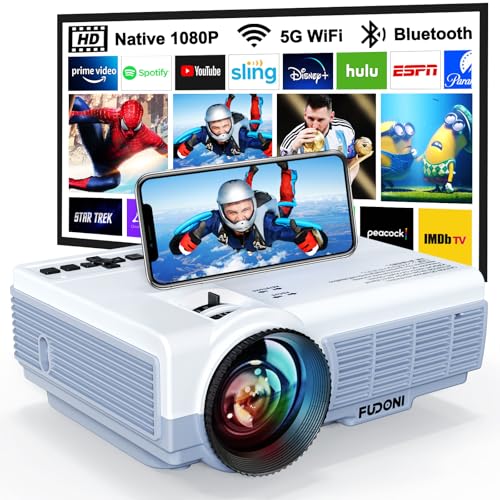
【5G WiFi + 5.3 Bluetooth: Seamless Connectivity for Any Space】 Dual-band 5G+2.4G WiFi ensures lag-free streaming (3x faster than 2.4G) with a connection speed of 5 seconds. Bluetooth 5.3 pairs effortlessly with external speakers/headphones for immersive home theater audio or outdoor party sound. Includes HDMI/USB/VGA ports for laptops, gaming consoles, streaming sticks (Roku/Chromecast), and classroom or office devices.

Note: For the best viewing experience, we recommend a 5.2ft distance for a 80" screen. Please also upgrade to the latest firmware for optimal performance.
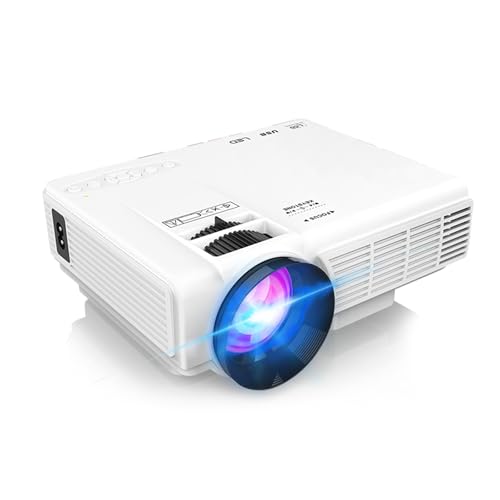
【Built-in Netflix App, Do Not Need TV Stick to See Latest Movies】This smart mini projector supports over 1,000,000 videos from certified apps, Netflix, Prime Video, allowing you to watch your favorite shows and movies anytime. Need more apps? Just download them from home page without a TV stick anymore. This Netflix projector make your home become a large home cinema without go out.
Enhancing Home Theater Experiences With Wireless Audio
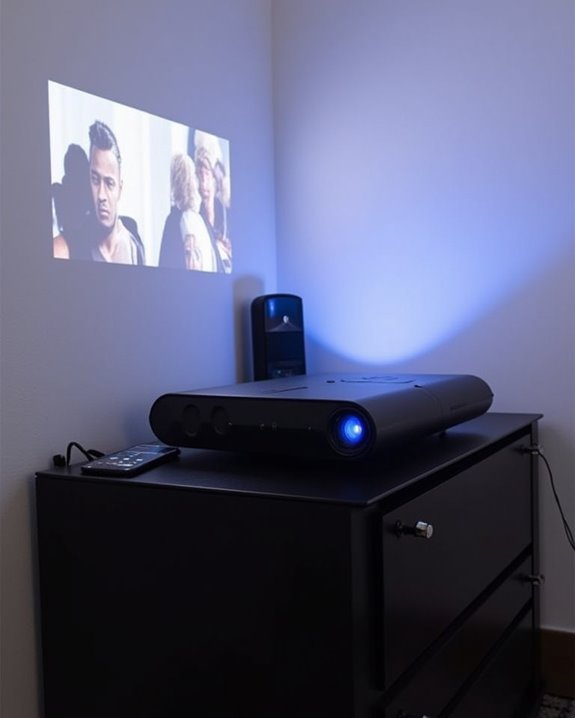
Although wired connections have traditionally set the standard for home theater audio, wireless solutions like Bluetooth and Wi-Fi are now transforming how you experience sound in your setup. With wireless audio, you gain flexibility in speaker placement, supporting immersive home theater and wireless gaming environments without the clutter of cables. Many projectors, however, aren’t natively Bluetooth compatible, so you may need Bluetooth transmitters or adapters to connect devices such as a JBL Flip 5 speaker. Powerful sound with deep bass and 360° distribution enhances cinematic and outdoor viewing experiences when paired with quality Bluetooth speakers. Wi-Fi-enabled projectors can interface with wireless speakers using dedicated apps, while some systems integrate with smart home hubs for voice control, allowing you to adjust audio hands-free. Modern Bluetooth, particularly version 5.0 and above, offers reduced latency, but you should still consider possible audio delays for proper visual and sound synchronization.
Recommended Products
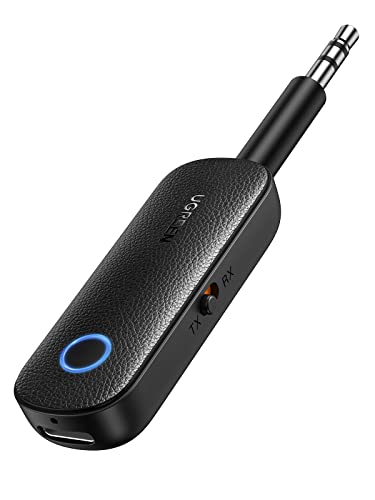
2 in 1 Bluetooth Transmitter Receiver: This UGREEN 3.5mm wireless adapter supports both TX and RX modes. Whether at home, in the car, or on a plane, it can easily meet your wireless Bluetooth needs. Simply connect it to a non-Bluetooth device, such as a plane or car stereo, and enjoy Bluetooth wireless sound. Not only is it a great gadget for enabling wireless Bluetooth, but it's also an airplane travel essential, eliminating the hassle of wired connections!

Advanced Bluetooth 6.0 Dual-Mode Audio Freedom:In TX mode, use this bluetooth transmitter to connect to any AUX/RCA audio source—from TV as a bluetooth transmitter for TV, to airplane seatback as a bluetooth transmitter for airplane—pairing with headphones for clear, lag-free audio. In RX mode, receives wireless audio from a smartphone, tablet, or computer and plays it through audio systems that lack Bluetooth functionality.Hands-free calling via an integrated microphone.

The Latest Bluetooth 5.3: The latest Bluetooth 5.3 technology enables your aux Bluetooth adapter backward compatible with Bluetooth 5.2/5.1/5.0/4.2/4.0/3.0/2.0 and it can deliver more stable wireless to your devices.
Benefits of Using Bluetooth With Projectors
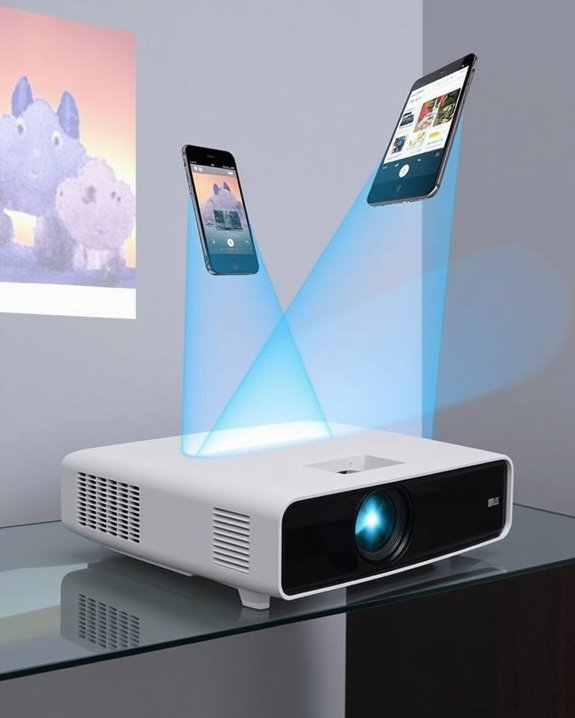
While many projectors have relied on traditional wired connections, integrating Bluetooth technology brings significant advantages that streamline both setup and use. You can connect smartphones, tablets, or laptops wirelessly, eliminating cable clutter and enhancing mobility within the Bluetooth range, which typically extends up to 30 feet, depending on environmental factors and device compatibility. Bluetooth security protocols, such as pairing codes and encrypted channels, help protect your data during wireless transmission, providing safe connections for both personal and professional environments. You’ll benefit from compatibility across various operating systems and device types, supporting wireless audio and video streaming without the need to purchase additional cables or adapters. [This adaptability makes projectors more portable, cost-efficient, and safer by reducing tripping hazards, while also enabling flexible integration within diverse setups.] Additionally, wireless pairing reduces expenses associated with traditional wired connections, as you no longer need to purchase or maintain multiple types of cables for different devices.
Potential Limitations and Challenges
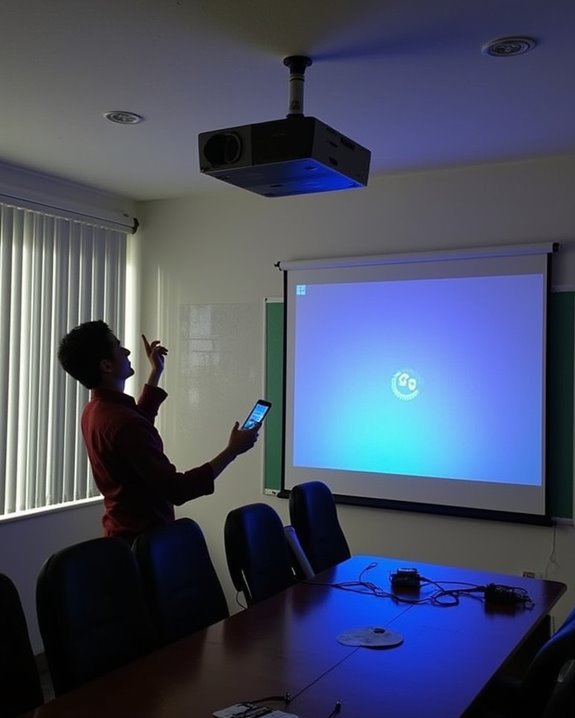
Despite the many advantages Bluetooth offers when used with projectors, it’s important to recognize several limitations and challenges that can impact performance and reliability. Bluetooth signals typically have a limited range of about 30 feet, and physical barriers like walls can further weaken connectivity. Signal interference is a common issue, especially when multiple Bluetooth devices operate nearby, which can lead to lag, stuttering, or even disconnections. Not all devices are compatible with Bluetooth projectors, so you may encounter connectivity problems if your hardware isn’t supported or firmware isn’t up-to-date. Bluetooth security should also be considered, as wireless transmissions can be vulnerable to unauthorized access. Additionally, wireless connections may introduce latency or a slight drop in image clarity compared to traditional wired setups. Portable projectors typically produce TV-sized images suitable for low ambient light conditions, so relying solely on Bluetooth for audio or control may not compensate for limitations in image brightness or viewing quality.
Popular Bluetooth-Enabled Projector Models
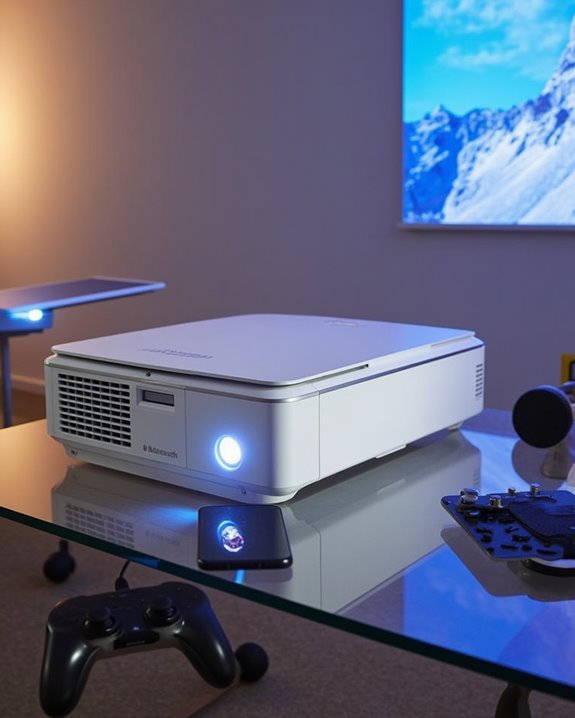
If you’re considering a projector with Bluetooth capabilities, you’ll find that today’s leading models blend wireless convenience with advanced technical features, making them highly versatile for a range of settings. These projectors offer seamless audio connectivity, robust battery life, and impressive color accuracy, ensuring both portability and quality. Many include Bluetooth and Wi-Fi integration, supporting direct streaming and connections to external speakers for enhanced audio experiences. Notable models feature high resolutions—ranging from 1080p to 4K—and offer compact, travel-friendly designs. Most portable projectors also support built-in battery power, allowing for flexible placement and easy use in environments without immediate access to outlets.
Here are four popular Bluetooth-enabled projector models worth exploring:
- TMY V08 Mini Projector – Reliable Bluetooth audio and portable design.
- HOMPOW Full HD Bluetooth Projector – Native 1080P, Bluetooth 5.1, and strong battery life.
- Aurzen EAZZE D1 Smart Projector – Compact with excellent color accuracy.
- ELEPHAS 4K WiFi Projector – Advanced connectivity and high-resolution performance.
Recommended Products

High-Definition Resolution: This outdoor projector supports 1080P Full HD, with a native resolution of 720P (1280x720), delivering clear and vibrant images that bring children's movies, cartoons, and games to life—Avoid manual brightness adjustments to maintain optimal picture quality

NOTE: To ensure optimal performance of built-in applications, please manually update your device to the LATEST system version. Should you encounter any issues, do not hesitate to contact our customer support team for further assistance.

A Roku account and internet connection are required for activation (Creating an account is free)
Frequently Asked Questions
Can I Use Bluetooth Headphones With My Projector for Private Listening?
Imagine wrapping yourself in a cocoon of sound—yes, you can use Bluetooth headphones with your projector for private listening. If your projector supports wireless audio output, simply pair your headphones and enjoy a personal cinema experience.
Do Bluetooth Projectors Support Connecting to Multiple Speakers Simultaneously?
You’ll find that most Bluetooth projectors don’t offer true multi speaker support due to Bluetooth limitations. Typically, you can only connect one speaker at a time unless you use special transmitters or speakers with proprietary multi-connection features.
Will Bluetooth Connectivity Affect My Projector’S Battery Life Significantly?
You’ll notice some battery drain when using Bluetooth, since power consumption increases, especially during audio streaming. The impact varies by projector model and usage, but lowering brightness or volume and using power-saving modes can help minimize battery loss.
Can I Connect My Projector to a Bluetooth Microphone for Presentations?
You generally can’t pair a Bluetooth microphone directly with your projector for wireless audio, since most projectors are designed for audio output, not input. Instead, try device pairing through a Bluetooth receiver or connect via an external sound system.
Are Firmware Updates Required for Maintaining Bluetooth Compatibility in Projectors?
Think of firmware upgrades as a tune-up for your projector’s engine—keeping everything running smoothly. You’ll want to check for updates regularly to guarantee Bluetooth stability and fix any hiccups that might slow your wireless connections.