As an Amazon Associate, we earn from qualifying purchases. Some links on this site are affiliate links at no extra cost to you. Our recommendations are based on thorough research and editorial judgment.

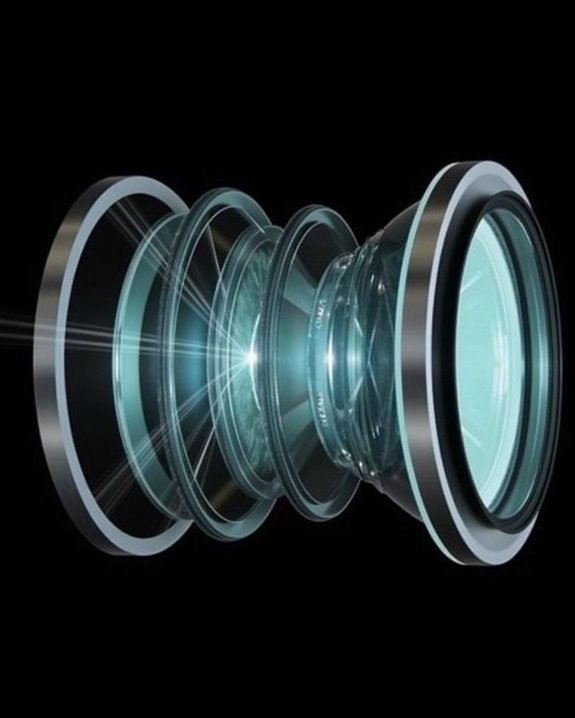
How Projector Lens Works: A Guide to Projector TV Optics

Much like the lens of a camera shapes your perspective, the projector lens is central to how images appear on your screen, controlling both clarity and brightness. You’ll find that this lens system isn’t just a single piece of glass; it involves multiple optical components, each engineered to direct, focus, and refine the light originating from the projector’s source, all while reducing distortion and maximizing color accuracy. Understanding these mechanics is key before exploring what truly determines image quality.
Key Takeaways
- Projector lenses focus and direct light from the source to form a sharp, correctly sized image on the screen.
- Specialized lens designs and coatings minimize distortion, chromatic aberration, and glare for clear, accurate visuals.
- Multiple lens elements and mirrors control image orientation, focus, and compensate for optical flaws.
- The lens’s focal length and throw ratio determine image size and projector placement distance.
- Proper lens and light path design ensure brightness, color fidelity, and minimize the impact of ambient light on image quality.
Basic Components of a Projector Lens System
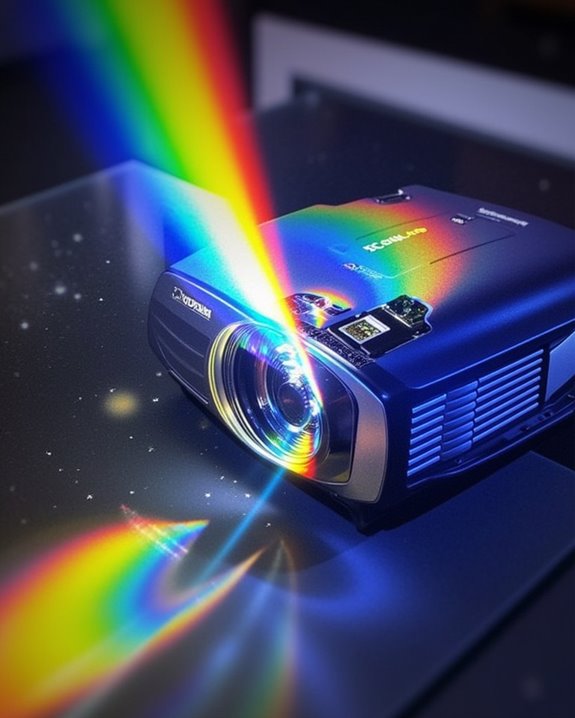
When you look inside a projector, you’ll find that its lens system is made up of several key components, each playing a specific role in producing a clear and vibrant image. The light source, often an LED or laser, emits illumination that travels through the optical path, which is shaped by a series of precisely aligned lenses and sometimes mirrors. These lens elements have specialized lens coatings to reduce unwanted reflections and enhance clarity, while also managing light dispersion to ensure even color distribution and sharpness. The condenser lens directs light efficiently into the projection lens, and a dichroic prism or color wheel separates white light into primary colors for accurate image formation. Modern projectors often include HDR support to enhance color and brightness fidelity. Finally, the projected image appears on the surface, maintaining fidelity and minimizing distortion. Multiple optical elements are used in projection lens systems to focus the image sharply and reduce optical aberrations, which is essential for achieving high image quality.
Recommended Products

Compatibility: The Halogen headlight assembly compatible with 2022 2023 2024 Chevy Chevrolet Silverado 1500. Only applicable to halogen version models, ( Not suitable for LED headlights ). Please confirm the year and model of your vehicle before purchasing

Fitement: These headlight assemblies replacement for Sonata 2011 2012 2013 2014
Key Principles Behind Projection Lens Design
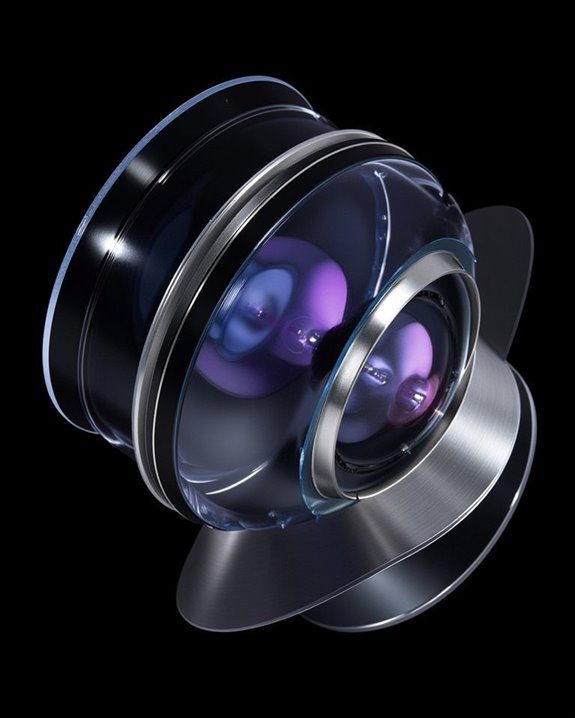
Building on the understanding of a projector’s basic components, it’s important to look at the key principles that guide the design of projection lenses, which are responsible for transforming light from the source into a sharp, accurate image on the screen. In designing these lenses, you need to address factors like lens distortion and chromatic aberration, both of which can blur or discolor the final image. Multiple optical elements, such as bi-convex, bi-concave, or meniscus lenses, are combined to manipulate focal length and control image formation. Pattern recognition in lens design helps engineers anticipate and correct potential optical flaws during the design process. Aspheric surfaces are introduced to enhance sharpness and image uniformity across the screen, while aperture size is balanced to control brightness and depth of focus. The result is a lens system optimized for clarity, minimal distortion, and accurate color reproduction. Modern projectors also integrate advanced features like auto keystone correction to ensure perfectly aligned images regardless of projector placement.
How the Optical System Shapes Projected Images
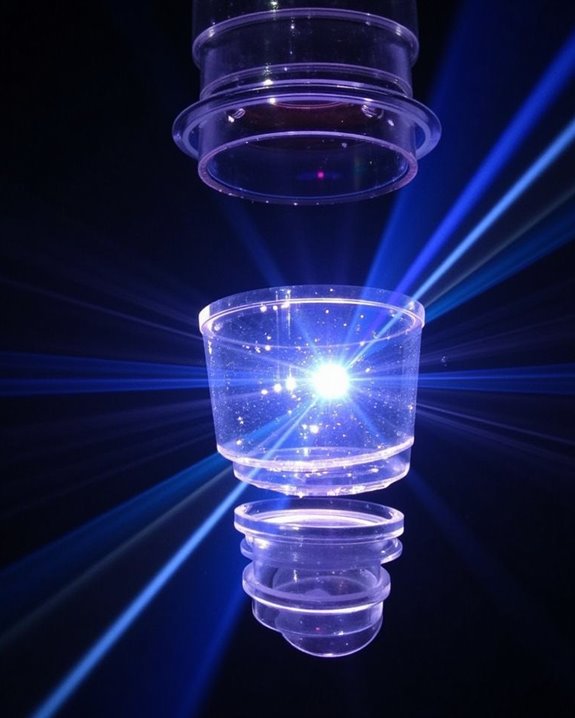
Although projecting an image might seem straightforward, the optical system inside a projector lens relies on a carefully configured path of lenses, mirrors, and adjustment mechanisms to shape exactly how light travels from the source to the projection surface. This system uses mirrors to redirect and align light, while multi-axis rotation mechanisms adjust the orientation of the projected image with remarkable precision. Lens coatings play an essential role by minimizing color dispersion, ensuring that each wavelength of light converges accurately for true-to-life color reproduction and sharp image detail. To better understand how the optical system shapes projected images, consider these key factors:
- Mirrors and lens arrangements ensure proper image orientation and focus, which is critical for achieving optimal image clarity on various projection surfaces.
- Lens coating reduces color dispersion for vivid, accurate colors.
- Optical adjustments maintain image clarity and correct distortions.
- Some advanced projectors employ special optical systems with strategically positioned mirrors to allow image projection even when objects partially block the path between the projector and the surface.
Managing Light for Optimal Brightness and Color
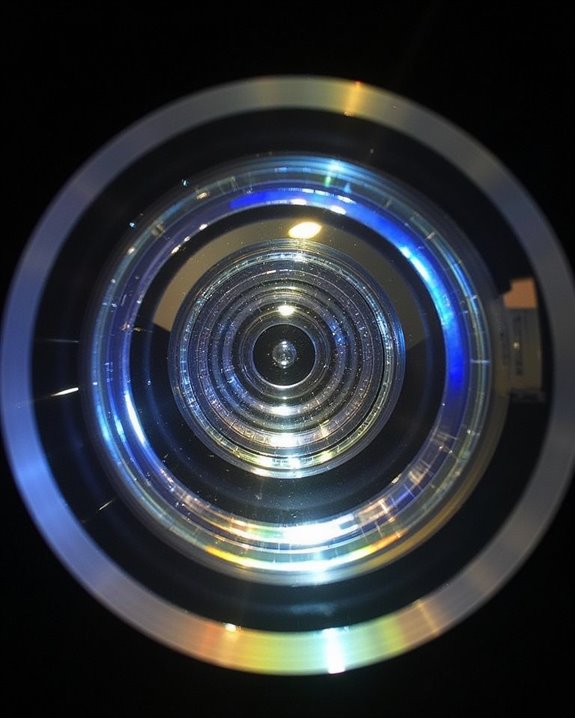
Ensuring a projector delivers ideal brightness and color requires advanced management of how light is generated, directed, and controlled throughout the projection process. You’ll find that technologies like DLP rely on a spinning color wheel for accurate color calibration, ensuring every hue is represented vividly and precisely. To maximize brightness, Total Internal Reflection (TIR) technology is used, which channels up to 80% of the light efficiently, compared to only 40% from traditional reflective bowls, resulting in noticeably brighter images without added power consumption. Precise control of light is essential because it allows the projector to capture and convey the intended emotions and narrative, just as cinematographers do when crafting immersive viewing experiences. Effective heat management is also essential—especially in Bi LED laser projectors, which use sophisticated cooling systems to prevent overheating, supporting longer lifespan and consistent performance. Together, careful light path management and integrated lens sealing help maintain ideal color and brightness throughout your viewing experience.
Recommended Products

2026 upgraded color wheel, comes with one year warranty
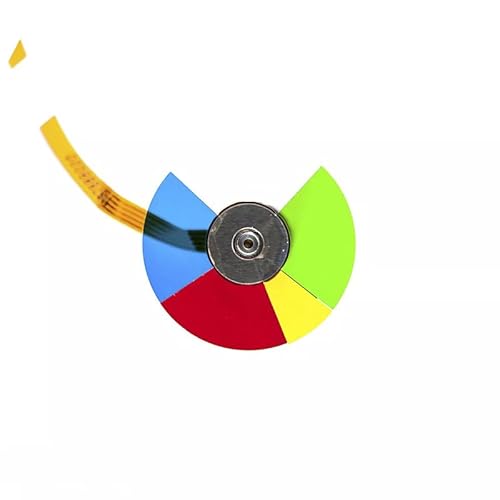
6 color segments, 3 screw holes, Diameter: 40mm. Please check the size and color of the color wheel before purchasing to ensure that it does not delay the customer's time. If you are in doubt, simply compare your old wheel against the photo.
Essential Lens Characteristics for Clear Projection
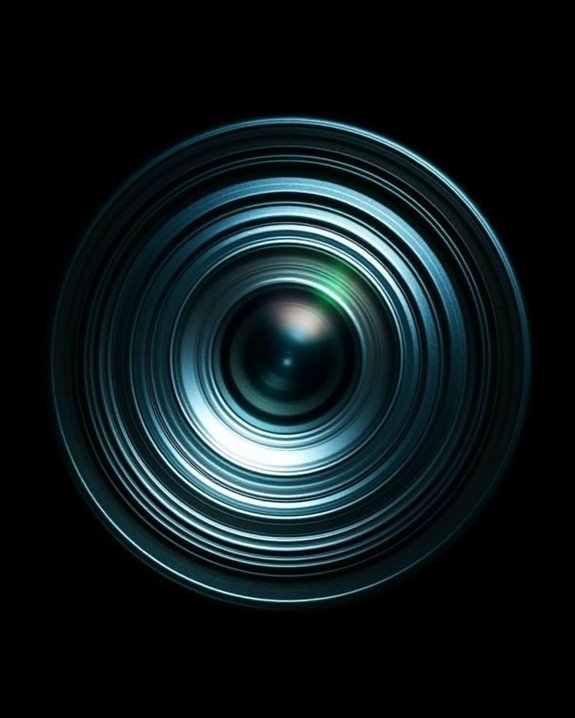
To achieve a sharp and properly aligned image, projectors rely on a set of lens characteristics that directly influence projection quality and user experience. The focal length of a lens determines how large an image will appear at a specific distance, with shorter focal lengths producing wider images, making it easier to fit a large display in a small room. High-quality lens coatings are essential because they minimize light loss and reduce glare, ensuring that projected images remain bright and colors accurate. When selecting a projector lens, you should pay particular attention to these essential features:
- Throw ratio, which affects how far the projector can be placed from the screen
- Zoom ratio, offering flexibility in image size adjustment
- Lens shift, allowing precise vertical and horizontal image alignment
Resolution and display quality are also important, as higher resolution lenses produce clearer, sharper images that enhance the overall viewing experience.
Recommended Products

Plug-and-Play & Cost-Effective Smart Projector: Our smart projector adopts a practical no-built-in system design, saving you from paying extra for redundant embedded functions. Just plug in your favorite TV dongle, and you can instantly stream movies, TV series and live programs effortlessly. This streamlined design cuts unnecessary costs while retaining core projection performance, making the projector budget-friendly and cost-effective. Compact and easy to install, it is ideal for apartment dwellers, bedroom home theater, small office meeting rooms and outdoor scenarios. Note: TV dongle is not included in the package and needs to be purchased separately.

100 to 150 mm Flat Field Zoom Lens for Kodak Slide Projector.

RGB Triple Laser Brilliance: Dive into color-rich, lifelike visuals with the X-Master RGB triple laser engine. 4100 ISO lumens of brightness and ultra-deep 20,000:1 contrast bring unmatched vibrancy and depth to every scene—day or night.Sufficient brightness supports daytime living room use, letting you easily replace your TV.
Integrating Lenses With Projector Technology
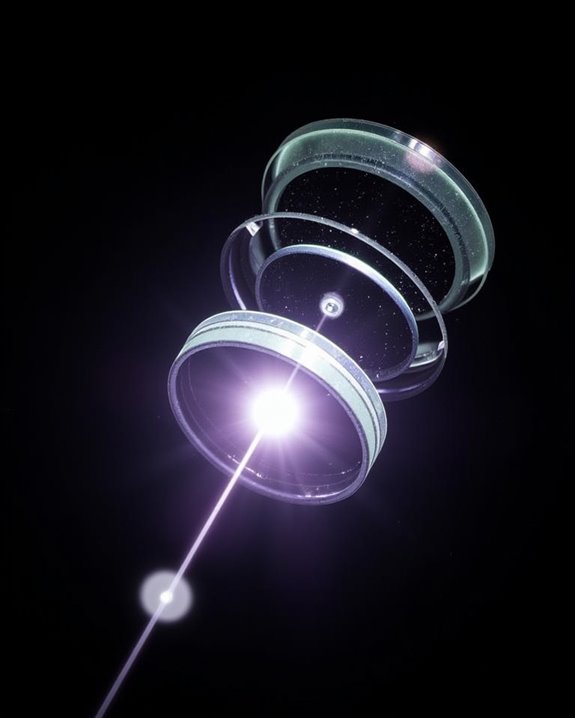
When integrating lenses with projector technology, the goal is to create a seamless system where optical components and digital processing work together to deliver a sharp, vibrant image on screen. You’ll find that lens design plays a vital role, with advanced lens coatings applied to minimize light loss and reduce glare, which helps control image distortion. High-quality lens materials and arrays ensure light is distributed evenly, enhancing clarity and reducing artifacts across the entire projected image. Modern optical technologies, especially in systems like 3LCD projectors, use precision lens calibration and innovative sealing to maintain compactness and protect against environmental factors. By matching the right lens—considering factors like throw distance, lens customization, and support for high-definition formats—you enable excellent performance and consistent image quality in projector applications. In professional installations, color accuracy is crucial, as only a few projectors deliver reference-level color right out of the box, making lens and projector calibration vital for true-to-life displays.
Recommended Products

High Definition Fresnel Lens Performance: This 5.51 by 3.54 inch Fresnel lens offers enhanced image clarity and sharpness, making it an effective choice for projector lens replacement and optical experiment applications

𝗠𝗔𝗫𝗜𝗠𝗜𝗭𝗘 𝗙𝗢𝗖𝗨𝗦 𝗔𝗖𝗖𝗨𝗥𝗔𝗖𝗬: Achieve razor-sharp focus and outstanding images with Spyder LensCal, the essential photo tool for optimizing your camera and equipment performance
Factors Influencing Image Quality in Projector TVs
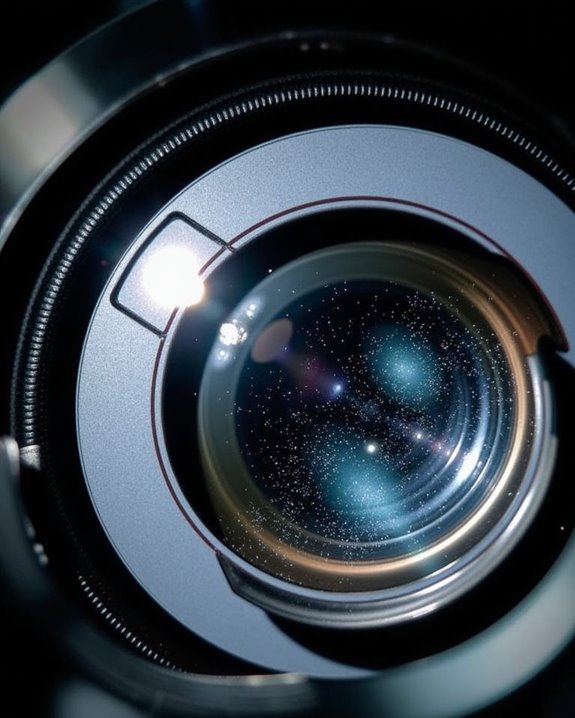
Although projector TVs have advanced considerably in recent years, several technical factors still play a vitally important role in determining the overall image quality you’ll experience. The clarity of your projected image depends on resolution, with options like 720P, 1080P, and 4K delivering varying pixel densities, while the aspect ratio ensures proper image proportions. Color accuracy is heavily influenced by the projector’s color wheel technology and color calibration, which work together to represent content faithfully. Resolution standards such as WXGA, FHD, WUXGA, and 4K UHD influence media display quality and should align with the type of content and the desired image size in your environment. Ambient light can substantially reduce contrast and brightness, making screen type and lumen output key considerations for preserving clarity. If you’re evaluating projector TVs, pay close attention to:
- Resolution and pixel density
- Color accuracy and calibration
- Ambient light and screen compatibility
Understanding these factors helps you achieve ideal image quality for your viewing environment.
Recommended Products

Unshakably Stable Base and Support: This projection screen features a sturdy base and support—extended and reinforced—effectively addressing instability issues common in screen stands. Crafted from premium steel, the accessories of projector screen ensures long-term durability and resistance to bending or breaking

Excellent display effect: The projection screen has a high reflectivity, which can present a high definition and saturated picture, making the projection effect more excellent.
Frequently Asked Questions
How Do I Clean and Maintain My Projector Lens Safely?
Treat your projector’s eye like a delicate window to another world. For lens cleaning and dust removal, gently sweep away debris with a soft brush, then wipe with a damp microfiber cloth—don’t press hard or use harsh chemicals.
Can I Replace My Projector Lens With a Higher Quality One?
Yes, you can perform a lens replacement with a higher quality lens to boost image quality. Just make sure the new lens is compatible with your projector model and mounting system, or you’ll run into installation issues.
What Are the Signs of a Failing Projector Lens?
You’ll notice signs like image blurriness, lens distortion, poor color, or washed-out visuals. If cleaning doesn’t help, or you see scratches, discoloration, or persistent alignment issues, your projector lens is likely failing and needs attention.
Are Projector Lenses Compatible Across Different Brands or Models?
Brand barriers block broad lens interchangeability—don’t expect projector lenses to swap between different brands or even models. Strict brand compatibility rules mean mounts, electronics, and optics rarely match, so you’ll need model-specific solutions for seamless performance.
How Do Ambient Room Conditions Affect Projector Lens Performance?
When you’ve got lots of ambient light, your projector lens struggles to deliver deep blacks and vibrant colors. Room temperature usually isn’t a big issue, but too much heat can sometimes affect lens focus or optical clarity.