As an Amazon Associate, we earn from qualifying purchases. Some links on this site are affiliate links at no extra cost to you. Our recommendations are based on thorough research and editorial judgment.
Do You Need a Projector Screen for Your Home Theater Setup?

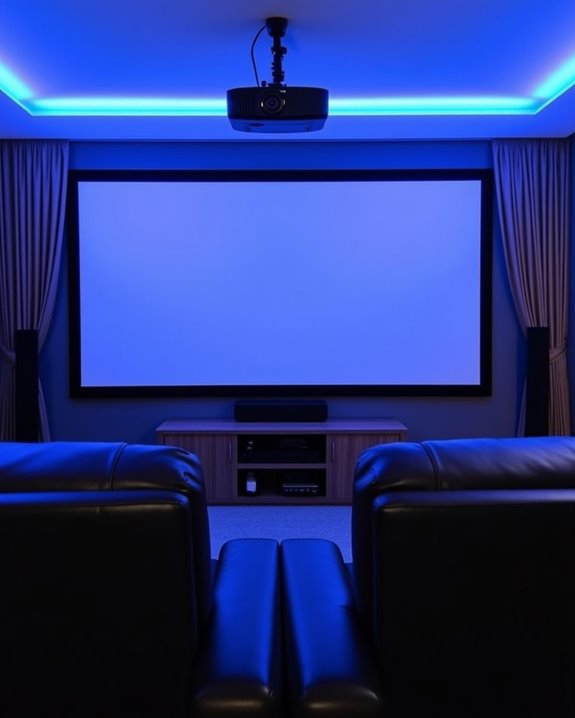
You’re facing a common home theater dilemma: project directly on your wall or invest in a proper screen? While walls seem convenient, they often hide imperfections that affect image quality, reducing contrast and color accuracy. A dedicated projector screen provides a smooth, reflective surface specifically engineered to maximize your projector’s performance, especially in rooms where lighting conditions vary. The right screen can transform your viewing experience from acceptable to exceptional, but your specific needs depend on several key factors.
Key Takeaways
- Dedicated projector screens provide significantly sharper images with better contrast than walls due to their smooth, uniform surfaces.
- Projector screens are designed with specialized reflective materials that enhance brightness and produce deeper blacks compared to painted walls.
- Various screen types (fixed frame, retractable, ALR) offer solutions for different room conditions and usage scenarios.
- White walls absorb 50-60% of projected light, while quality screens reflect 90-98%, delivering much brighter images.
- While walls can work temporarily, screens maximize your projector’s capabilities and are essential for optimal 4K HDR viewing experiences.
Projector Screen Vs Wall Projection: the Quality Difference
When you’re setting up a home theater, the surface you project onto makes a dramatic difference in your viewing experience, even though it’s often overlooked in favor of selecting the perfect projector. The superior surface texture of dedicated screens provides a perfectly smooth, uniform surface that maintains image sharpness and detail, unlike walls with their inherent bumps and imperfections that cause pixelation and blur.
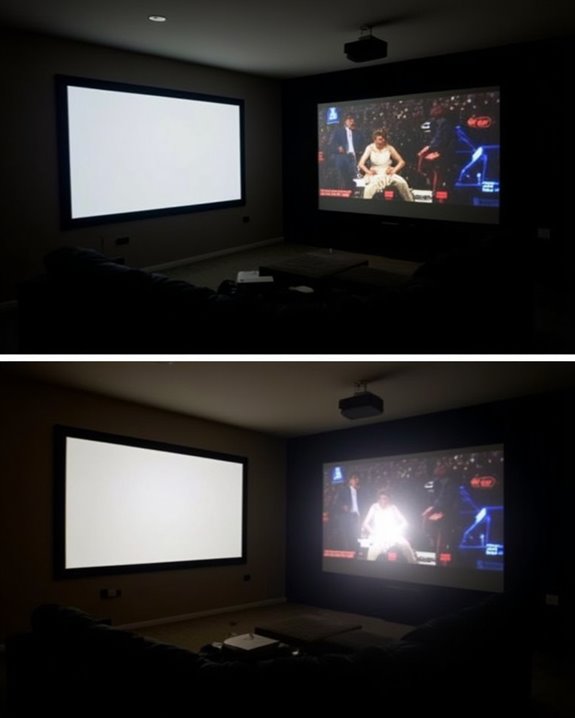
Color accuracy suffers markedly when projecting onto walls, as their inconsistent surfaces and potential paint tinting skew colors from their intended output. Walls absorb more light and scatter reflections unevenly, resulting in dimmer images with reduced contrast compared to screens, which are engineered with specialized reflective materials. The controlled reflective properties of screens produce deeper blacks, brighter whites, and preserve the original vibrancy of your content. Using a projector screen also helps maximize the contrast ratio and brightness potential of your projector for an optimal viewing experience.
Recommended Products
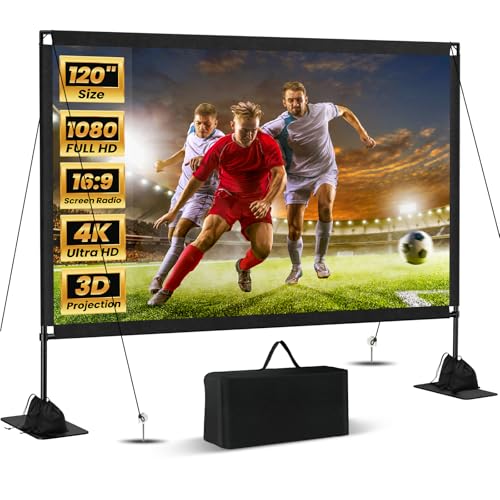
Unshakably Stable Base and Support: This projection screen features a sturdy base and support—extended and reinforced—effectively addressing instability issues common in screen stands. Crafted from premium steel, the accessories of projector screen ensures long-term durability and resistance to bending or breaking

Wall Mounted Fixed Frame Projection Screen (Overall Size 63.625" Tall x 109.25" Wide) (Viewing Area 120" Diagonal x 58.875" Tall x 104.5" Wide) No option for Legs or Stands with this product. Recommended for projectors with Native 16:9 Resolution

CONVENIENT TO STORAGE AND CARRY : Compact one-piece,lightweight and folding design. You can fold the projector screen in small size and put it in your backpack or suitcase
Types of Home Theater Projector Screens to Consider
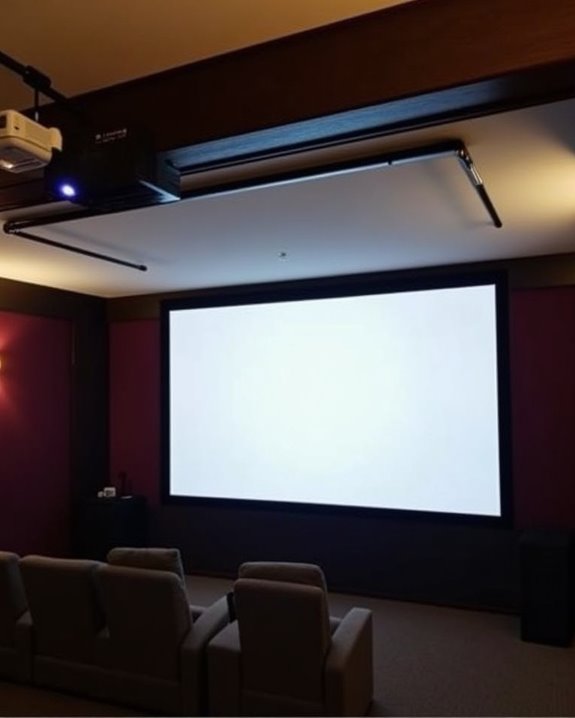
Selecting the right projector screen for your home theater involves steering through several distinct categories, each offering unique benefits for different viewing environments and preferences. Fixed frame screens provide a permanently smooth viewing surface with options like black velvet frames to reduce light reflection, while retractable models offer versatility for multi-purpose rooms. The screen material critically impacts your viewing experience, with specialized options such as Slate 1.2 Surface for ambient light rejection or ImpactWhite for sports simulation.
Your aspect ratio choice should align with your typical content, with 16:9 being standard for modern entertainment, 4:3 for classic content, and 2.35:1 Cinemascope for a truly cinematic experience. Consider your room’s lighting conditions, viewing habits, and installation constraints when making your final selection. Many modern projectors also support 4K HDR content, ensuring that your screen choice complements high-resolution and high dynamic range visuals for the best picture quality.
Recommended Products

[PRODUCT PARAMETERS]--Screen Material: PVC; Frame Material: Aluminum Alloy + Velvet; Screen Resolution: 16:9; Diagonal Size: 110"
Wall Mounted Fixed Frame Projection Screen (Overall Size 53.75" Tall x 91.875" Wide) (Viewing Area 100" Diagonal x 49" Tall x 87.125" Wide) No option for Legs or Stands with this product. Recommended for projectors with Native 16:9 Resolution

【130" DIAGONAL SCREEN】-- Framed Size: 118x68.5", Practical 113.3x63.7" Sized Viewing Area. 16:9 Hd Display, Actual 1.2 Gains, With Real 160° Viewing Angle, Providing Cool Watching Experience
Installation Requirements for Different Screen Options
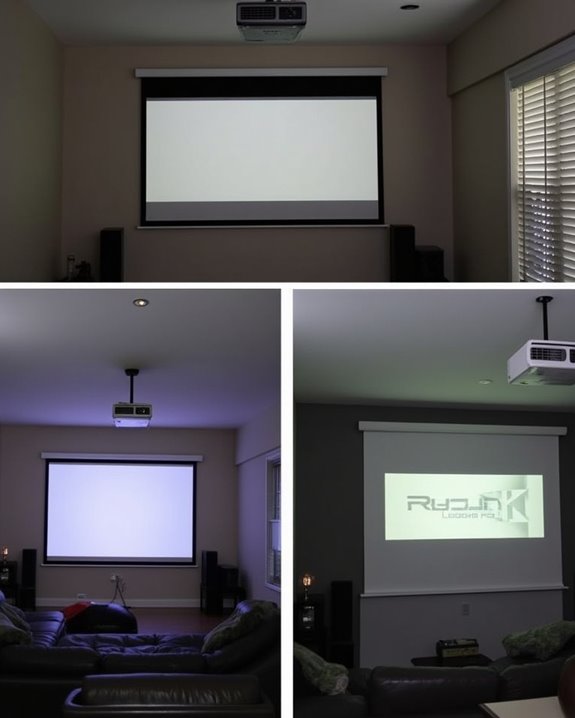
Installing your projector screen properly requires careful planning of several interconnected elements to achieve ideal viewing results in your home theater. The mounting surface must be flat and stable, whether you’re attaching to walls, ceilings, or stands, with precise leveling to prevent distortion. Use a stud finder to locate joists for secure anchoring, especially for heavier motorized screens.
Your wiring setup should include properly routed HDMI cables and power connections, with cable management solutions to maintain a clean appearance and prevent damage. For motorized screens, ensure power outlets are accessible or plan for concealed wiring. Position the screen so viewers’ eye level aligns approximately one-third from the bottom, and consider your projector’s throw distance when determining placement. Avoid locations with direct sunlight or glare for ideal image quality. Choosing a screen with a ≥160° viewing angle allows for comfortable viewing from various seating positions in your home theater.
Recommended Products
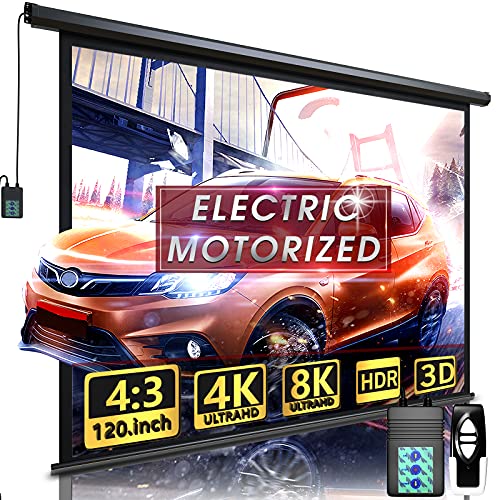
Size and Aspect Ratio: 4:3 aspect ratio, 120 inch diagonal screen size: 93.7 x 69.69 inch. Carton size: 107 x 5.7 x 4.9 inch. Product weight: 24.3 lbs. You can stop the motorized projector screen before it's all the way down to use as a smaller 16:9 screen

MEASURE & ENJOY THE BIG PICTURE: Before ordering, check the size chart in the images and measure your space to avoid returns. This 150-inch 16:9 screen(130.71"×73.62" high-gain viewing area, housed in a 133.07"×80.71" screen frame and 141.34"×84.65"overall motorized assembly) brings the cinema home with a 160° viewing angle and 1.2 gain, delivering crisp 4K, 3D and 1080P images — a protagonist-level viewing experience for your living room, villa or luxury home.

Size and Aspect Ratio: 16:9 aspect ratio, 100 inch diagonal screen size 87 x 48.82 inch. Product Weight: 25.4 lbs
Budget Considerations: Screens at Every Price Point
After addressing the structural needs for your screen installation, it’s time to examine your spending options for the actual screen itself. You’ll find affordable options starting as low as $40 for portable folding screens like Insignia’s 100″ model, which works well for occasional viewing in completely darkened rooms.
Mid-range screens, such as the Elite Screens Spectrum 2 at $345, offer motorized functionality and better construction quality, with standard gain levels between 1.0-1.1. For environments with ambient light, consider investing in specialized ALR (Ambient Light Rejection) screens like Screen Innovations ZT100SL12, though these premium features come with markedly higher price tags, often exceeding $3,000. Some manufacturers offer projector-screen bundles that provide cost savings while sacrificing customization options. Your budget choice should balance your viewing environment requirements with the features you’ll regularly use.
Recommended Products

Perfect visual enjoyment: 16: 9 Projectorscreen format and diagonal 92" offers 80" x 45" viewing area with optimal image and color reproduction. High contrast 1.3 gain screenoptimizes picture quality

Large 120-inch screen: The DINAH electric projector screen is an ideal choice for movie enthusiasts and professionals alike, featuring a large 120-inch screen that provides an immersive viewing experience for everyone in the room.

【Cinematic 16:9 Visual Feast】Offers a 100-inch diagonal viewing area (87"W x 48.8"H) with a 16:9 aspect ratio, perfected by a 9.8" upper black drop for optimal contrast. This motorized projector screen delivers crisp, theater-grade visuals, making it an ideal center for your living room home theater or office presentations. Please review the size chart (Total Size: 97"W x 60"H) before purchasing.
Enhancing Your Viewing Experience With Screen Technology
When you’ve selected the perfect screen size and assessed your budget, it’s time to contemplate how various screen technologies can dramatically enhance your viewing experience. Different screen material options offer unique advantages, with Ambient Light Rejecting (ALR) screens particularly effective at maintaining image quality in well-lit rooms by minimizing the impact of ambient lighting. Rear projection screens similarly excel in brighter environments, while 4K-optimized materials support ultra-high-definition content for remarkably detailed images.
Technology integrations further elevate your viewing experience, with HDR10+ support delivering superior color accuracy and contrast. Smart projector integrations connect seamlessly with platforms like Google TV, giving you convenient access to streaming content. For gaming enthusiasts, specialized screen materials can reduce input lag and enhance motion clarity, ensuring your home theater serves multiple entertainment purposes.
Recommended Products

ALR Projector Screen, 1.5 Gain, 100% Non-Transparent: ALR projector screen with stand can reject over 90% of ambient light while offering 1.5 gain. Even in bright daylight, it delivers vibrant and HD images. Most ordinary screens appear faded and blurry during the day. Black backing projector screen can effectively prevent light transmission and reflection, providing better visual effects.

Movie Screen Fabric: Made from white, soft-touch material, our thickened, smooth projector screen is crease-free and nontransparent, delivering brighter colors. It uses washable materials and can be washed either by hand or in a washing machine. Quality is strictly controlled, making it ideal for outdoor projector use.

★ 【A perfectly flat screen 】Thanks to the upgraded tab-tensioned system, this screen works well with all projectors, including the most demanding UST projectors.
Making the Right Choice for Your Space and Needs
The perfect projector screen for your home theater ultimately depends on how well it aligns with your unique space constraints and viewing preferences. When selecting your screen, consider the THX guidelines which suggest specific viewing distances—approximately 8 feet for a 100″ screen or 12 feet for a 120″ display. Your room’s dimensions will considerably impact whether a 16:9 or 2.35:1 aspect ratio makes more sense, with wider rooms often accommodating cinematic 2.35:1 ratios more effectively.
Screen material choices affect not only image quality but also room acoustics, with higher-quality materials delivering superior color accuracy and texture reproduction. Remember to match your projector’s capabilities with your screen selection, ensuring compatible resolution, brightness, and throw ratio for ideal performance without distracting black bars or distortion.
Frequently Asked Questions
How Long Do Projector Screens Typically Last Before Needing Replacement?
With proper care, your projector screen can last 10-15 years or longer. Screen durability depends on material quality and maintenance. Unlike projectors, replacement frequency is low since screens don’t have degrading light sources.
Can Projector Screens Be Cleaned, and What’s the Proper Method?
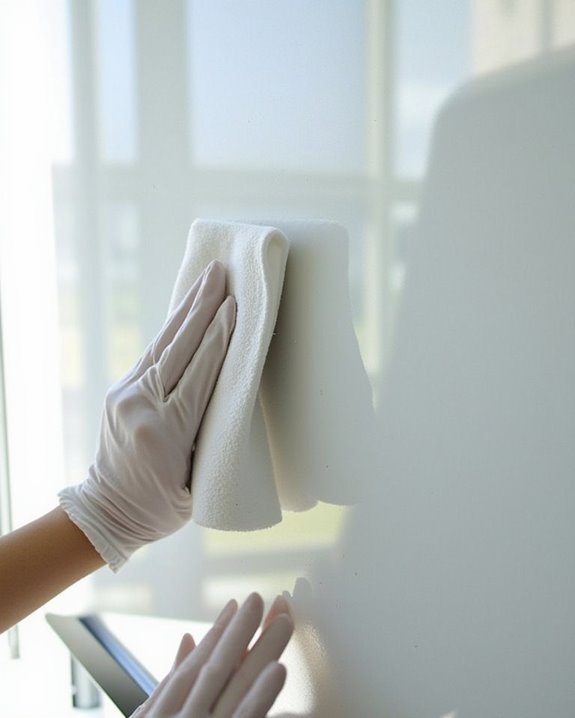
Yes, projector screens can be cleaned. Use a microfiber cloth—dry for dust, slightly damp for stains. Avoid circular motions and harsh chemicals. Regular screen cleaning and maintenance tips include using gentle pressure and specialized solutions when needed.
Do Screens Work Equally Well With All Projector Brands?
Yes, most screens offer excellent projector brand consistency. Screen compatibility isn’t typically brand-specific, as factors like material, gain, and aspect ratio matter more than the projector manufacturer when choosing your screen.
How Does Screen Size Affect Projector Brightness Requirements?
Did you know larger screens require 30% more lumens for the same brightness? As your screen size increases, you’ll need a brighter projector. Higher screen gain helps, but may reduce viewing angles at extreme positions.
Are Projector Screens Safe for Homes With Children and Pets?
Yes, projector screens can be safe with proper precautions. For child safety, guarantee secure mounting and cable management. For pet protection, hide cables to prevent chewing and choose durable screens that withstand minor impacts.