As an Amazon Associate, we earn from qualifying purchases. Some links on this site are affiliate links at no extra cost to you. Our recommendations are based on thorough research and editorial judgment.

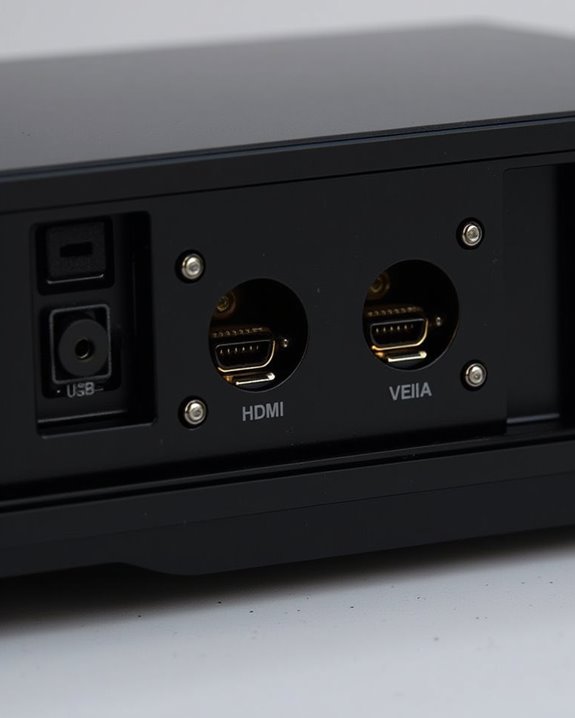
Do Projectors Have HDMI Ports?

When considering whether projectors include HDMI ports, you’ll find that most current models do, as HDMI has become the standard for transmitting both high-definition video and audio through a single cable, simplifying connectivity with laptops, gaming consoles, and streaming devices. These ports typically use the Type A connector, though some compact projectors may employ mini or micro HDMI variants, requiring appropriate adapters for compatibility. However, understanding how HDMI compares to other connection options and what features different HDMI versions offer is essential before making a choice.
Key Takeaways
- Most modern projectors include HDMI ports for easy connection to laptops, streaming devices, and gaming consoles.
- HDMI ports on projectors support high-definition video and audio through a single cable, simplifying setup.
- Many projectors offer multiple HDMI inputs, allowing you to connect several devices without switching cables.
- Portable and compact projectors may use Mini or Micro HDMI connectors instead of the standard HDMI Type A.
- Using the appropriate HDMI cable and matching HDMI versions ensures optimal performance and compatibility with your devices.
HDMI as a Standard Feature in Modern Projectors
Although technology in projectors has evolved rapidly, HDMI has become a standard feature in nearly all modern models because it allows you to transmit both high-resolution digital video and audio through a single cable. When you’re setting up a projector, HDMI simplifies connections for devices like streaming sticks, gaming consoles, or laptops, and it supports important features such as projector calibration, which ensures accurate color and image alignment. HDMI ports typically accept signals from 1080p up to 4K resolution, depending on the version, with HDMI 2.0 supporting up to 18 Gbps data rates and high refresh rates for smooth visuals. Many projectors now include dual HDMI ports to enhance connectivity options for multiple devices. HDMI is also electrically compatible with DVI-D signals, which means you can use adapters to connect older video sources without losing picture quality. While wireless streaming is increasingly popular, HDMI remains essential for dependable, high-quality transmission, and you’ll usually find multiple HDMI ports on home theater, business, and gaming projectors.
Evolution of Projector Connectivity Options
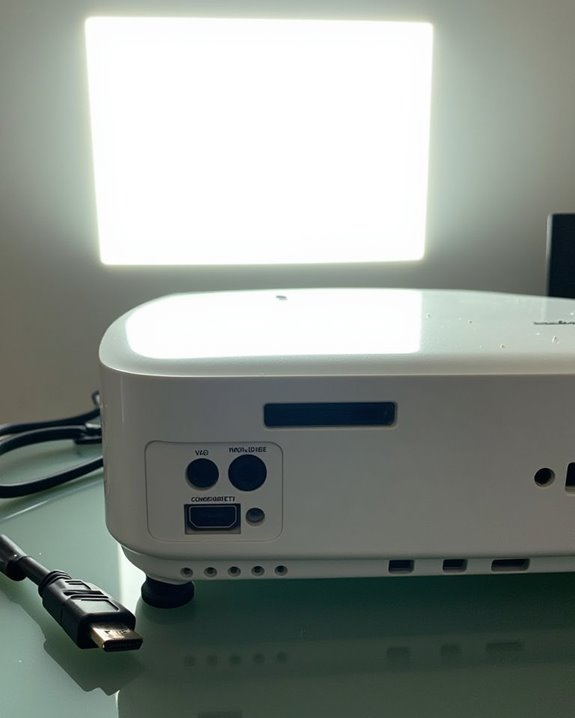
As HDMI has become the standard for modern projectors, it’s helpful to understand how projector connectivity has changed over time to meet different needs and technologies. Early projectors relied on analog connections like VGA and RCA, often requiring complex projector color calibration and offering limited resolution. As digital technology emerged, DVI and component video provided better image quality, and digital projectors started supporting USB and Ethernet for control and media playback. Today, HDMI dominates, allowing for high-definition video and digital audio through a single cable, simplifying setup and reducing signal loss concerns related to HDMI cable length. Modern projectors often include multiple HDMI ports, wireless options like Miracast, and support for advanced features such as 4K resolution, addressing the needs of both home and professional environments. Many models also incorporate HDMI 2.1 connectivity to support higher bandwidth and improved performance. Recent advances in projector design reflect the industry’s move toward miniaturization and portability, making it easier than ever to connect a wide variety of devices with plug-and-play convenience.
Differences Between HDMI Versions on Projectors
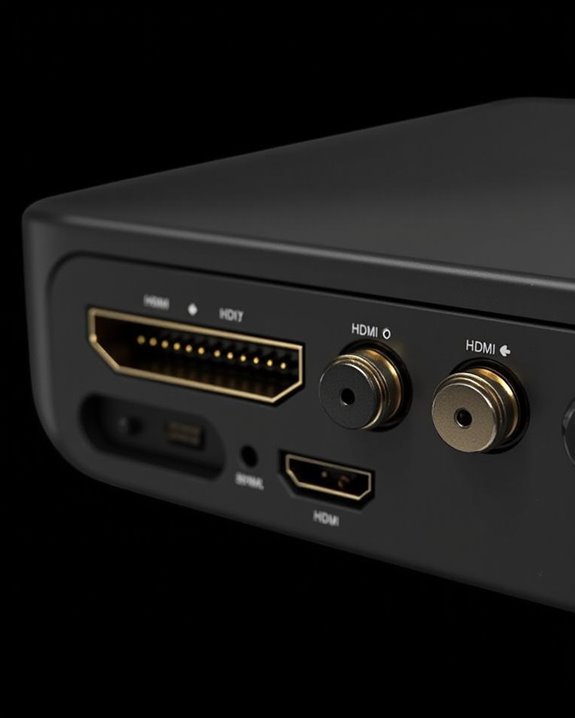
When comparing HDMI versions on projectors, it’s important to recognize that each version brings specific advancements in resolution, bandwidth, and supported features, which directly affect your viewing experience and the devices you can connect. HDMI 1.4 supports 4K at 30Hz with a maximum bandwidth of 10.2Gbps, while HDMI 2.0 increases this to 4K at 60Hz and 18Gbps bandwidth, adding enhanced features like eARC and ALLM. HDMI 2.1 significantly boosts bandwidth to 48Gbps, enabling 8K at 60Hz and features such as VRR and Dynamic HDR, making it suitable for advanced projectors like the XGIMI HORIZON Ultra. Many modern projectors also incorporate HDMI 2.1 ports to ensure future-proof connectivity and enhanced compatibility with high-end devices. HDMI cables are categorized into Standard and High-Speed based on supported speeds, so choosing the correct cable type is also essential for optimal projector performance. Always check HDMI licensing and use high-quality HDMI cables to guarantee you maximize compatibility and performance with your projector’s HDMI ports.
Recommended Products

Top Technology--8K@60HZ: This 8K Ultra-High Speed 2.1 HDMI Cable uses the most cutting-edge technology, which is compatible with 8K@60HZ,4K@240HZ and 4K@120HZ clearly displays every particle, and accurately processes every signal source.

【HDMI 2.1 Certification】Only 1% of HDMI cables on the market have passed HDMI 2.1 certification. Scan with the QR code Scanner app for verification

Real 8K HDMI certified cable: The HDMI cables pass HDMI 2.1 Certified. The HDMI Cable delivers 10K 8K@60Hz and 4K@240Hz higher resolution, 4 times higher than 4K@60Hz. The advanced technology makes a remarkable improvement in image clarity and sharpness
Understanding HDMI Connector Types Used in Projectors
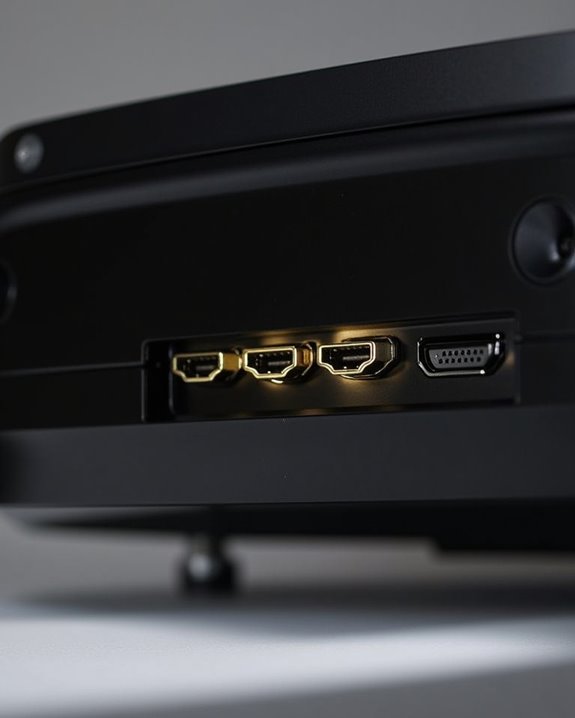
Projectors don’t just differ in the HDMI versions they support—they also utilize a variety of HDMI connector types, each with distinctive physical characteristics and applications. Most projectors feature the standard HDMI Type A connector, measuring 13.9mm x 4.45mm, which guarantees broad connector compatibility with home theater systems, gaming consoles, and computers. Some portable projectors incorporate Type C (Mini HDMI, 10.42mm x 2.42mm) or even Type D (Micro HDMI, smaller than Type C), making port placement more adaptable in compact devices. While Type B and Type E connectors exist, they’re rarely found in mainstream projectors. There are five main types of HDMI connectors, and understanding this range helps users select the appropriate adapter or cable for their specific projector model. If you need to connect different device types, adapters can bridge the gap between connector types, guaranteeing your projector remains versatile and compatible with various AV setups despite differences in port placement.
Supported Resolutions and Refresh Rates via HDMI
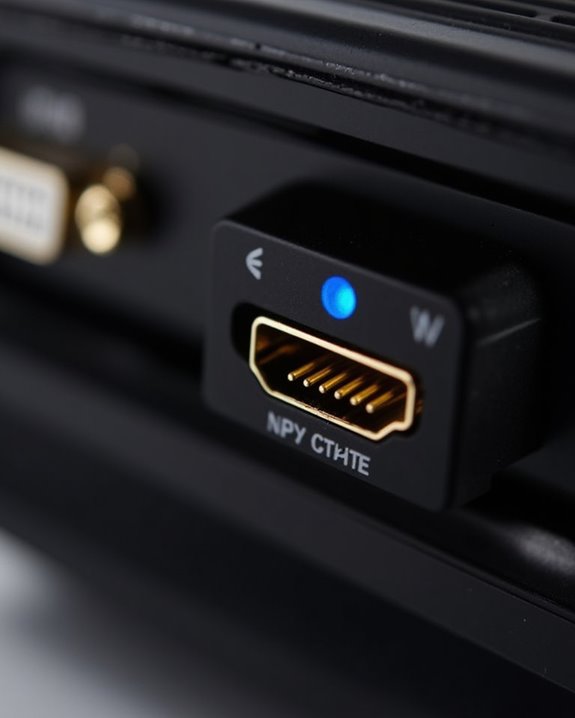
Even though HDMI ports may look similar across devices, the range of resolutions and refresh rates they support can vary considerably depending on the projector’s technical specifications and the HDMI version implemented. Most modern projectors support common resolutions like XGA (1024 x 768), WXGA (1280 x 800), Full HD (1920 x 1080), and even 4K UHD (3840 x 2160), with some models offering DCI 4K for cinematic standards. Supported refresh rates depend on the HDMI version; HDMI 1.4 allows 24 Hz for 4K, while HDMI 2.0 increases this to 60 Hz, providing smoother video playback. Projectors utilize display scaling to adjust incoming content to their native resolution, but over-scaling may impact image clarity, so matching source and projector resolution is preferable. Matching device output to native resolution is recommended for presentations and web content to ensure optimal clarity.
Audio Capabilities of HDMI on Projectors
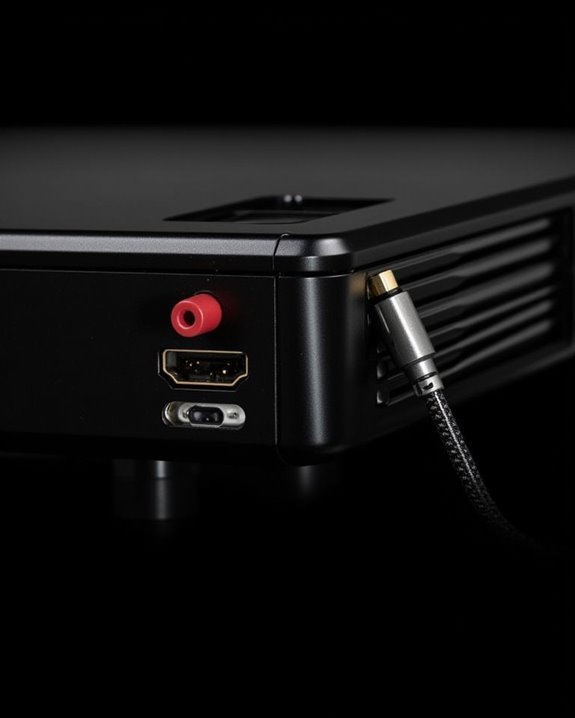
Although HDMI is most widely recognized for transmitting high-definition video, it’s equally important as a conduit for high-quality digital audio in today’s projectors, supporting a wide variety of audio formats and features that influence your overall viewing experience. With HDMI, you’ll benefit from support for stereo PCM, multi-channel audio up to 8 channels, and lossless audio formats like Dolby TrueHD and DTS-HD Master Audio, which all contribute to superior sound quality. HDMI also accommodates compressed formats, such as Dolby Digital and DTS, and supports high sample rates and greater audio bit depth, ensuring clarity and detail. However, the range of audio formats supported can depend on both the projector and the HDMI version, so checking compatibility is essential for ideal sound quality and format support. Many modern projectors also support Audio Return Channel (ARC), which allows audio to be sent from the projector back to a connected sound system over the same HDMI cable, simplifying your setup and enhancing audio integration.
Advanced HDMI Features: ARC, Earc, and HDCP
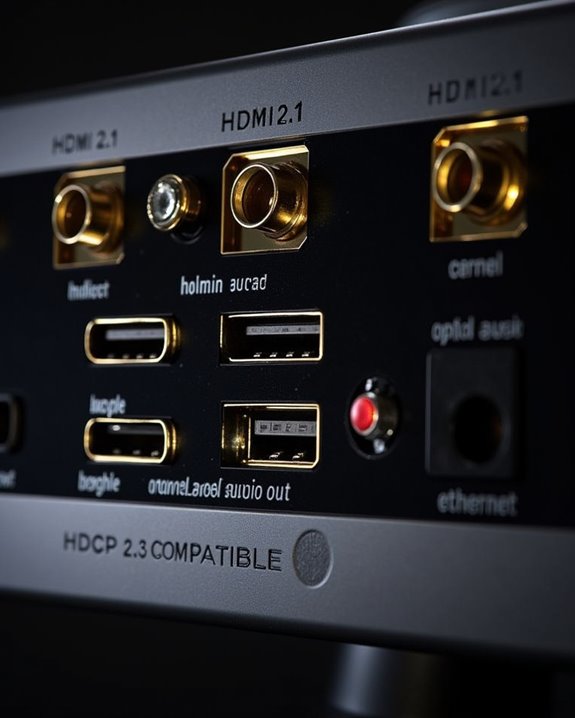
When exploring the advanced features offered by HDMI on projectors, it’s important to understand how technologies like Audio Return Channel (ARC), Enhanced Audio Return Channel (eARC), and High-bandwidth Digital Content Protection (HDCP) can shape your viewing and listening experience. ARC lets you simplify audio connections by sending sound from your projector back to an ARC-compatible receiver or soundbar using a single HDMI cable, though bandwidth is limited compared to eARC, which supports uncompressed formats like Dolby TrueHD for richer audio. To use these features, both devices must support the same ARC or eARC standard, and HDMI CEC or HDMI Link settings are often required. Using HDMI2 (ARC) port on the projector is essential for connecting compatible external speakers or an A/V receiver. HDCP, a key part of HDMI security and HDMI licensing, ensures digital content protection, preventing unauthorized copying over HDMI connections.
Recommended Products
【HDMI 2.1 Certification】Only 1% of HDMI cables on the market have passed HDMI 2.1 certification. Scan with the QR code Scanner app for erification

eARC Audio Specialists: Engineered exclusively for high-fidelity audio enthusiasts with eARC/ARC needs. This 8K HDMI eARC cable unleashes the full potential of the Enhanced Audio Return Channel (eARC), supporting high bitrate object-oriented audio formats like Dolby Atmos and DTS:X. Easily connect your TV's eARC/ARC port to your soundbar or AV receiver via a single cable, achieving lossless audio transmission with up to 192kHz sampling rate and 48Mbps bandwidth

ARC / eARC Audio Splitter 1 in 2 Out – Split audio from your TV’s HDMI ARC or eARC port to two soundbars, AV receivers, or audio systems simultaneously. Ideal for dual audio setups, home theaters, and multi-room sound distribution.
Comparing HDMI With VGA, DVI, and Composite Inputs
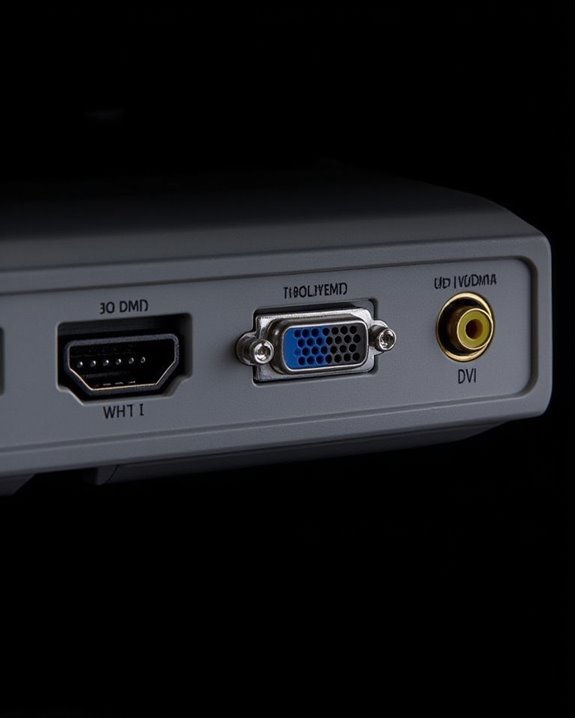
As you consider which projector connection is best for your needs, it’s important to understand the key differences between HDMI, VGA, DVI, and composite inputs, since each option offers distinct advantages and limitations regarding video quality, audio support, and compatibility. HDMI delivers both high-definition video and audio in a single cable, with support for resolutions up to 4K, making it ideal for most modern devices and ensuring accurate projector color calibration. In contrast, VGA is limited to analog signals, typically up to 1080p, and is more prone to color inaccuracies. DVI offers high-quality digital video but lacks audio support, requiring a separate connection. Composite inputs provide the lowest video quality, only supporting standard definition. In addition, properly made cables are crucial for optimal projector performance, as subpar cables can impair both video and audio quality. HDMI cable length can also impact signal quality, especially at higher resolutions.
Recommended Products

【4K UHD Visual Feast】This USB-C to HDMI cable supports up to 4K@60Hz resolution and is backward compatible with 1440P@60Hz and 1080P@120Hz. It can seamlessly transmit at 3840x2160 resolution, providing crystal-clear images and smooth video, suitable for high-definition monitors, TVs, and projectors, meeting the needs of various devices and use cases. 📌𝐍𝐨𝐭𝐞: 𝐔𝐒𝐁-𝐂 𝐩𝐨𝐫𝐭 𝐦𝐮𝐬𝐭 𝐬𝐮𝐩𝐩𝐨𝐫𝐭 "𝐃𝐢𝐬𝐩𝐥𝐚𝐲𝐏𝐨𝐫𝐭 𝐀𝐥𝐭𝐞𝐫𝐧𝐚𝐭𝐞 𝐌𝐨𝐝𝐞". 𝐍𝐎𝐓 𝐬𝐮𝐩𝐩𝐨𝐫𝐭 𝐏𝐨𝐫𝐭𝐚𝐛𝐥𝐞 𝐌𝐨𝐧𝐢𝐭𝐨𝐫 𝐨𝐫 𝐔𝐥𝐭𝐫𝐚 𝐖𝐢𝐝𝐞 𝐌𝐨𝐧𝐢𝐭𝐨𝐫.

Top Technology----8K@60HZ: This 8K Ultra High Speed HDMI Cable uses the most cutting-edge technology, is compatible with 8K@60HZ and 4K@120HZ, clearly displays every particle, and accurately processes every signal source.

[Effortless Plug & Play] Crystal-clear and vibrant 4K@60Hz resolution backward compatible for 1440P/2K@144Hz and 1080P@240Hz. Instantly mirror or extend UHD content from your Type-C phone, tablet, laptop, and desktop computer to larger displays like monitors, TVs, and projectors. Leave behind the worries of unstable WiFi and the hassle of drivers. HDCP compliance lets you enjoy media streaming without any limitations.𝗣𝗹𝗲𝗮𝘀𝗲 𝗡𝗼𝘁𝗲: 𝗧𝗵𝗶𝘀 𝗶𝘀 𝗮 𝗼𝗻𝗲-𝘄𝗮𝘆 𝗰𝗮𝗯𝗹𝗲, 𝗱𝗲𝘀𝗶𝗴𝗻𝗲𝗱 𝗲𝘅𝗰𝗹𝘂𝘀𝗶𝘃𝗲𝗹𝘆 𝗳𝗼𝗿 𝘁𝗿𝗮𝗻𝘀𝗺𝗶𝘀𝘀𝗶𝗼𝗻 𝗳𝗿𝗼𝗺 𝗨𝗦𝗕-𝗖 𝗵𝗼𝘀𝘁 𝗱𝗲𝘃𝗶𝗰𝗲𝘀 𝘁𝗼 𝗛𝗗𝗠𝗜 𝗱𝗶𝘀𝗽𝗹𝗮𝘆𝘀.
Multiple HDMI Inputs and Their Benefits
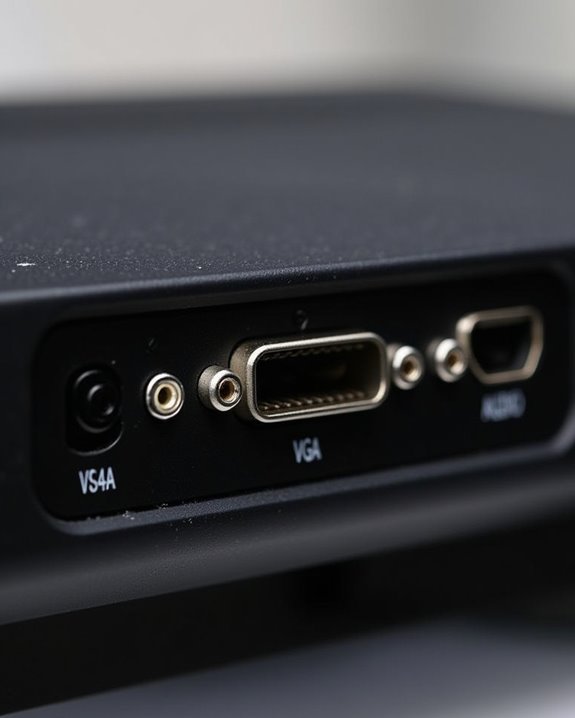
Since projectors often serve as the central hub for various entertainment and presentation devices, having multiple HDMI inputs on your projector offers significant practical advantages for both home and professional environments. With two or more HDMI ports, you can connect devices like Blu-ray players, game consoles, or laptops simultaneously, eliminating the hassle of unplugging and replugging cables. This port customization lets you efficiently manage different sources, such as streaming devices and computers, streamlining alternatives between content. In settings where wireless connectivity is integrated, multiple HDMI inputs still provide reliable wired options for high-resolution video, 3D, or 4K HDR playback. Additionally, you’ll reduce wear on both cables and ports, and enjoy seamless switching between inputs, using either a remote or the projector’s menu, boosting both convenience and device longevity. As an added benefit, many modern projectors, such as the Epson PowerLite 2250U, feature dual HDMI ports for high-definition connectivity, ensuring compatibility with a wide range of source devices.
Recommended Products

【Built-in WiFi & Bluetooth Projector with Apps】Dual-band WiFi 2.4G + 5G ensures fast and stable wireless streaming. Bluetooth 5.2 supports speakers and headphones. Built-in apps like YouTube and Prime Video are supported, and the projector is compatible with TV sticks (not included) to access a wide range of streaming content and enjoy massive video libraries, making it a perfect movie projector.

This HDMI male to 2 HDMI female splitter cable allows you to connect a single HDMI source to two HDMI-compatible devices. Whether you're watching TV, playing video games, or working from home, enjoy a seamless experience with clear, crisp HD resolution and reliable performance.
Enhancing Compatibility With HDMI Adapters and Cables
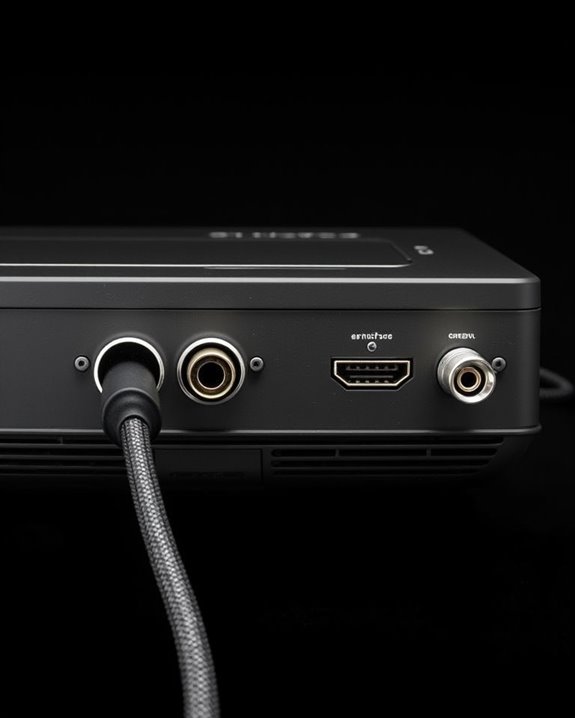
Although modern projectors are designed to connect seamlessly with a wide range of devices, guaranteeing full compatibility often requires careful selection of HDMI adapters and cables that match both your projector and source equipment. You’ll want to check the HDMI version supported by your projector and source—using HDMI 2.0 or 2.1 cables for 4K video, for example, ensures peak performance. For devices like MacBooks or smartphones with USB-C ports, USB-C to HDMI adapters enable direct connectivity, while cross-compatibility adapters can bridge older VGA or DVI outputs to HDMI inputs. DisplayPort supports adapters for VGA, DVI, and HDMI backward compatibility, which can be particularly useful when connecting to legacy devices with different output types. High-quality, shielded cables reduce electromagnetic interference and signal loss, especially over longer distances. When using wireless streaming, it’s still important to verify your HDMI adapters and cables support the necessary resolutions and bandwidth for smooth playback.
Recommended Products

Compatibility & Functionality Overview: This durable USB-C to HDMI adapter is compatible with Windows, smartphones, and gaming consoles for video and audio streaming, but it requires DP Alt Mode support, is strictly for one-way video output, and does not support charging.

5-in-1 USB-C Hub: Experience comprehensive connectivity featuring a Power Delivery input, two USB-A 2.0 ports, a USB-A 3.0 port, and an HDMI port. (Note: The USB-C power delivery input port is only for connecting an external wall charger to power your laptop and cannot power peripheral devices.)

【5-in-1 Ultimate Productivity HUB】Expand your USB-C port into a high-performance workstation. This usb c hub multiport adapter integrates 4K@60Hz HDMI, 100W PD, USB-C 3.0 (5Gbps), USB-A 3.0/2.0. Perfect for keeping your desk organized and eliminating clutter from multiple dongles.
Frequently Asked Questions
Can I Use a Wireless HDMI Transmitter With My Projector?
Over 80% of modern projectors support wireless transmission. You can easily use a wireless HDMI transmitter with your projector. If your device lacks an HDMI port, just use HDMI adapters to guarantee seamless connectivity and streaming.
Do HDMI Ports on Projectors Support 3D Video Signals?
You’ll find that many projectors offer 3D support through HDMI compatibility. As long as your projector and HDMI cable meet the right standards, you can enjoy 3D video signals—just check for HDMI 1.4 or later.
What Should I Do if My Projector’S HDMI Port Stops Working?
If your projector’s HDMI port stops working, start projector troubleshooting by checking cables, ports, and settings. If issues persist, consider HDMI port repair or contact support. Sometimes, professional inspection’s needed for a lasting fix.
Are HDMI Ports on Projectors Compatible With Gaming Consoles?
You’ll find projector compatibility with gaming consoles is strong, thanks to HDMI standards. Just connect your console using a standard HDMI cable—most projectors support these connections, so you won’t have issues playing on a big screen.
Can I Connect My Smartphone to a Projector via HDMI?
Don’t worry if your phone lacks an HDMI port—smartphone compatibility is possible with the right adapter. As long as your device supports video output and matches HDMI standards, you can connect your smartphone to a projector easily.