As an Amazon Associate, we earn from qualifying purchases. Some links on this site are affiliate links at no extra cost to you. Our recommendations are based on thorough research and editorial judgment.

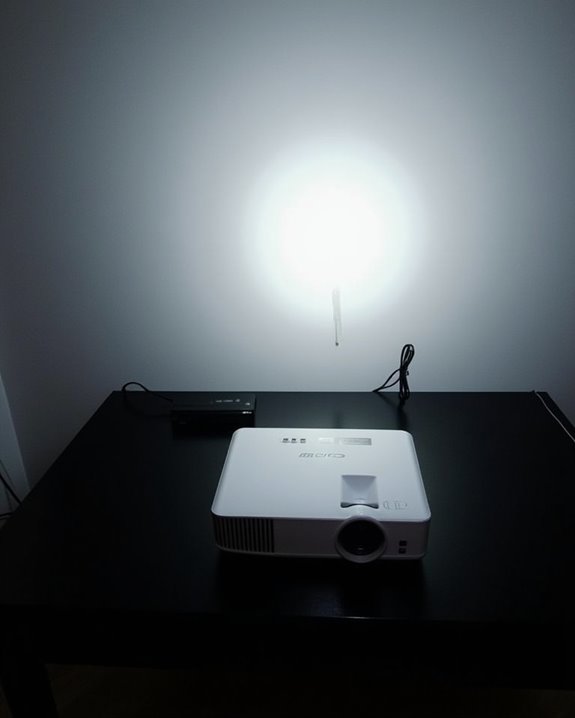
Do Projectors Need WiFi to Work?

Imagine you need to connect your laptop to a projector for a classroom presentation; in this case, you can typically use an HDMI or VGA cable without requiring any WiFi connection, since most standard projectors are designed to display content directly from wired sources. However, as more projectors now include wireless features for added convenience, understanding how these options affect setup, performance, and security becomes essential before making a selection.
Key Takeaways
- Most projectors do not require WiFi to work and can operate using wired connections like HDMI, VGA, or USB.
- WiFi is only necessary if you want to use wireless features such as screen mirroring, streaming, or remote control.
- Wired projectors function independently of any wireless network and deliver stable image quality without internet access.
- Wireless projectors need a stable WiFi connection for seamless cable-free operation, but may face signal or security issues.
- Choosing between wired and wireless depends on your need for mobility, device compatibility, and network reliability.
Basic Functionality of Projectors
Even though projectors come in many different styles and use various technologies, their basic functionality relies on several key components working together to display an image. At the core, you’ll find an optical system with lenses and prisms, which focus and direct the light generated by the light source—this might be a lamp, LED, or laser. The light source’s power consumption directly impacts how often you’ll need bulb replacement, especially with traditional lamps, which have a limited lifespan. Cooling systems, including fans, heat sinks, and air filters, are critical for preventing overheating and maintaining efficiency. Image formation components such as DMD chips, LCD panels, or LCoS chips modulate the light, while a control panel allows you to manage basic functions like power and source selection. Many projectors feature multiple input options, such as HDMI and HDBaseT ports, allowing you to connect a range of external devices for video and audio input. Additionally, many modern projectors include keystone correction to simplify setup by automatically adjusting the image geometry.
Connectivity Options for Projectors
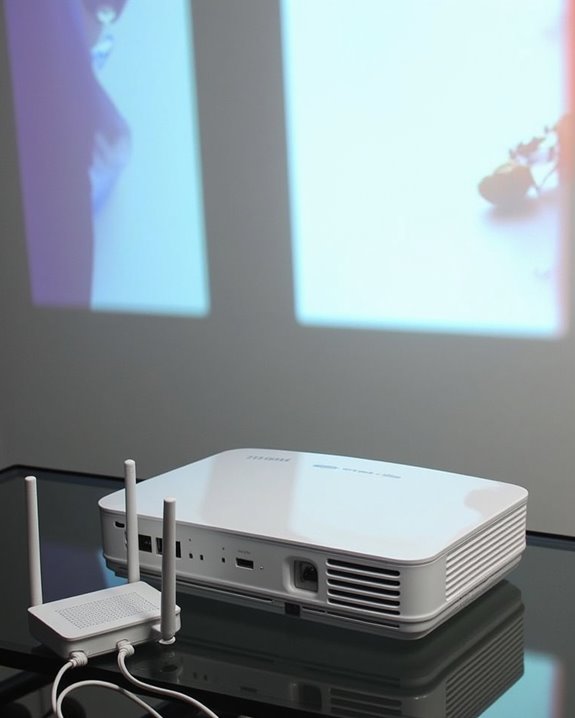
Whether you’re setting up a projector for a classroom, business meeting, or home theater, understanding the available connectivity options is essential for ensuring compatibility with your devices and achieving ideal performance. Projectors support a range of cable alternatives, including HDMI for high-quality video, VGA for legacy systems, and USB or USB Type-C for interactive features or modern laptops. Network connections via wired or wireless LAN allow stable or flexible setups respectively, while adapters and converters help bridge gaps between port types. Many modern projectors also incorporate Wi-Fi 6 and Bluetooth 5.2 to enable seamless wireless device pairing and screen sharing. Analogue video connections such as composite, S-Video, or VGA can also be found on older projectors, though these options generally offer lower picture quality compared to digital alternatives due to their susceptibility to signal distortion. Looking ahead, future connectivity will be shaped by integration with smart technology and emerging wireless standards, broadening compatibility and ease of use. Consider the following options as you assess your connectivity needs:
- HDMI, DVI, and VGA ports
- USB and USB Type-C support
- Wired and wireless LAN options
- Adapter and converter compatibility
- Smart projector and cloud integration
Recommended Products

【Specification】Gray aluminum alloy shell LWH 60*55*10mm (2.3*2.1*0.4 inch), cable 130mm (0.5 inch), Mini size and multi-function.

Reborn USB to HDMI adapter : The Reborn USB to HDMI adapter, a powerful device, converts USB to HDMI, facilitating connections to HDMI displays. Vital for laptop screen output and multimedia, its compactness ensures convenient carrying and instant connection. Note: This adapter cannot be used in BIOS mode, and the driver needs to be installed. If other drivers (e.g., for USB-to-VGA adapters) are installed, uninstall them first to avoid conflicts.

All-in-One Compatibility for iPhone 15/16/17: Seamlessly for Phone, MacBook, iPad, Galaxy S24, Switch and USB-C laptop to HDMI TVs/Monitors/Mini Projector. No extra adapters required—stream, mirror, or present in seconds while keeping your device charged.
Wireless Connectivity Features Explained
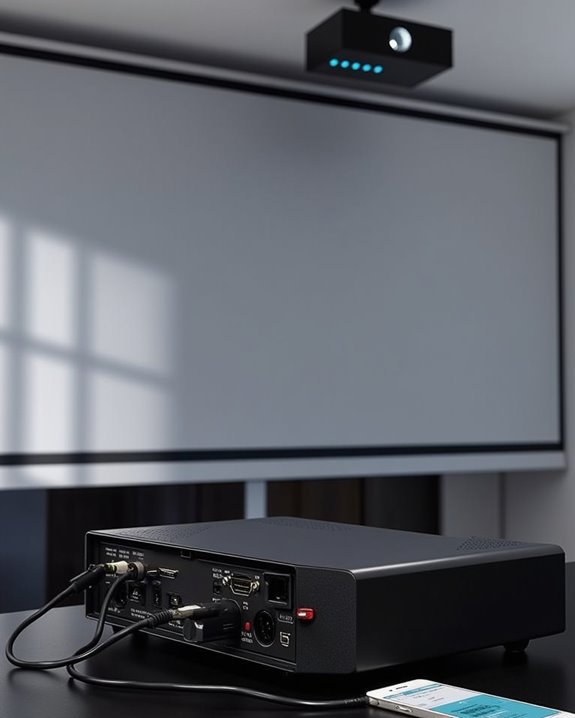
While projectors have traditionally relied on physical cables for video and audio transmission, wireless connectivity features now let you share content without the clutter or limitations of cords. Many modern projectors include built-in WiFi or accept external adapters, enabling you to connect seamlessly to laptops, tablets, or smartphones for Full HD streaming or mirroring using standards like Miracast and WiDi. This functionality is particularly valuable in smart home setups, where you might want to share media from multiple personal devices without rearranging your living space. Wireless connections use radio waves for high-speed data transfer, and some models support proprietary apps for even easier setup. For network security, secure your WiFi network with strong encryption, since wireless projectors operate over your local network and could otherwise be accessed by unauthorized users. Some projectors even support multiple device connections, allowing several users to share their screens or content simultaneously for collaborative presentations or group entertainment. Additionally, many budget-friendly projectors under $100 now feature WiFi 6 or Bluetooth 5.2 to enhance wireless streaming quality and reliability.
Recommended Products

【The Latest WIFI 6 Technology And Bluetooth 5.3】This projector with Wi-Fi and Bluetooth is equipped with the latest Wi-Fi 6 technology, compatible with Wi-Fi 6, 5G and 2.4G, offering faster connection speed and stronger stability, eliminating buffering and disconnection issues, and ensuring smoother online content playback. Additionally, it is fitted with the latest Bluetooth 5.3 chip, allowing for easy connection to Bluetooth speakers, headphones or other Bluetooth audio devices, providing a more efficient and stable transmission channel, and enabling users to enjoy higher audio quality with ease

Note: For the best viewing experience, we recommend a 5.2ft distance for a 80" screen. Please also upgrade to the latest firmware for optimal performance.

【Portable Projector & 220° Rotation】Weighing only 1.5 pounds and measuring 5.5 x 4.7 x 8.6 inches, the projector easily fits into a backpack to carry around and enjoy family movie night anytime. Equipped with a base that rotates 220° vertically for flexible projection - from floor to wall and ceiling. Projection sizes range from 40-130 inches, providing flexible viewing options for any space. For the best viewing experience, we recommend a projection distance of 5.51 feet and projection size of 60 inches. Note: The movie projector does not include batteries and must be plugged in
Popular Projector Models and Their Capabilities
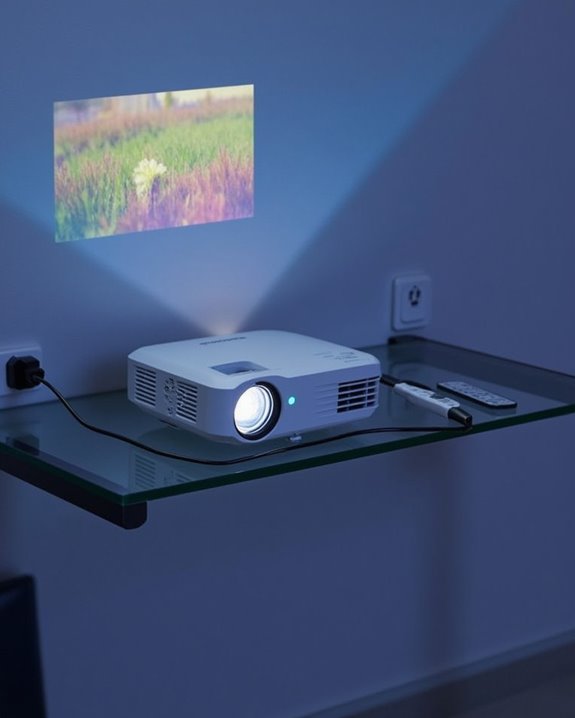
As the home entertainment market evolves, leading projector manufacturers are introducing models that blend cutting-edge imaging technology with convenient features, giving you more options for both dedicated home theaters and flexible living spaces. When evaluating popular projectors, it’s important to compare technical specifications such as projection aspect ratio, lamp lifespan, and image quality enhancements. For example, Sony’s VPL-XW5000ES offers native 4K resolution and a laser light source, ensuring long lamp lifespan and sharp imagery. Epson’s 5050UB utilizes pixel-shifting for 4K-like detail with flexible installation options. Ultra short throw models like Hisense’s L9Q deliver large, bright images in compact spaces. Meanwhile, Samsung’s Premiere Series provides AI-enhanced visuals and integrated audio. Valerion’s VisionMaster Max targets enthusiasts seeking large-format projection and premium color fidelity. Many of the latest models also feature integrated smart system platforms, making streaming and connectivity easier without the need for external devices.
- Native 4K or pixel-shifted resolution
- Various projection aspect ratios
- Extended lamp lifespan with laser engines
- HDR and advanced color support
- Flexible installation for diverse spaces
Recommended Products

[ Built-in Official Licensed Google TV ] - Without additional equipment, the smart projector can directly access Netflix, Prime Video, YouTube, Hulu, and other applications. It greatly reduces the complexity of operation and makes watching movies more convenient
![[Officially-Licensed App & Auto Focus]White Smart Mini Projector with WiFi and Bluetooth, XuanPad 4K Support Movie Projector, Portable Native 1080P Outdoor Projector with 360° Stand](https://m.media-amazon.com/images/I/51I8uy-U8bL._SL500_.jpg)
Exciting Moments Begin - The XuanPad mini projector compatible with Netflix for the ultimate viewing experience.No extra devices or complicated setup needed—just enjoy instant access to a vast library of movies with immersive, smart TV-like quality.XuanPad smart projectors are compatible with a variety of built-in apps like YouTube and Prime Video, and support for wireless screen mirroring and HDMI. Whether it's movie night, a gaming session, or camping, our licensed projectors can meet your customized entertainment needs.

[BUILT-IN OFFICIAL GOOGLE TV OS WITH 10,000+ STREAMING APPS] Skip messy cords and pricey external TV dongles; this smart projector comes preloaded with licensed Google TV, granting instant access to Netflix, Prime Video, YouTube and thousands more streaming platforms; stream daily family shows without hooking up extra devices.
Accessories to Enable Wireless Projection
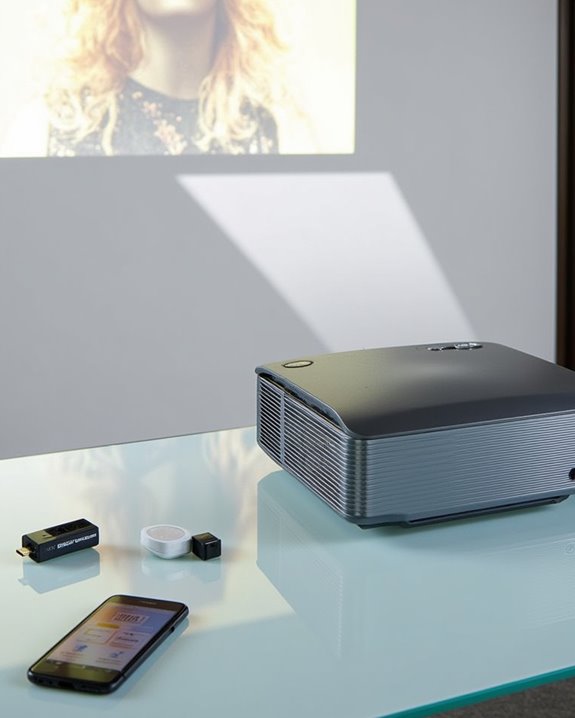
Modern projectors offer impressive image quality and advanced features, but achieving a truly flexible setup often depends on the right accessories for wireless projection. To enable Screen Mirroring, you’ll need wireless Wi-Fi mirroring devices or wireless screen casting kits, which let you connect laptops, smartphones, and tablets to your projector without any cables. Many 3-in-1 display adaptors, supporting HDMI, USB-A, and charging ports, ensure compatibility across devices and platforms, while plug-and-play functionality simplifies setup. For reliable operation, Power Solutions like portable power banks and charging adaptors help maintain continuous projection during meetings or events. [Projector stands optimize signal reception, and while HDMI cables serve as wired backups, wireless accessories considerably reduce cable clutter, allowing for neat, efficient, and versatile presentations in various environments.] When setting up your projector, it is also important to consider the supported screen sizes and fabric options, as these can affect image quality and compatibility with your projection environment.
Recommended Products

【ENJOY 4K CASTING WITHOUT CORDS】SOCLLLife Wireless HDMI Adapter mirrors 4K video and audio wirelessly from your i-Phone, i-Pad, MacBook, Android smartphones, tablets, laptops, and PC, on larger screens like TVs, monitors, and projectors. Say farewell to tangled HDMI cables and enjoy 4K input & 1080P @60Hz output casting experience in your living room or office

Seamless HD Wireless Streaming: Experience crisp, high-definition visuals with our wireless HDMI display dongle adapter, supporting 4K and delivers an impressive 1080P/60Hz Full HD output.

iOS ONLY = ZERO COMPATIBILITY HEADACHES — Unlike adapters that claim "works with all devices" but fail on Android due to brand/model/OS differences, this adapter is designed exclusively for iPhone & iPad (iOS 7+). No app downloads, no Bluetooth pairing, no WiFi needed — just plug in and your screen mirrors instantly. Works with iPhone 16/15/14/13/12/11 and all iPad models.
Benefits and Drawbacks of Wireless Projector Use
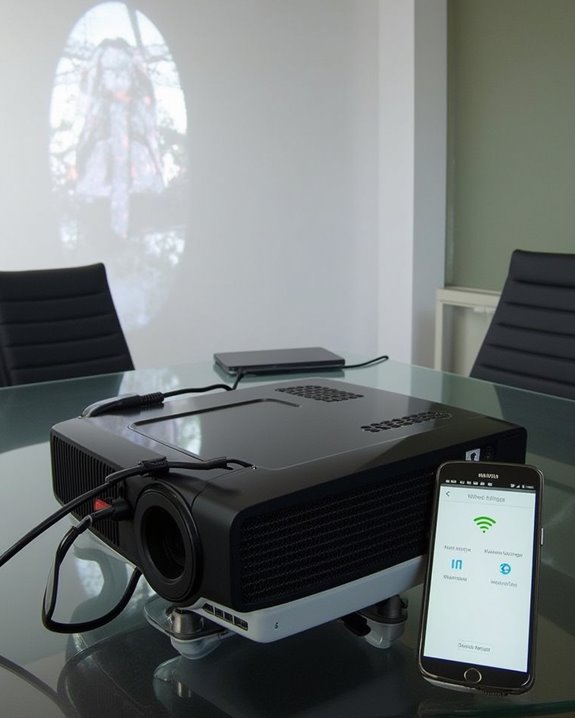
Although wireless projectors promise a cable-free experience, it’s important to assess both their advantages and limitations before deciding if they’re right for your setup. Wireless projectors offer flexibility, letting you connect devices without needing traditional ports, and enable quick shifts between presenters, but they also introduce new technical considerations. You’ll benefit from fewer cables, enhanced mobility, and easier setups, though it’s vital to be aware of potential security vulnerabilities, possible picture quality loss, and battery life concerns, especially when using portable models. Network dependence means stable WiFi is essential, and proprietary software requirements may limit compatibility. Many wireless projectors are compatible with multiple systems, which helps ensure ease of use across different devices and environments.
- Increased flexibility and mobility without cables
- Potential for security vulnerabilities in wireless connections
- Picture quality may be slightly reduced versus wired setups
- Battery life limitations with portable wireless projectors
- Greater dependence on strong, reliable network connections
Recommended Products

【Built-in WiFi & Bluetooth Projector with Apps】Dual-band WiFi 2.4G + 5G ensures fast and stable wireless streaming. Bluetooth 5.2 supports speakers and headphones. Built-in apps like YouTube and Prime Video are supported, and the projector is compatible with TV sticks (not included) to access a wide range of streaming content and enjoy massive video libraries, making it a perfect movie projector.
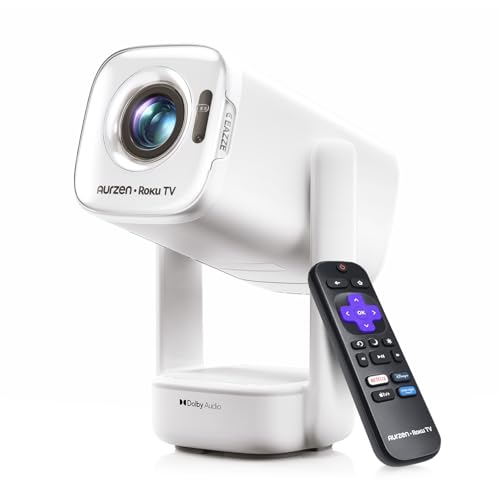
A Roku account and internet connection are required for activation (Creating an account is free)
Frequently Asked Questions
Can Projectors Be Used Outdoors Without Wifi?
It’s a happy coincidence that you’re asking—projectors can absolutely be used outdoors without WiFi. For outdoor use, you don’t need wireless connectivity; just connect devices via HDMI or USB and play pre-downloaded content.
How Do You Update Projector Firmware Without Internet?
You don’t need Internet connectivity for firmware updates. Just download the firmware file from the manufacturer’s website using another device, transfer it to a USB drive, connect it to your projector, and follow the on-screen instructions.
Are There Health Concerns With Wireless Projector Emissions?
You might wonder about health safety with wireless projector emissions. While wireless interference can be a concern, some research links prolonged exposure to electromagnetic radiation with potential health risks, especially for sensitive groups. Limiting exposure’s generally recommended.
Do Projectors Store Any Personal Data During Use?
Think of a projector as a blank canvas—it doesn’t store personal data on its own. Privacy concerns mainly arise if you upload files to its data storage, but most models isolate your info unless you connect and transfer directly.
How Does Projector Brightness Affect Image Quality Without Wifi?
You’ll notice brightness impact directly affects image clarity—too low and visuals look dim, too high and colors wash out. You don’t need WiFi; adjusting brightness via the projector’s controls guarantees the best clarity for your environment.